

AI Tutorial
Use Codex to Develop Code Online with AI Agents
Learn how to use OpenAI Codex to plan, modify, and deploy code from a GitHub repository without manual coding.
Share
This guide shows how to use OpenAI’s Codex to make your first repository update without hand-coding. You’ll connect a repo, configure an environment, plan changes, let the agent implement them, preview results, and open a pull request.
Who This Is For
- Non-developers looking to build with AI agents
- Product managers and founders are testing ideas
- Designers converting concepts into functional code
- Developers aiming to speed up prototyping
What Is OpenAI Codex?
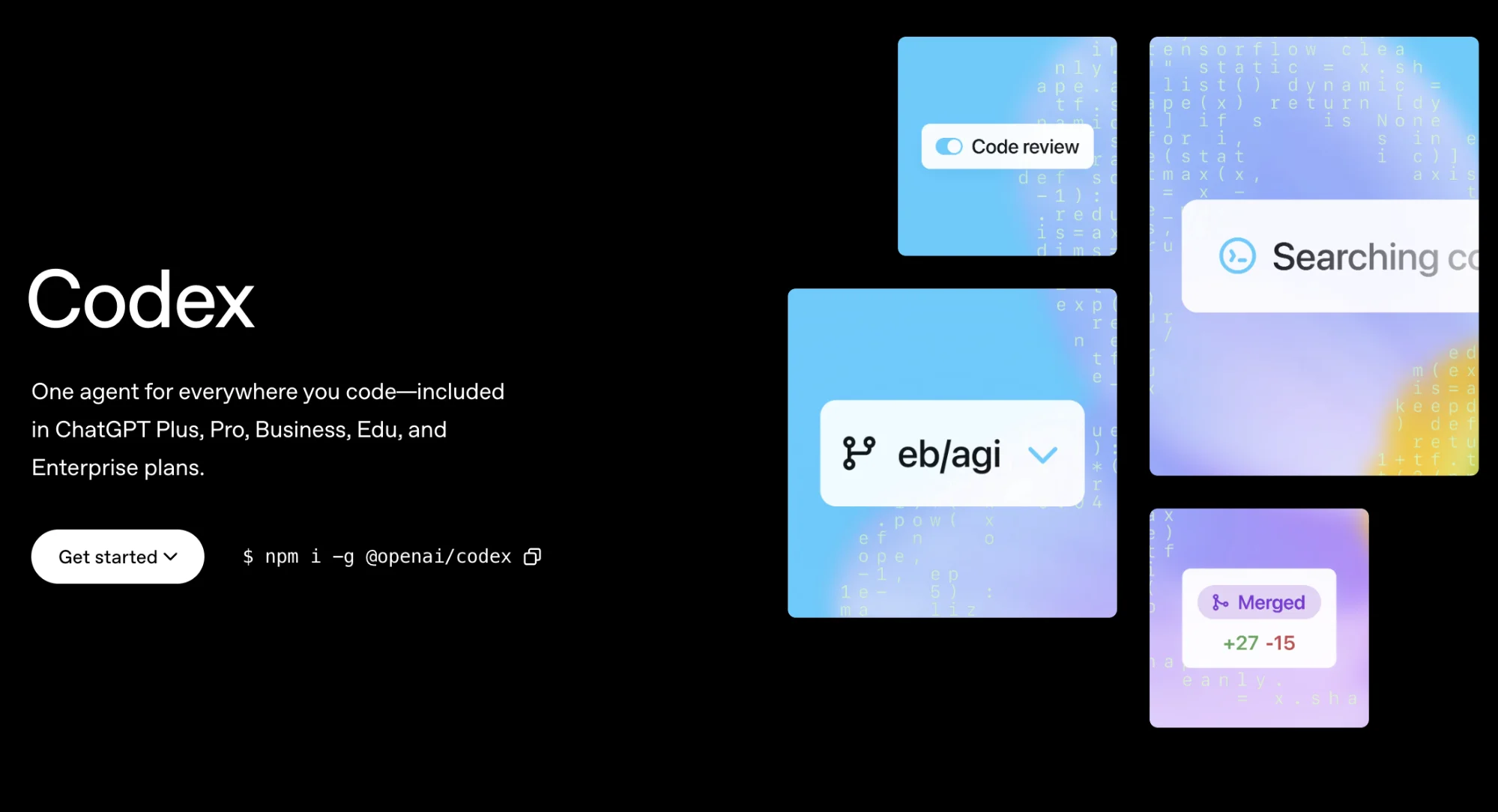
Codex is OpenAI’s AI agent designed specifically for programming tasks. Comparable tools include Claude Code and Cursor.
It supports multiple workflows, including:
- IDE or terminal usage
- Cloud-based interface (web)
- Mobile access
STEP 1: Access Codex
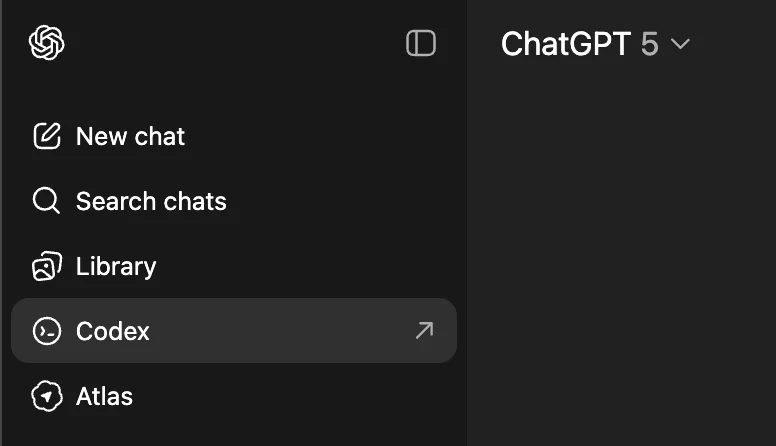
Open ChatGPT and navigate to the left sidebar, then select “Codex.”
You’ll enter the main interface, where setup begins.
STEP 2: Configure Environment and Repository
Within the interface, select “Manage Environment.”
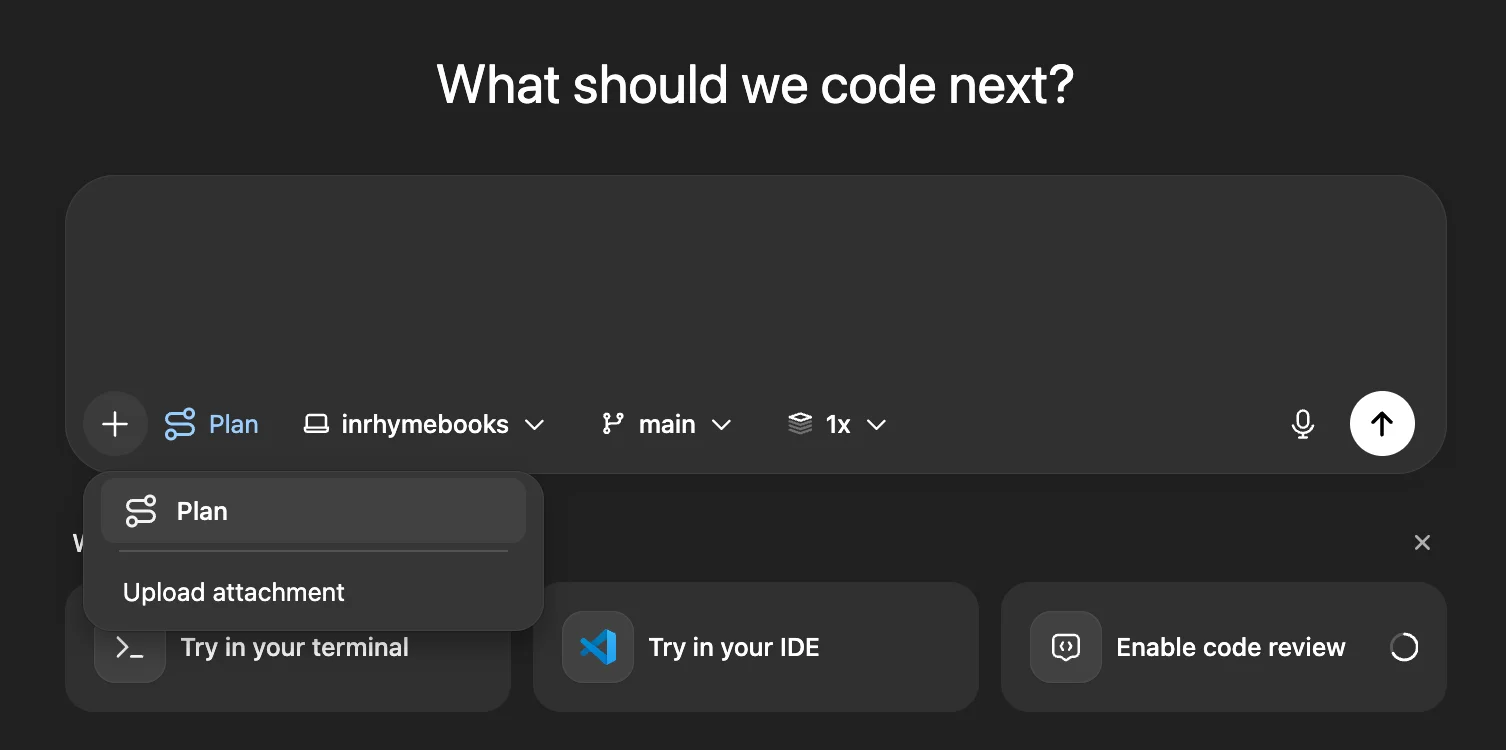
Choose your GitHub organization, the specific repository, and define execution settings for your code.
STEP 3: Decide Between Planning and Execution
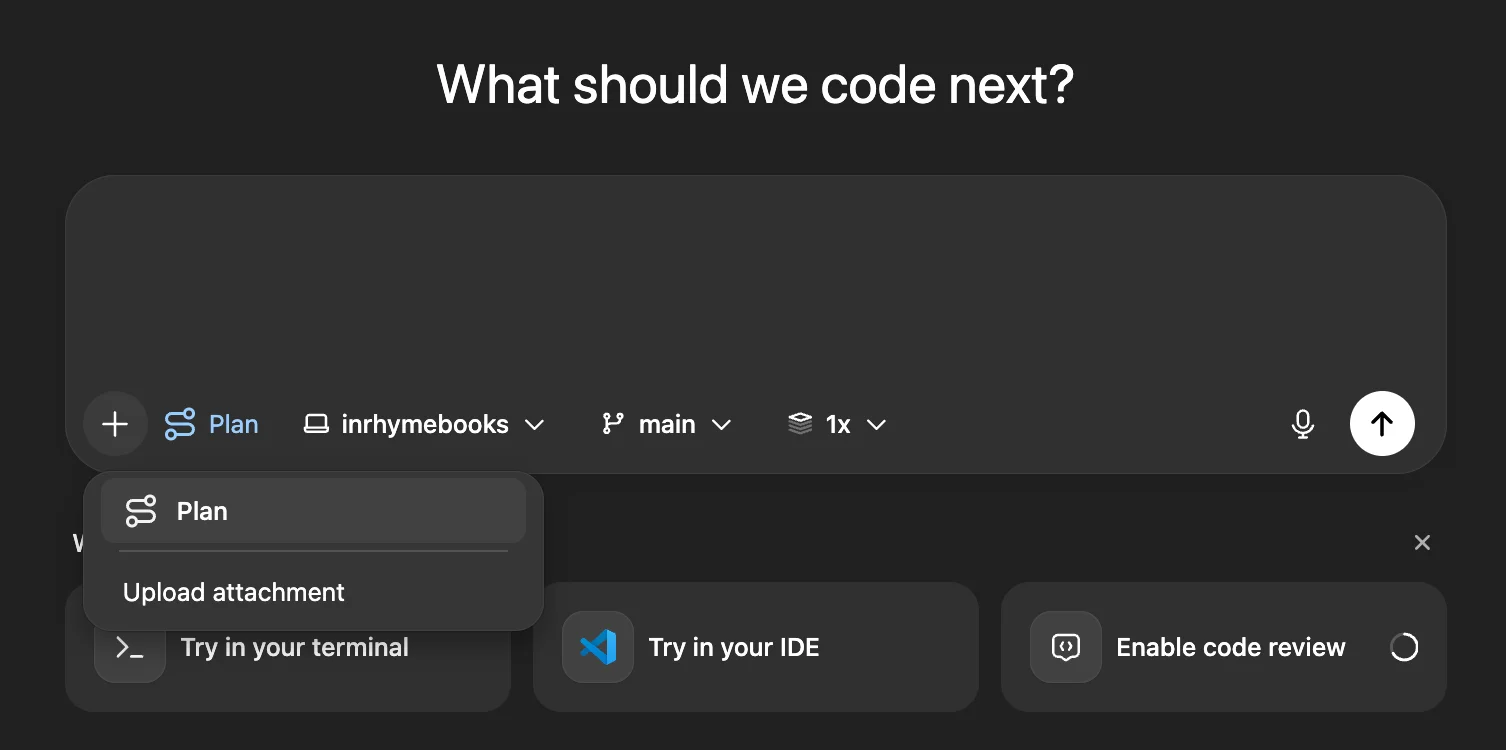
Return to the main interface and choose either “Plan” or “Execute.”
- Plan: Outline scope and approach without modifying code
- Execute: Apply changes directly to a branch or main
Note: Running execution without proper planning can disrupt your codebase. Use a separate branch or fully plan first.
Example Prompt:
“Can you explain what this project does?”
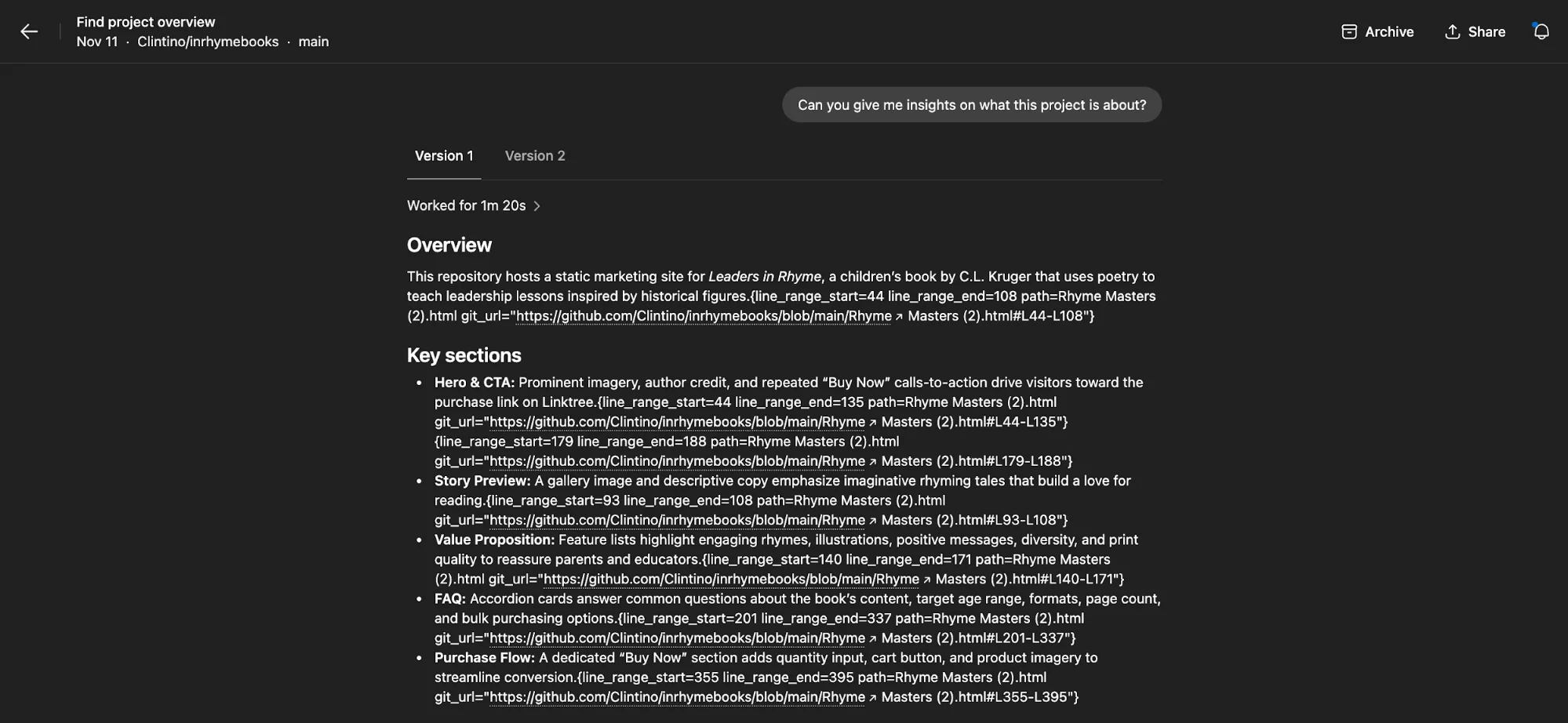
The AI will return a structured overview, including key components of the project.
STEP 4: Apply Changes with Codex
Provide a clear instruction for the modification you want.
Example Prompt:
“Convert this static landing page into a site where users can submit their own stories and poetry.”
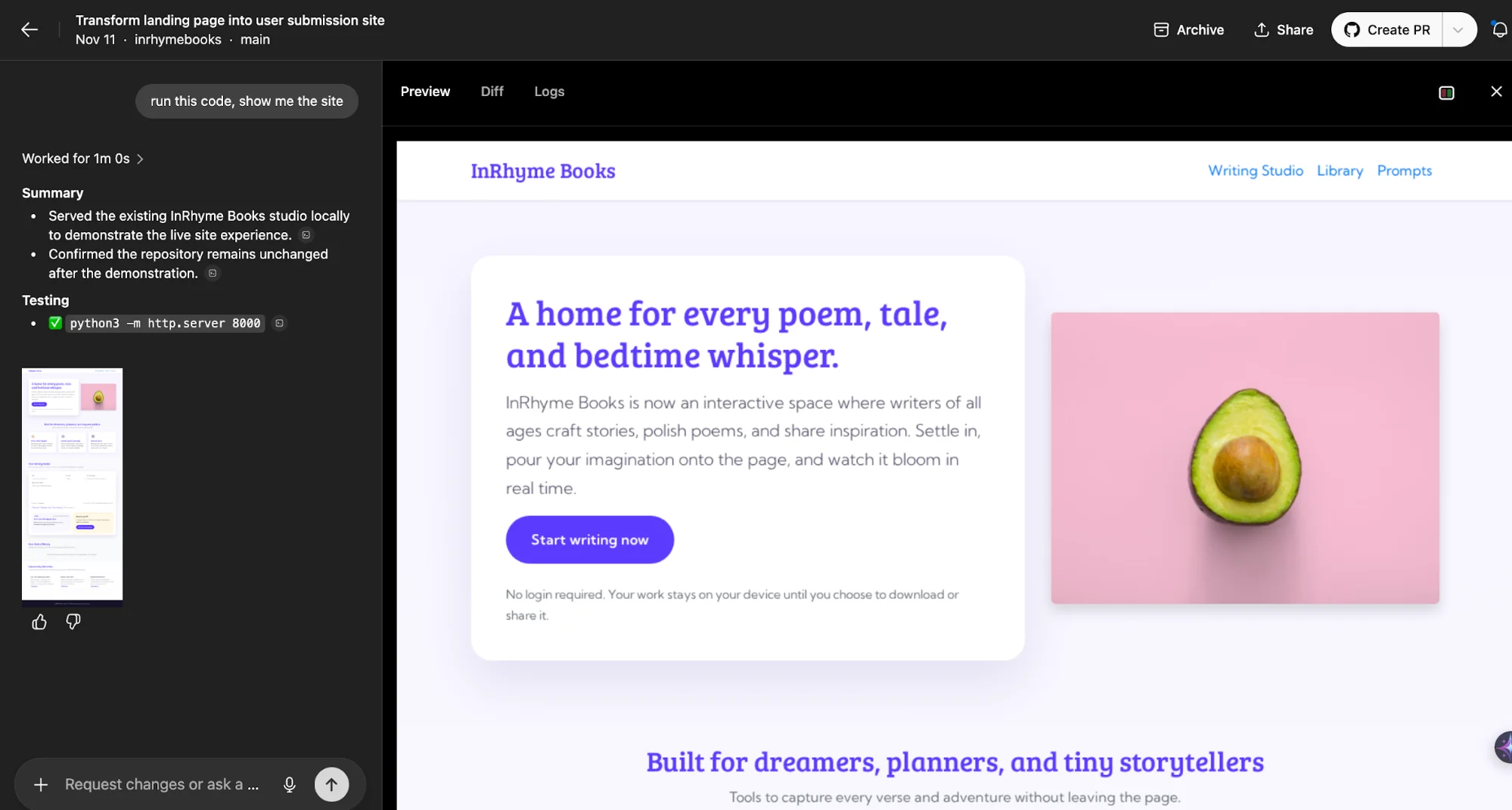
You’ll see a preview of how Codex updates your code. For a visual output, you can ask:
“Run this and show me the result.”
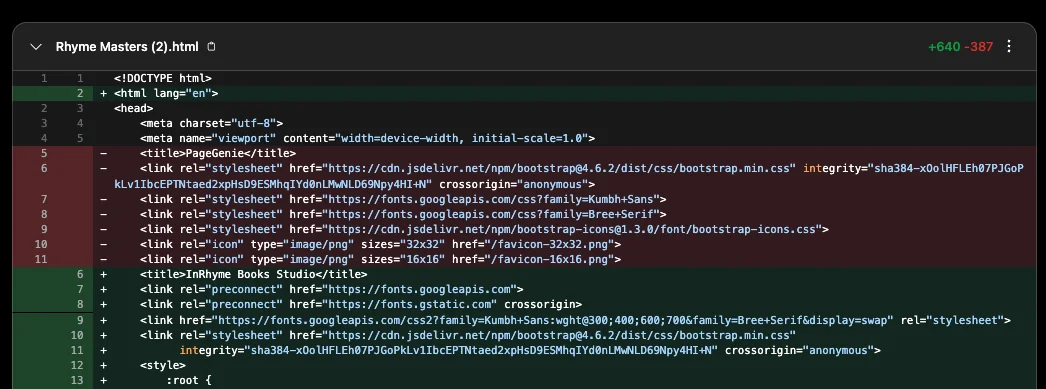
Once satisfied, finalize by selecting “Create PR” to open a pull request.
Pro Tip
Work in branches to reduce risk. Avoid making direct changes to the main branch unless necessary.

Emily Newton
Emily Newton is an experienced Editor-in-Chief who has spent the last decade sharing her insights on science and technology advances through platforms like IoT for All and DZone. She is deeply interested in showcasing how connected technologies and smart ecosystems transform modern businesses. When she isn’t writing, Emily enjoys walking local trails, playing video games, or curling up with a good book.



