

AI Tutorial
Use Claude Cowork to Streamline Video Clipping and Editing
Learn how to use Claude Cowork to generate, edit, and manage video clips quickly using prompts and transcripts.
Share
This guide explains how to use Claude Cowork to replace traditional video clipping tools. By using the provided prompt files, you can open Claude and generate your first clips in just a few minutes.
Who This Helps
- Social media marketers
- Podcasters and video editors
- Anyone with long-form video content ready to repurpose
What You’ll Create
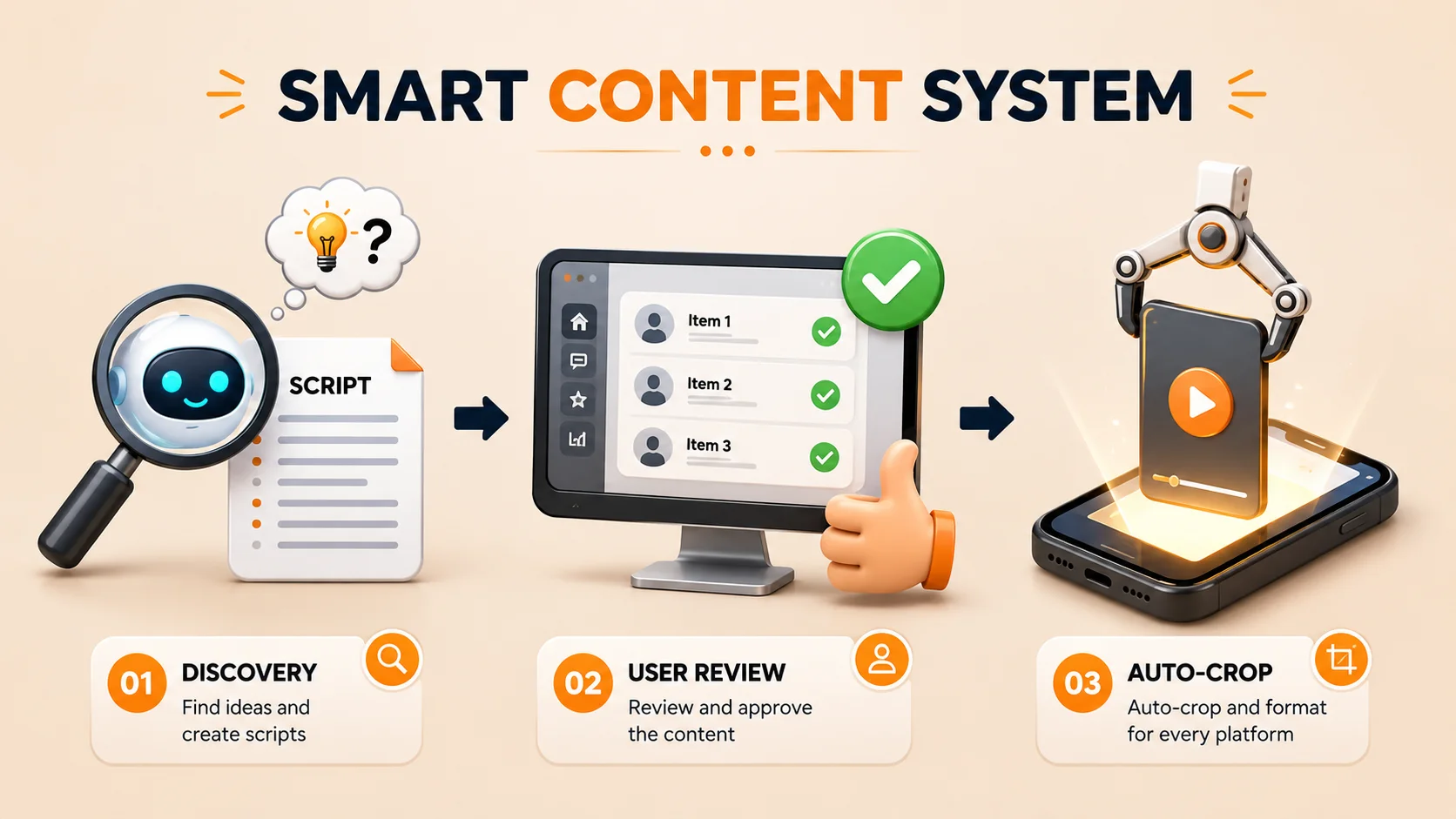
What You Need Before Starting
- Claude Pro plan or higher
- A video file with a timestamped transcript
- The provided prompt files
Step 1: Prepare Your Workspace
Create a new folder and add the following:
- Prompt files
- Video file
- Transcript file
Step 2: Load Files Into Claude Cowork
Open the Claude app on your computer and go to the “Cowork” tab.
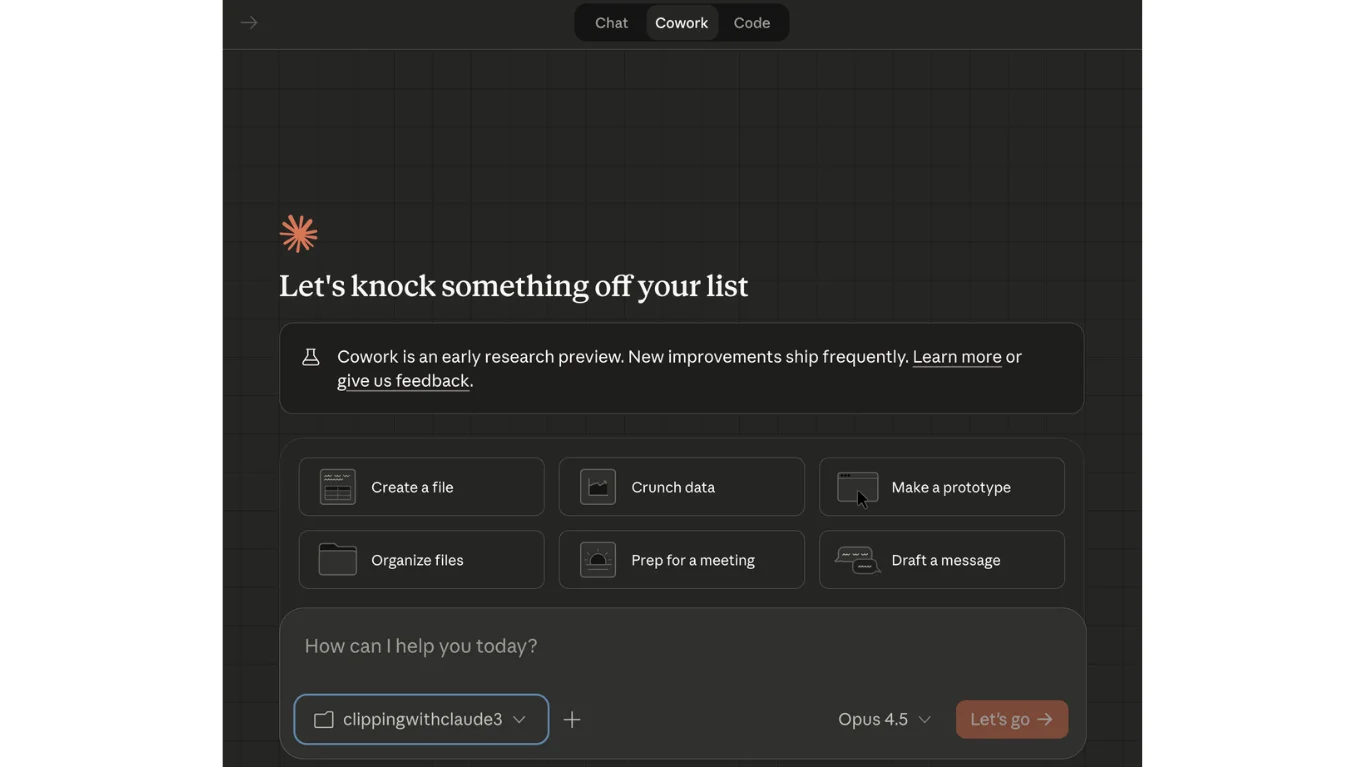
Click the folder icon and select your prepared folder.
Step 3: Generate Clip Ideas
Prompt Claude with:
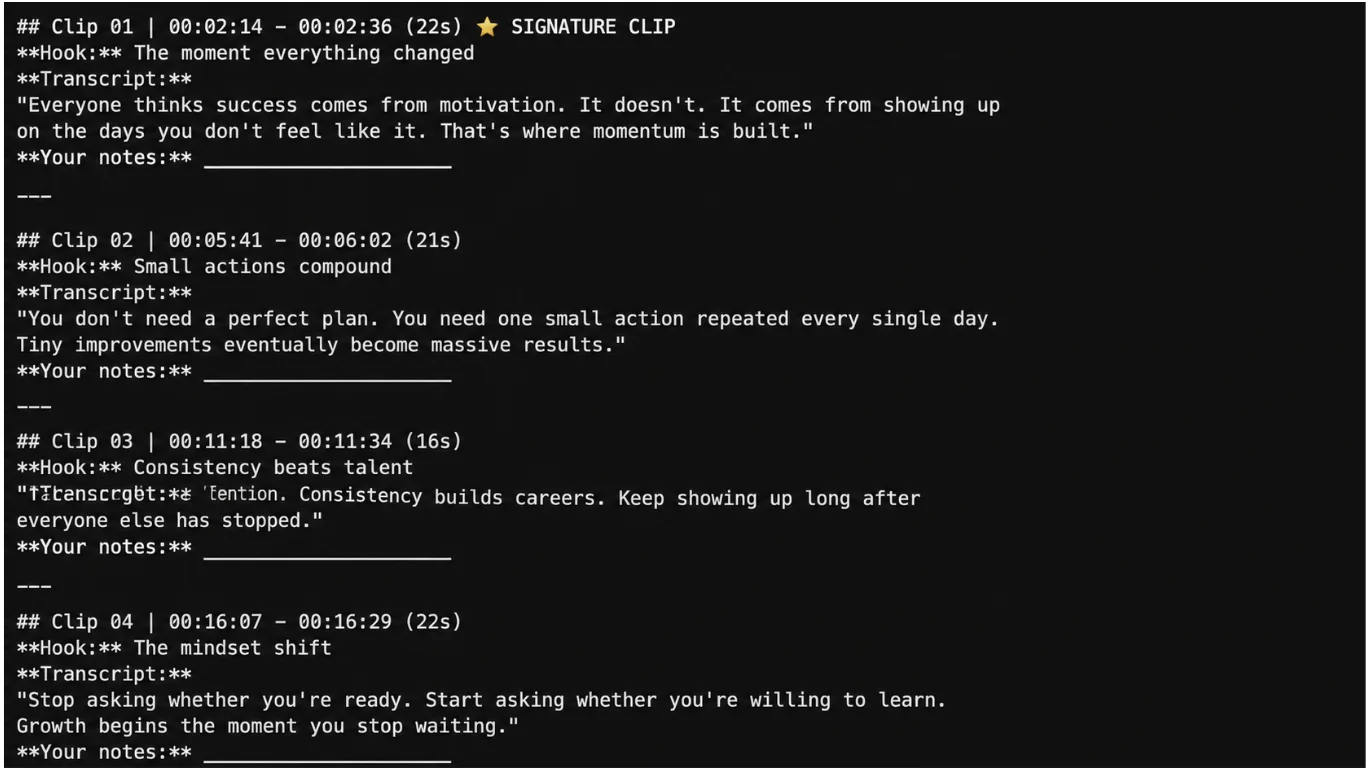
Read the main SOP and scaffold the directory as described. Then find 10 high-impact clip ideas for review.
Claude will generate a clip-review.md file where you can evaluate each suggestion.
Step 4: Create and Edit Clips
Tell Claude which clips to generate:
- Generate clips 1, 4, and 6.
The clips will appear in the /Clips subfolder.
You can also use follow-up commands:
- Combine: Combine clips 4 and 5
- Crop: Crop clip 1 into a vertical format
- Cut: Cut 00:08:00:15 from clip 3
- Mute: Mute clip 5
Next Steps
Generating transcripts with online tools can be slow and inconsistent. Instead, you can create accurate transcripts locally using Claude Code.
Install Whisper: pip install -U openai-whisper
Then open Claude Code and use:
Use openai_whisper to transcribe this video into a .srt file with timestamps.

Emily Newton
Emily Newton is an experienced Editor-in-Chief who has spent the last decade sharing her insights on science and technology advances through platforms like IoT for All and DZone. She is deeply interested in showcasing how connected technologies and smart ecosystems transform modern businesses. When she isn’t writing, Emily enjoys walking local trails, playing video games, or curling up with a good book.



