

AI Tutorial
Understanding ChatGPT Agent Mode: Benefits and Drawbacks
Learn how to use ChatGPT Agent Mode for automated document creation, plus its key advantages and limitations.
Share
You’ll learn how to use ChatGPT Agent Mode to automate research and drafting, plus the main pros and cons of relying on it.
Who It’s For
- Contractors and small business owners exploring agentic AI
- Knowledge workers using tools like Google Docs, Notion, or Slack
- Solo creators outsourcing research and writing
- Anyone wanting quick first drafts with minimal effort

Step 1: Enable Agent Mode
Open ChatGPT and click the “+” menu. Select Agent Mode.
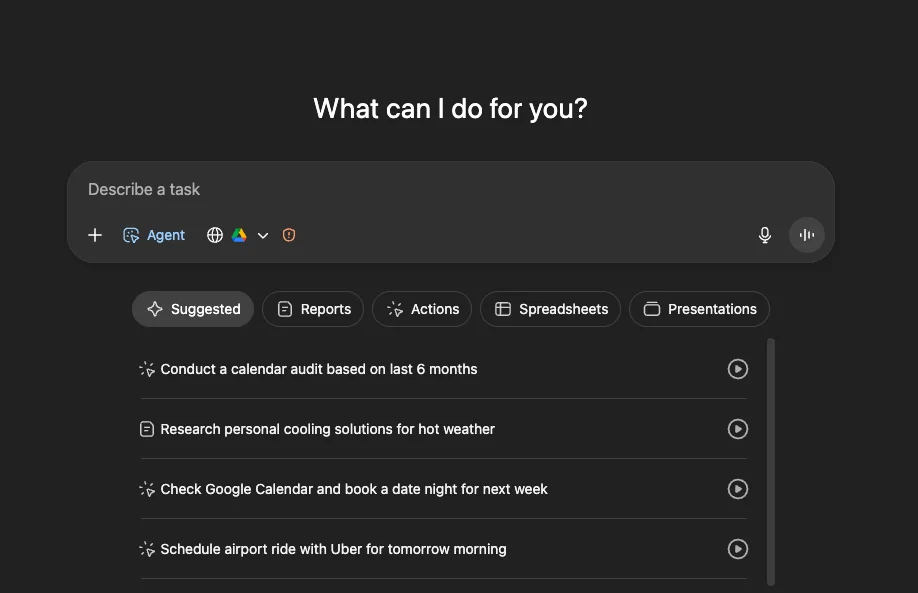
You’ll see how many runs are available (e.g., “36 left”).
Think of it as a tireless assistant that can batch tasks, though it may not always be precise.
Step 2: Select Tool Access
In settings, choose which integrations the agent can use (Google Drive, email, Slack, Notion, etc.).
For simple use cases, enabling just one tool (like Google Drive) is often enough.
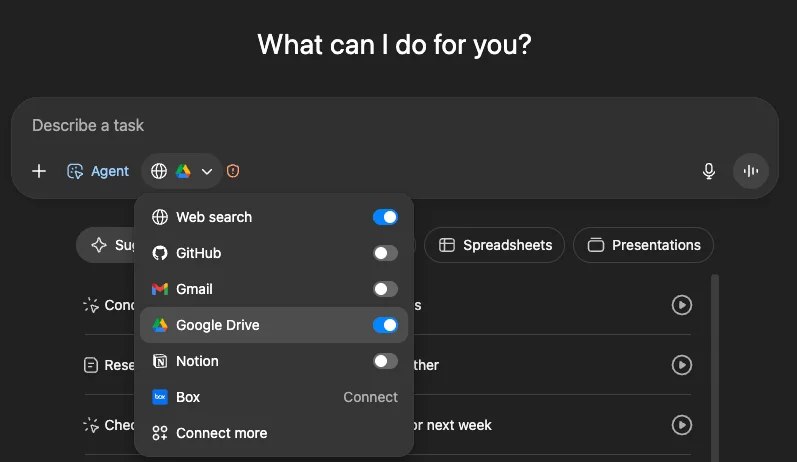
Note: Review privacy implications before connecting accounts. Avoid linking sensitive systems such as financial or medical data.
Step 3: Clearly Define the Task
Provide detailed instructions for best results. Speaking your prompt can feel more natural than typing.
Example:
Explain your situation, your goal, and the exact format you want (e.g., a structured one-page plan in a document).
More context leads to better output; vague prompts produce weaker results.
Step 4: Let the Agent Execute
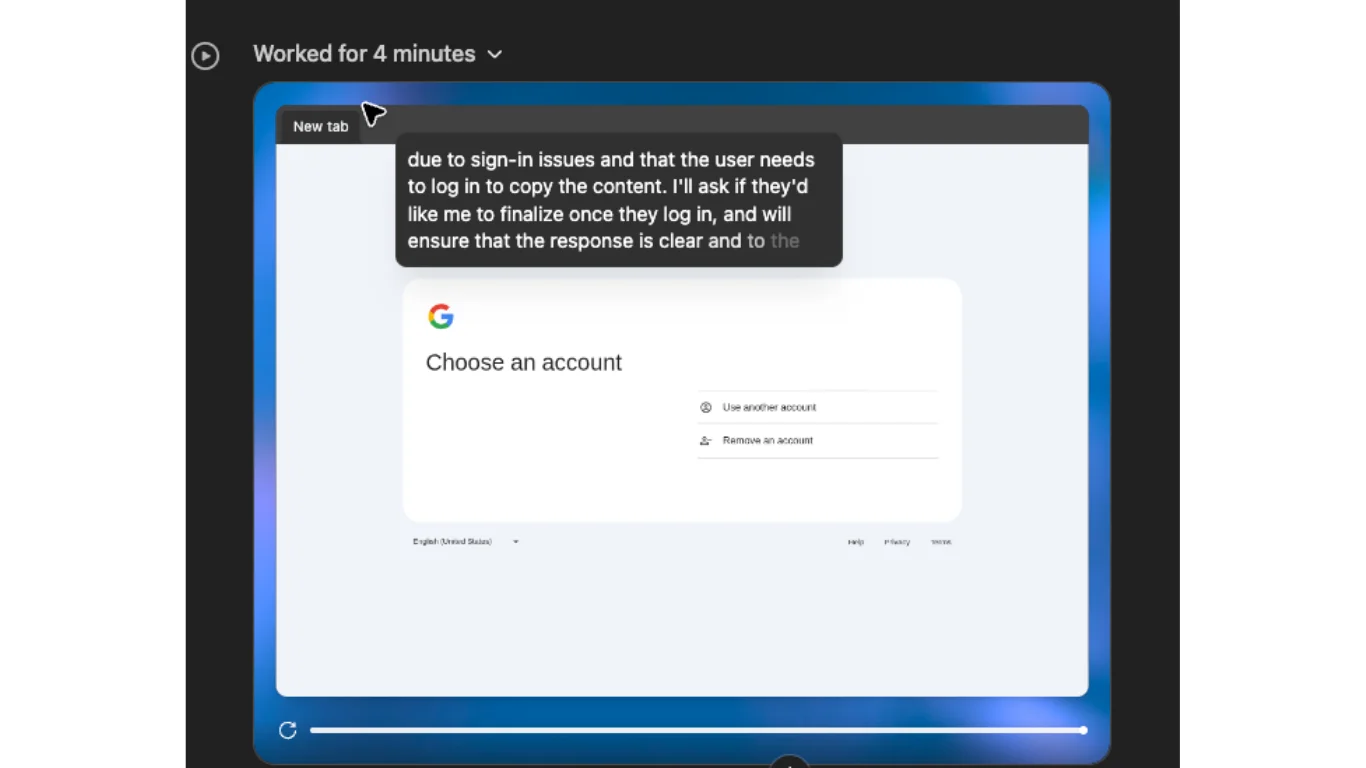
The agent may ask follow-up questions to refine its work.
In some cases, you may need to step in to complete actions like logging into services.
Step 5: Review and Refine
Initial outputs are often rough, with:
- Poor formatting
- Dense text blocks
- Inconsistent structure
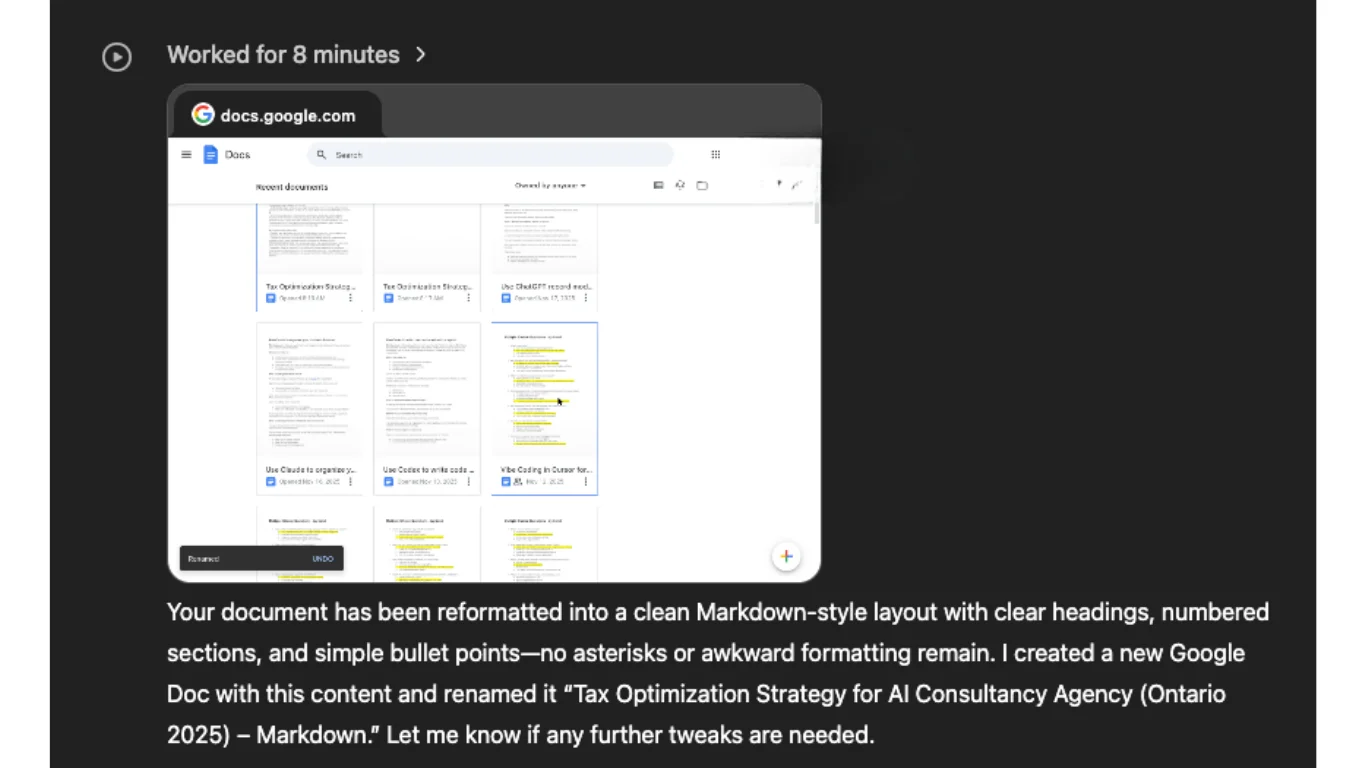
Ask the agent to improve formatting using headings, lists, and sections.
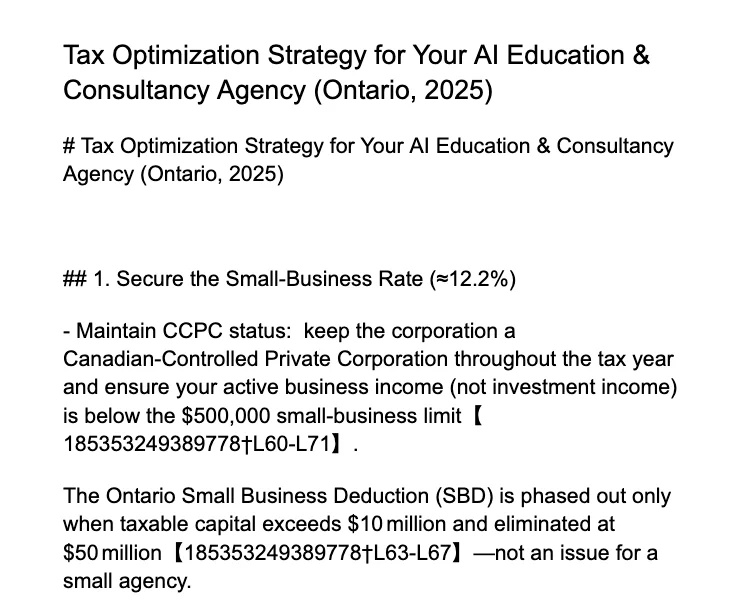
Agent Mode is effective for getting a draft most of the way done, but manual cleanup is usually required.
Pros and Cons
Advantages:
- Saves time on research and drafting
- Works well for batching multiple tasks
- Integrates with common productivity tools
- Useful for generating “good enough” first drafts
Limitations:
- Formatting often needs correction
- May require manual intervention
- Not ideal for sensitive or high-stakes data
- Outputs should be reviewed, especially for legal or financial accuracy
Going Further
- Queue multiple agent tasks at once to maximize productivity
- Use outputs as drafts, then refine manually
- Combine with tools like Google Docs or Notion for final formatting
- Treat the agent as a starting point rather than a finished solution
Pro Tip
Run several agent tasks in parallel, then return later to review, reformat, and finalize each document efficiently.

Emily Newton
Emily Newton is an experienced Editor-in-Chief who has spent the last decade sharing her insights on science and technology advances through platforms like IoT for All and DZone. She is deeply interested in showcasing how connected technologies and smart ecosystems transform modern businesses. When she isn’t writing, Emily enjoys walking local trails, playing video games, or curling up with a good book.



