

AI Tutorial
Turn Selfies Into Professional Headshots With AI
Learn how to turn selfies into polished, realistic headshots using Nano Banana Pro with a simple prompting workflow.
Share
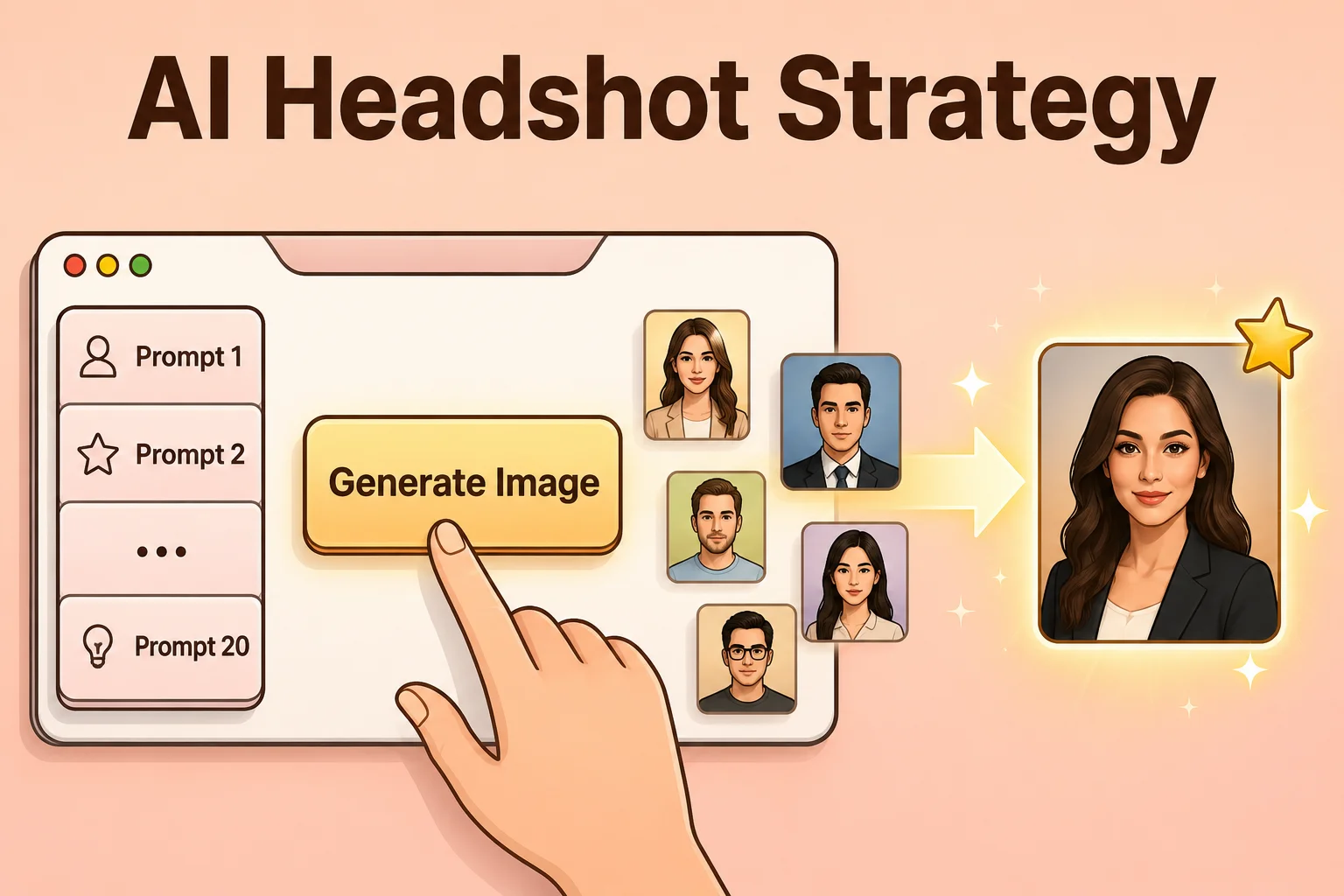
In this guide, you’ll learn a process for converting casual selfies into professional-quality headshots using Google’s Nano Banana Pro. It also explains why many AI-generated headshots look unnatural, and how to avoid that with a specific prompting method.
Who This Helps
- Job seekers looking to improve their profile photo
- Anyone needing a better LinkedIn image
- Teams aiming for consistent profile photos without hiring a photographer
What You’ll Create
What You Need Before Starting
- Google Workspace account
Step 1: Capture a High-Quality Base Photo
A common mistake is relying on AI to fix poor lighting. Bad lighting often causes AI to recreate your face entirely, which leads to unnatural results. Instead, focus on capturing a clean image:
- Background: Use a plain, neutral background similar to a passport photo
- Lighting: Use direct but soft lighting. Try natural light near a window or use screen/flashlight as a light source. Avoid harsh sunlight
- Camera: Use a webcam for better angles. If using a phone, use the front camera with a timer
- Framing: Keep your upper chest visible. Position the camera between shoulder and head height to avoid awkward angles
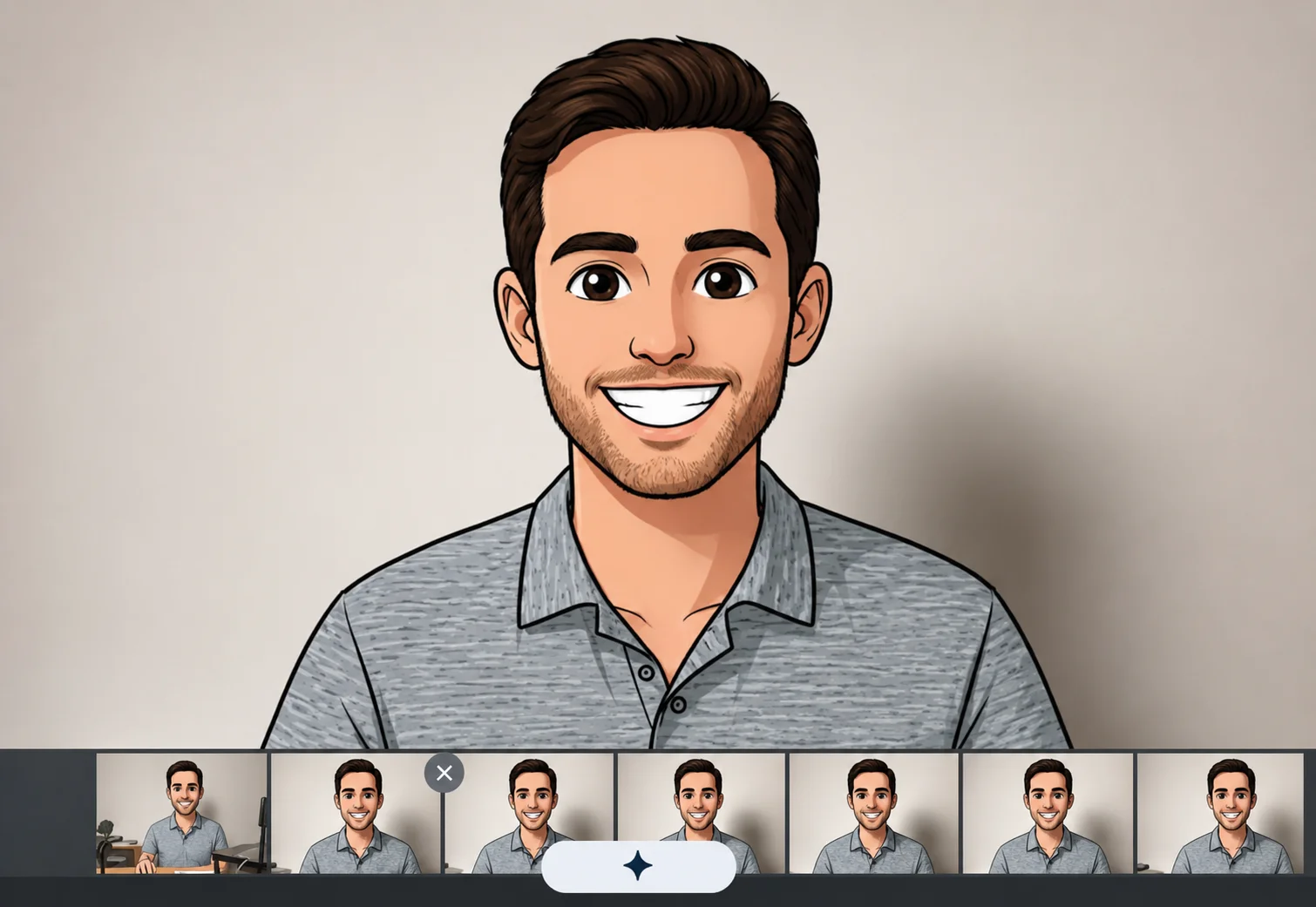
Summary: Treat it like a passport photo using your laptop webcam—AI will handle the enhancement.
Take a few photos to test different options.
Tip: Slightly rotate your torso (around 45°) while facing the camera for better results.
Step 2: Open Nano Banana Pro
Go to aistudio.google.com and open the Playground.
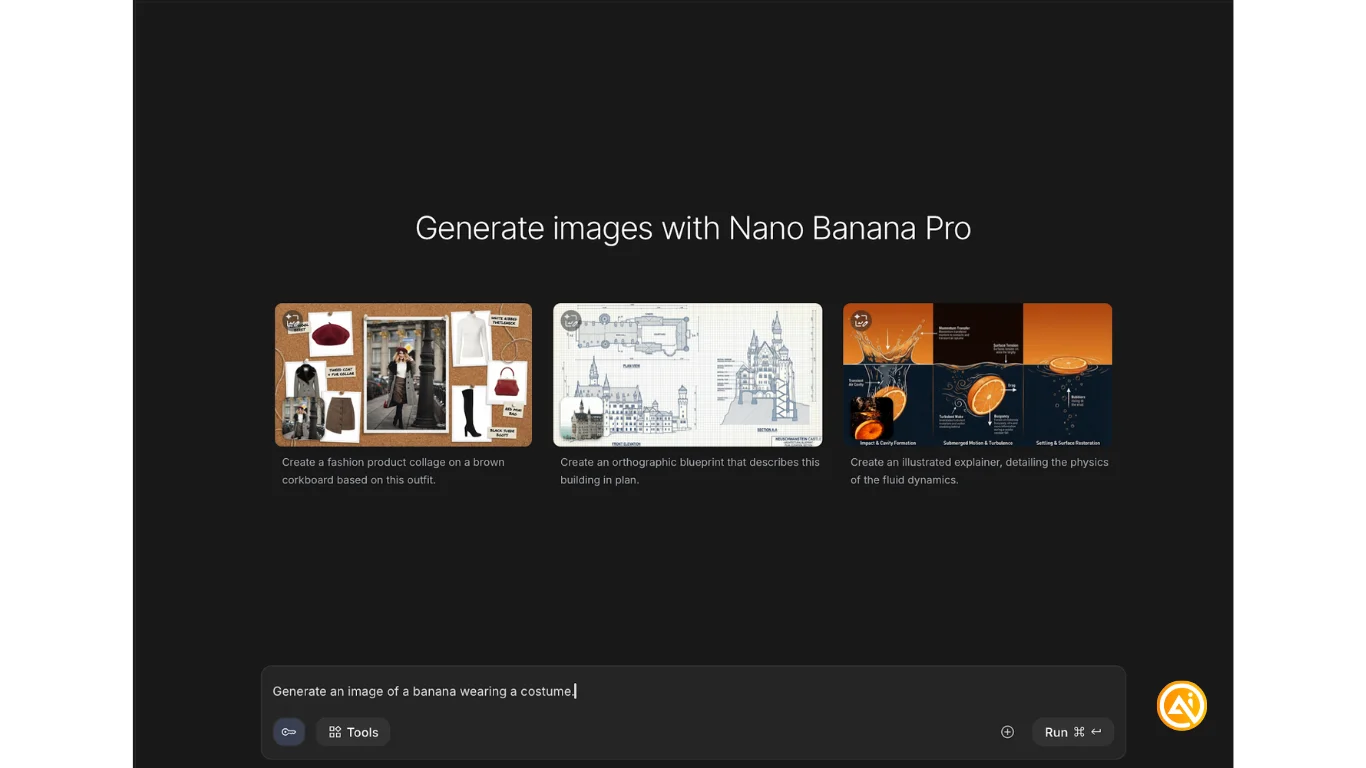
Confirm that Nano Banana Pro is selected.
Tip: Click the key icon and add an API key with Gemini and Nano Banana Pro access enabled.
Step 3: Enhance Instead of Regenerate
To avoid unnatural results, instruct the AI to edit your photo rather than generate a new one.
Upload your image and use this prompt:
Generate: Post-processing enhancement, professional color grading, balanced studio lighting, remove noise and grain, sharpen focus, upscale to 8k, skin texture refinement, subtle dodging and burning, clear and crisp details, maintain exact original facial structure and clothing, photorealistic
Test this prompt across several photos. We tried 20+ variations before selecting the best results. Once you find a strong output, increase the resolution to 4K and regenerate the same image.
Tip: Start a new chat if results begin to decline or repeat.
Next Steps
To experiment further, paste your prompt into Gemini and ask it to generate new variations using the same approach. Make sure it focuses on editing existing images rather than creating new ones from scratch.

Emily Newton
Emily Newton is an experienced Editor-in-Chief who has spent the last decade sharing her insights on science and technology advances through platforms like IoT for All and DZone. She is deeply interested in showcasing how connected technologies and smart ecosystems transform modern businesses. When she isn’t writing, Emily enjoys walking local trails, playing video games, or curling up with a good book.



