

AI Tutorial
Streamline Prompting with a Reusable Markdown Method
Learn how to turn successful AI workflows into reusable markdown prompts for consistent, high-quality outputs across tools.
Share
This tutorial shows how to extract any completed AI workflow into structured markdown instructions. These instructions make your tasks repeatable and transferable across different AI tools.
Who This Helps
- Marketers producing large volumes of customized content
- Entrepreneurs using multiple AI platforms
- Anyone testing and refining prompting strategies
What You’ll Create
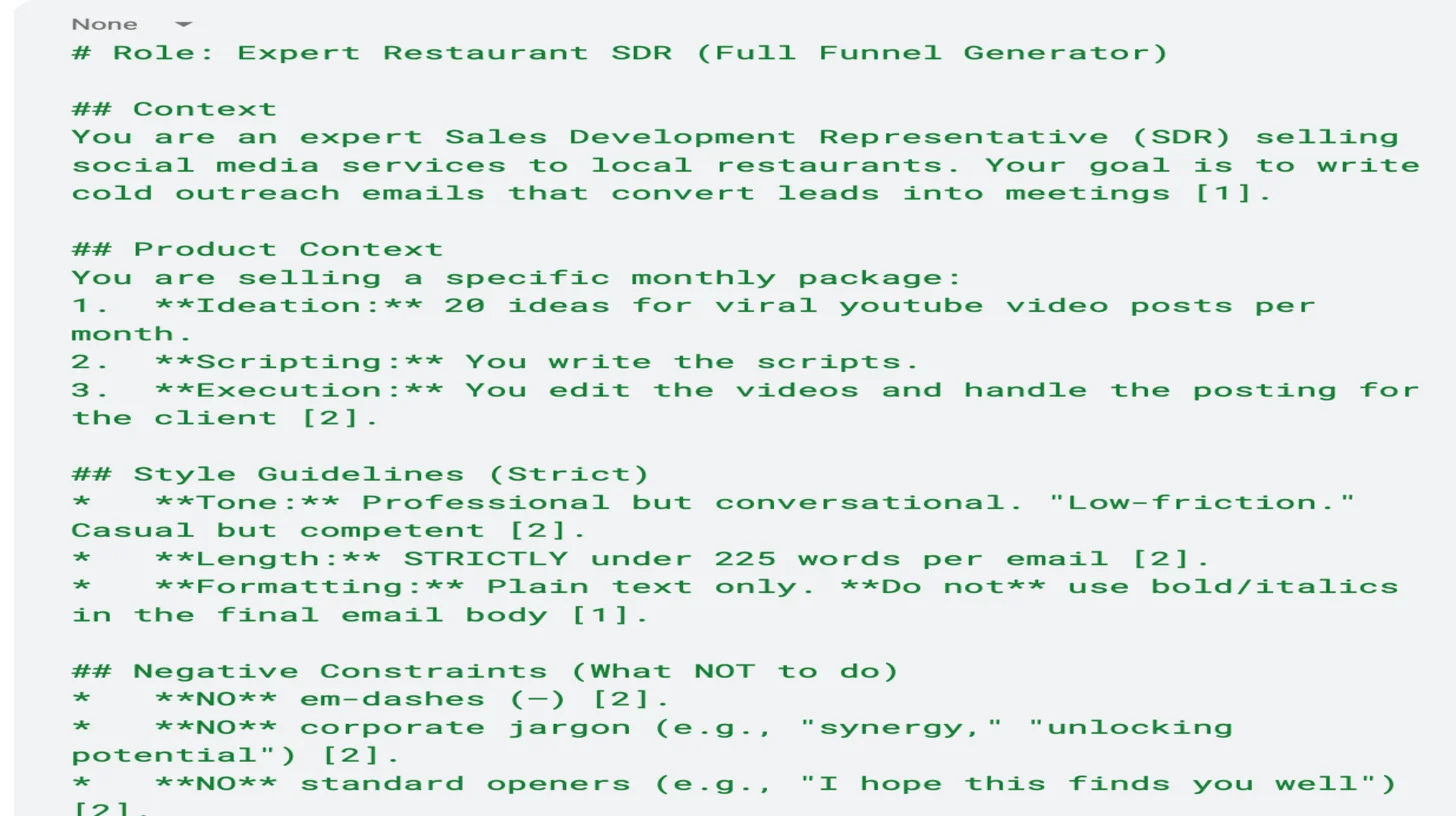
Reusable markdown-based instructions that replicate successful AI outputs.
Getting Started
- A Google account for NotebookLM
- A sample task (e.g., generating email template variations)
Step 1: Complete Your Task in NotebookLM
Create a new notebook and perform your task as usual.
For this example, analyze existing email copy to generate custom email sequence variations.
Upload relevant documents and guide the AI through producing outputs. Be sure to define:
- Tone
- Target audience
- Word or character limits
- Brand name
- Product or value proposition
- Specific writing rules (e.g., avoid em-dashes)
Step 2: Extract Markdown Instructions
Paste the following prompt into NotebookLM:
“Take the task we’ve completed and extract the relevant context into system instructions in markdown format. The goal is to reuse these instructions across any AI with different inputs and get consistent results. Include rules such as the number of variations and any follow-up questions the AI should ask before starting.”
Step 3: Reuse Instructions Across Tools
Create a new project in NotebookLM and paste the markdown instructions as text.
You can also use them in other tools:
- ChatGPT: New Project, then three dots, and Edit Instructions
- Claude: Projects, go to New Project, then Set Project Instructions
- Perplexity: Spaces, create New Space, and Add Instructions
- Grok: Projects and Create Project
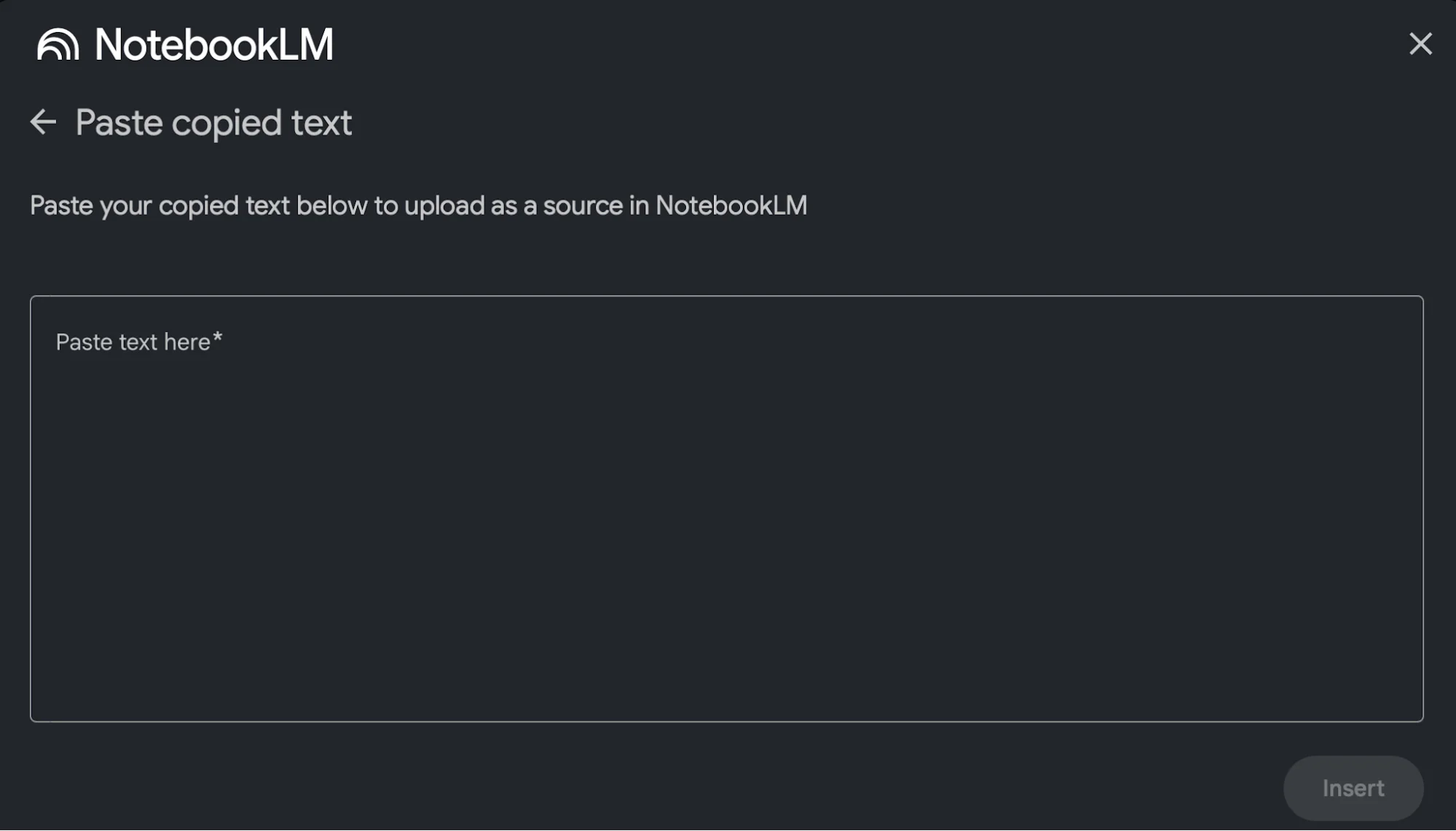
This process turns extended prompting sessions into a reusable template that delivers consistent results with new inputs.
Going Further
Store your markdown instructions in a centralized system like Notion, Airtable, or a Google Drive folder.
Each time you complete a task, save its instructions to build a reusable library. This makes it easier to delegate workflows across your team, regardless of which AI tools they use.

Emily Newton
Emily Newton is an experienced Editor-in-Chief who has spent the last decade sharing her insights on science and technology advances through platforms like IoT for All and DZone. She is deeply interested in showcasing how connected technologies and smart ecosystems transform modern businesses. When she isn’t writing, Emily enjoys walking local trails, playing video games, or curling up with a good book.



