

AI Tutorial
Rethink Your Workflow with Claude Cowork
Learn how Claude Cowork enhances your workflow with automation, multitasking, and real-world use cases on your computer.
Share
This tutorial explores how Claude Cowork differs from standard Claude, what it enables, and demonstrates a couple of practical workflows.
Who This Helps
- AI users who want advanced capabilities without coding
- Claude Pro users considering upgrading to Max
- Anyone looking to automate everyday computer tasks
Getting Started
- A MacBook
- Claude Desktop app
- Claude Max subscription ($100/month)
Step 1: Open Claude Cowork
Ensure your Claude desktop app is up to date and launch it.
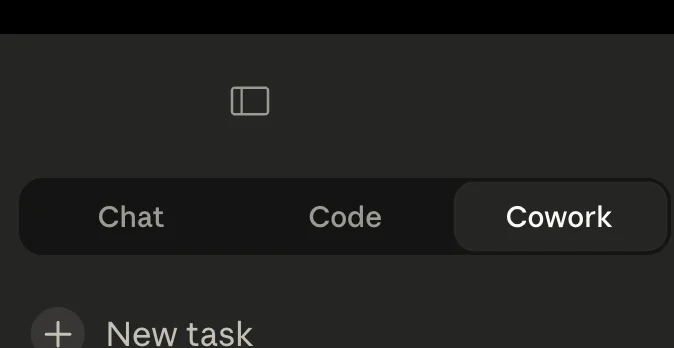
You should see a new Cowork tab available.
Step 2: Prepare Your Files
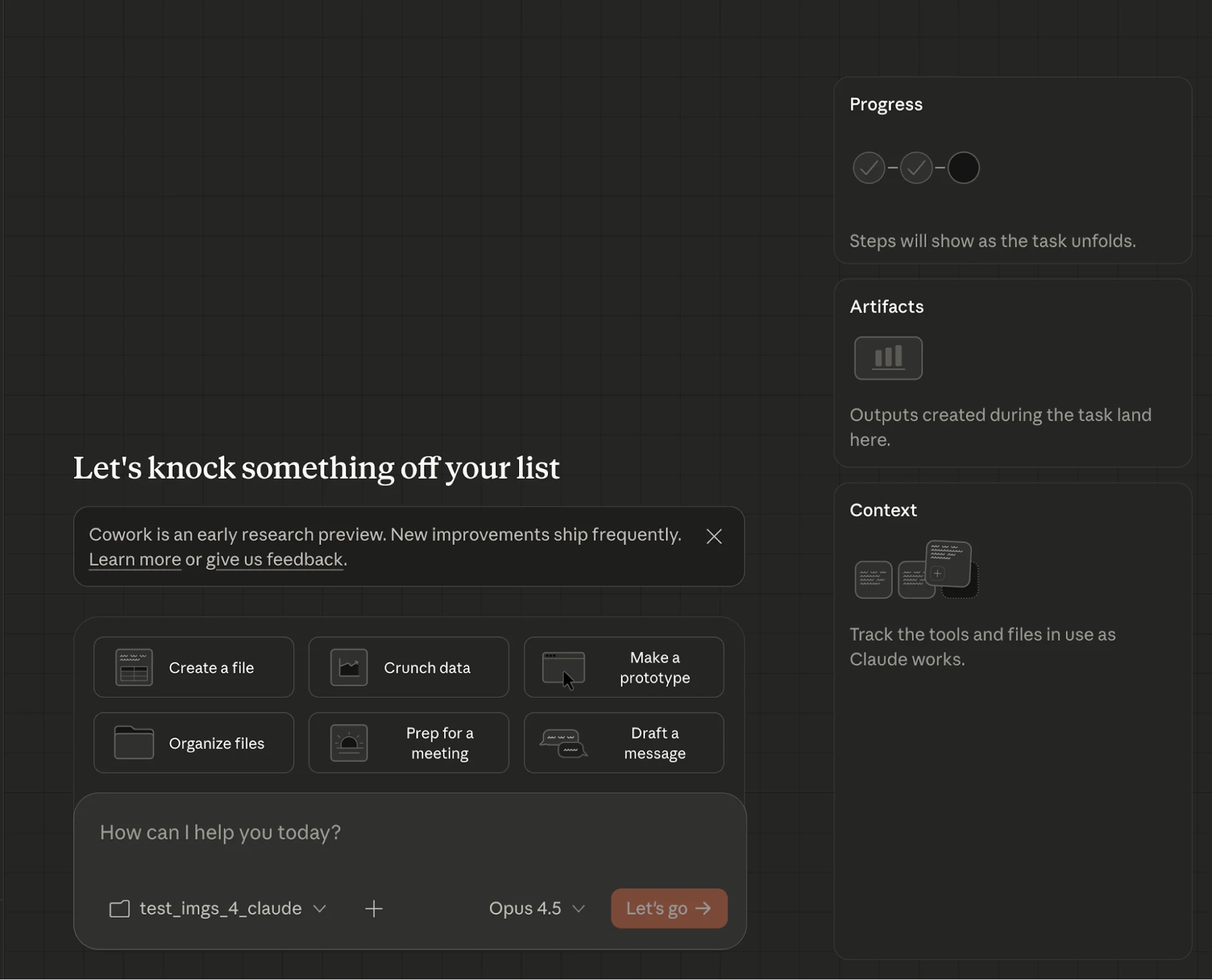
Review the suggested workflows. For this example, the focus is on editing images and videos.
Download sample media or use your own, and place everything into a single folder.
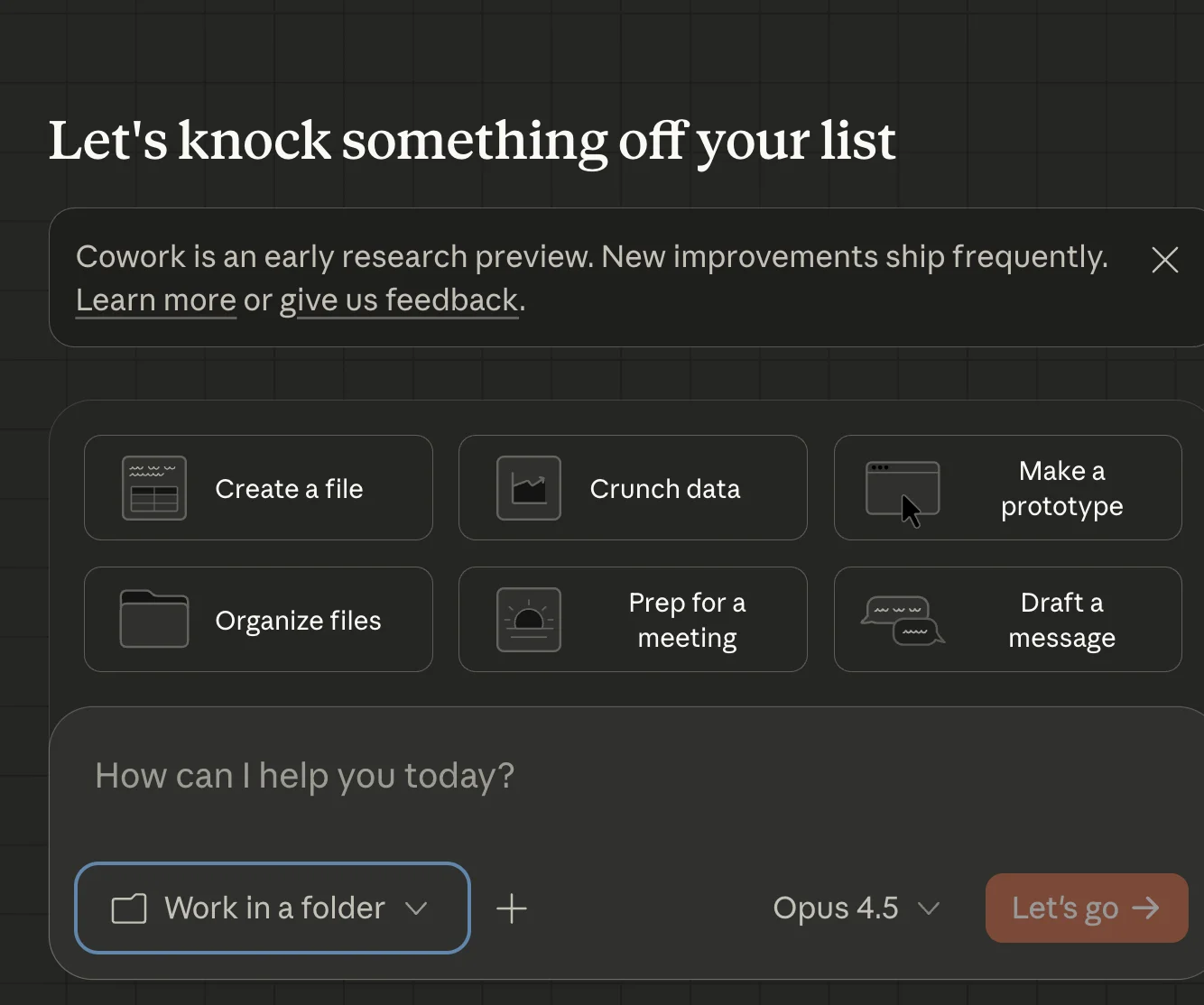
Step 3: Select a Working Folder
Click “Work in a folder” and choose the folder you created.
Step 4: Automate Image Processing
Enter the following prompt:
“Save copies of the images in this folder, then reduce each file size by at least 50%.”
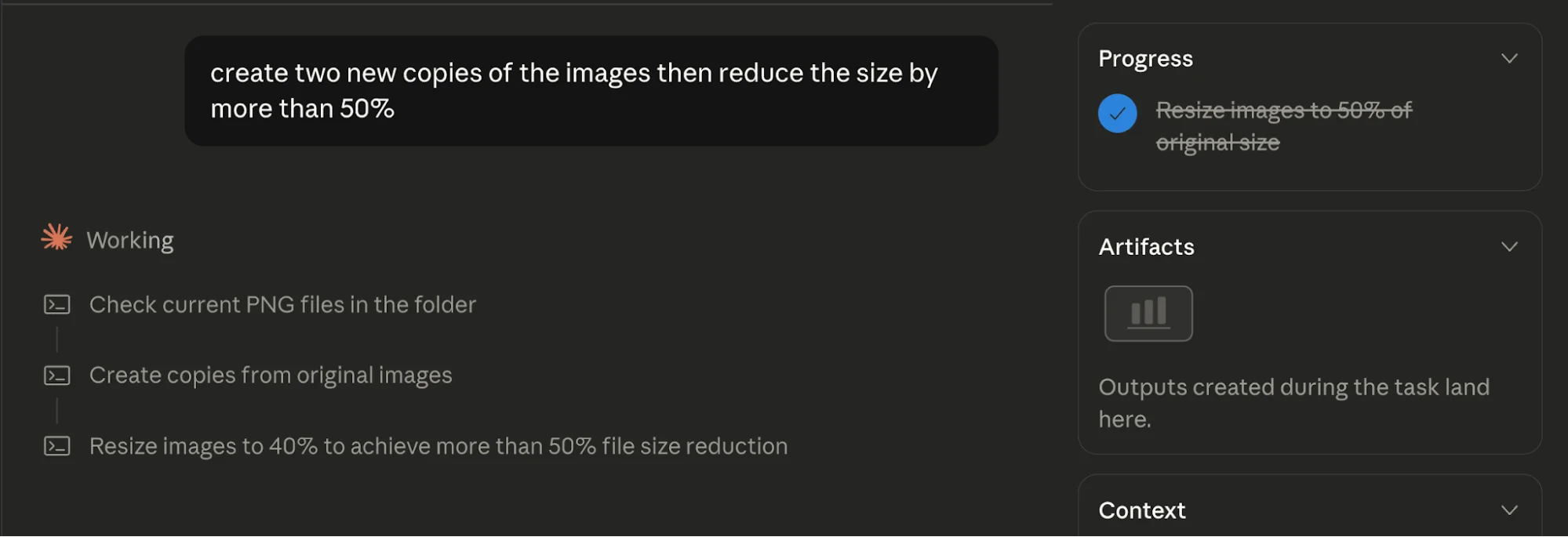
Claude will begin processing files, with progress visible in the interface.
Step 5: Run Parallel Tasks
Enter this prompt:
“Create a copy of the horse video at 2x speed.”
Before it completes, queue another task:
“Extract the audio from the small steps video and save it as an MP3.”
Claude will handle both tasks simultaneously.
Going Further
Go to Settings, then Extensions, and Browse Extensions to expand functionality.
Adding the Context7 extension can improve performance by providing access to open-source documentation.
You can explore additional extensions to automate more tasks on your Mac. Extensions developed by Anthropic are a good starting point.

Emily Newton
Emily Newton is an experienced Editor-in-Chief who has spent the last decade sharing her insights on science and technology advances through platforms like IoT for All and DZone. She is deeply interested in showcasing how connected technologies and smart ecosystems transform modern businesses. When she isn’t writing, Emily enjoys walking local trails, playing video games, or curling up with a good book.



