

AI Tutorial
Prepare Meeting Briefs Automatically with Perplexity
Generate meeting briefs from your Google Calendar using Perplexity. Get company insights, key details, and smart questions before every call.
Share
Preparing for calls often happens at the last minute. You search for the person, scan their company, and try to form questions. This takes time and leads to rushed conversations.
You can set up Perplexity to generate short meeting briefs using your Google Calendar. It pulls context about the person and company before your call.
This gives you clear talking points without manual research.
What you need
- Perplexity account
- Gmail connected to Google Calendar
- Upcoming meetings with attendee details
Who this setup helps
- People with frequent intro or sales calls
- Founders speaking with new contacts
- Anyone without a consistent prep process
What this workflow does
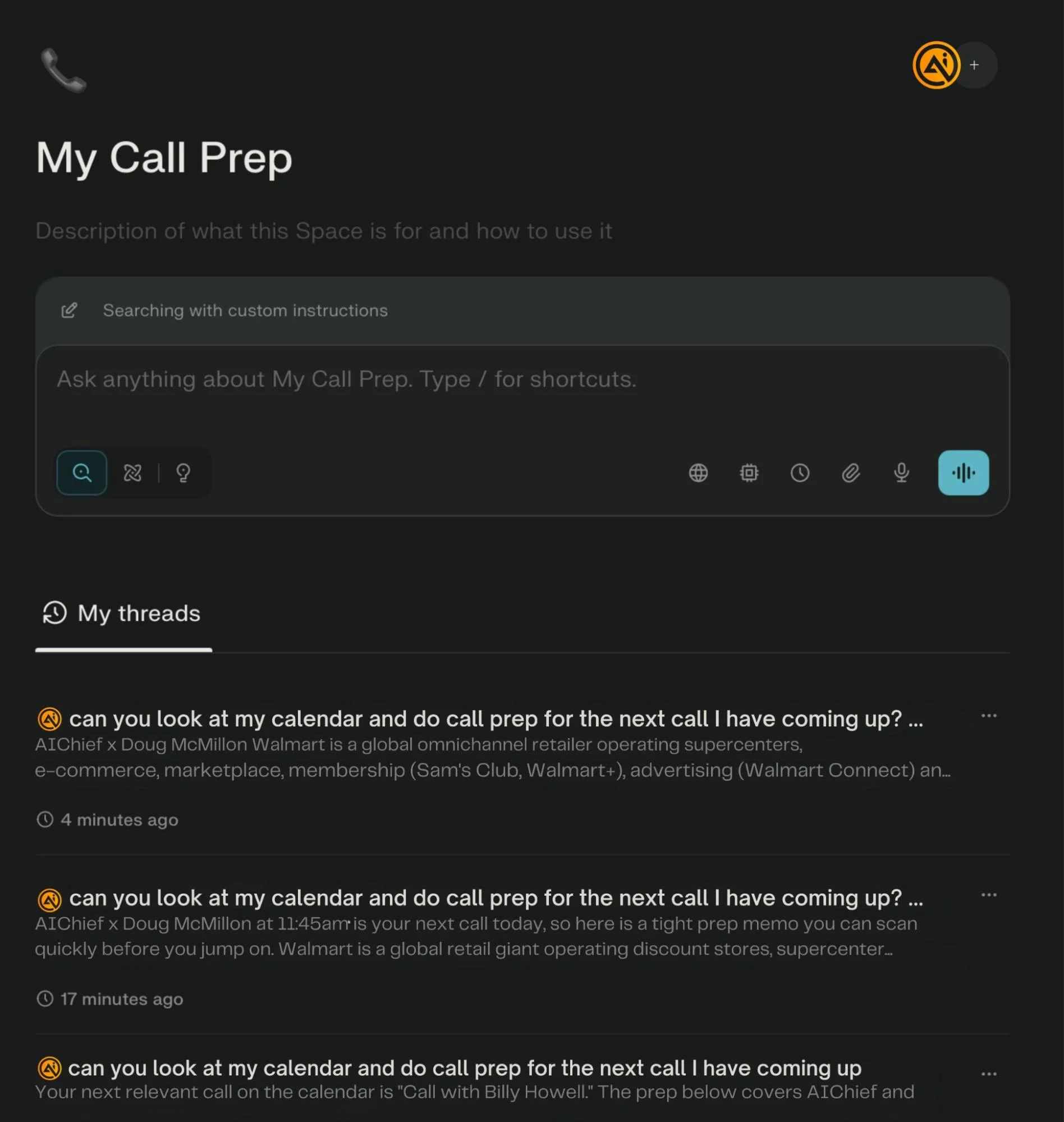
Perplexity reads your upcoming calendar events. It identifies the people involved and gathers public information about them and their company. It then creates a short brief with useful context and questions.
You review the brief before the call and go in prepared.
Step 1. Connect your calendar
Log in to Perplexity. Open your account settings and find connectors. Enable Gmail with Calendar access.
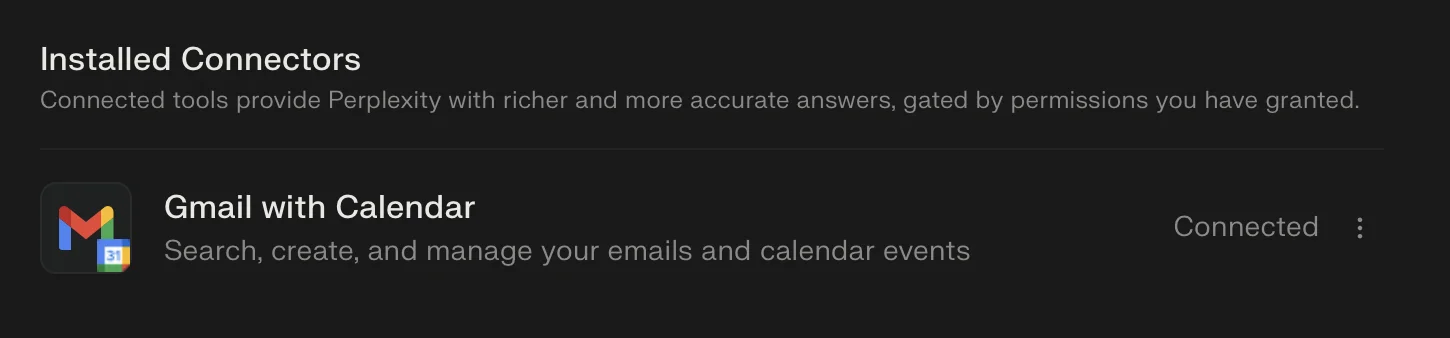
This allows Perplexity to read your upcoming events.
Step 2. Create a test meeting
Open your Google Calendar and create a new event.
- Add a full name in the title
- Include a work email as a guest
You can use any public figure for testing. Skip sending the invite if needed.
This step gives Perplexity a record to work with.
Step 3. Generate your first brief
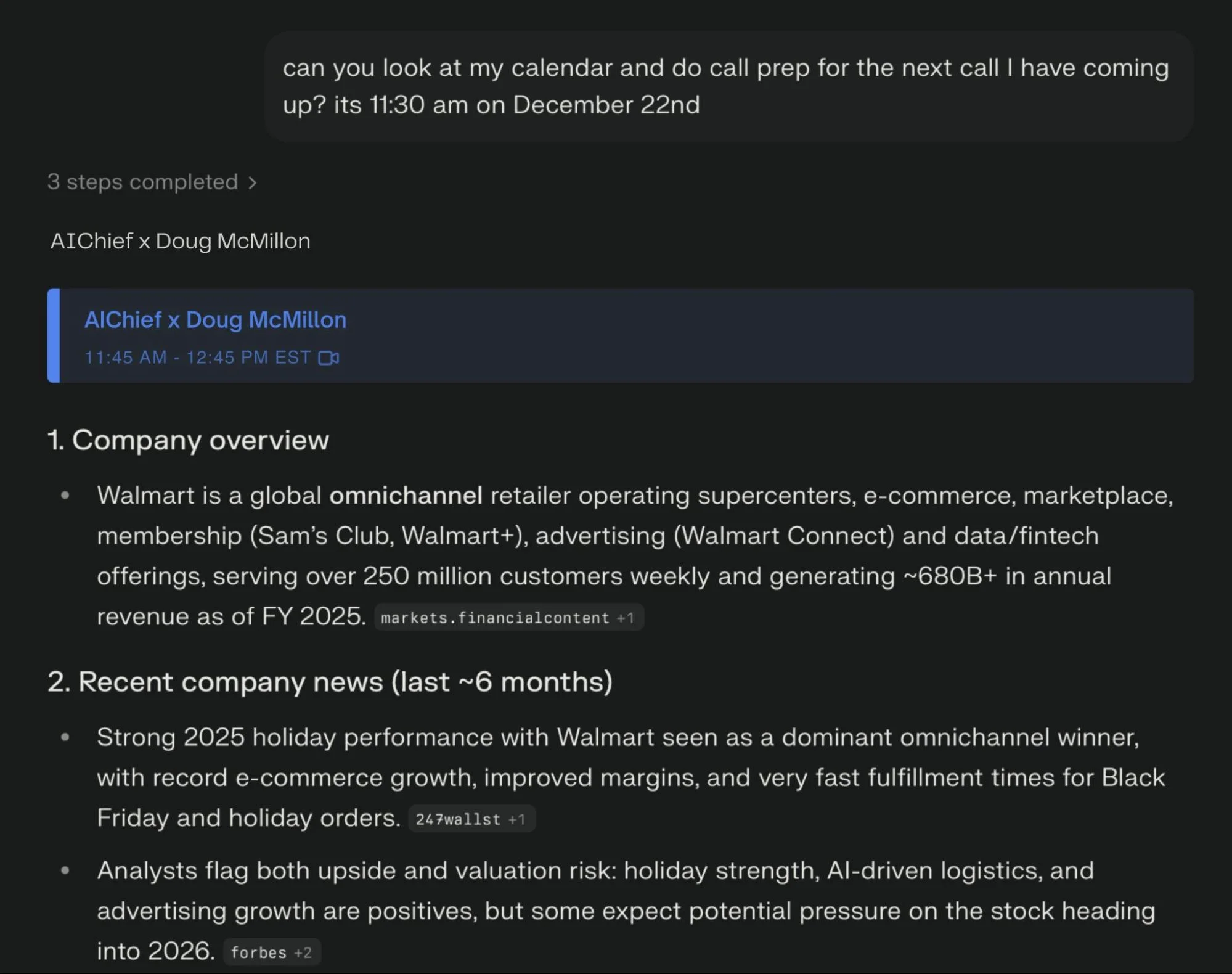
Return to Perplexity and enter this instruction:
Use today’s date and time. Check my Google Calendar and prepare a short meeting brief for my next event.
Include:
- A one line summary of the company
- Key news or updates from the last six months
- Background details about the person
- A few relevant questions I can ask
Run the request. Perplexity will locate the event and generate a structured summary.
Step 4. Improve output quality
You can refine the results by improving your instructions.
Ask Perplexity to gather more context about your role and goals. Let it adjust the format based on how you use these calls.
This leads to more relevant briefs over time.
Make this repeatable
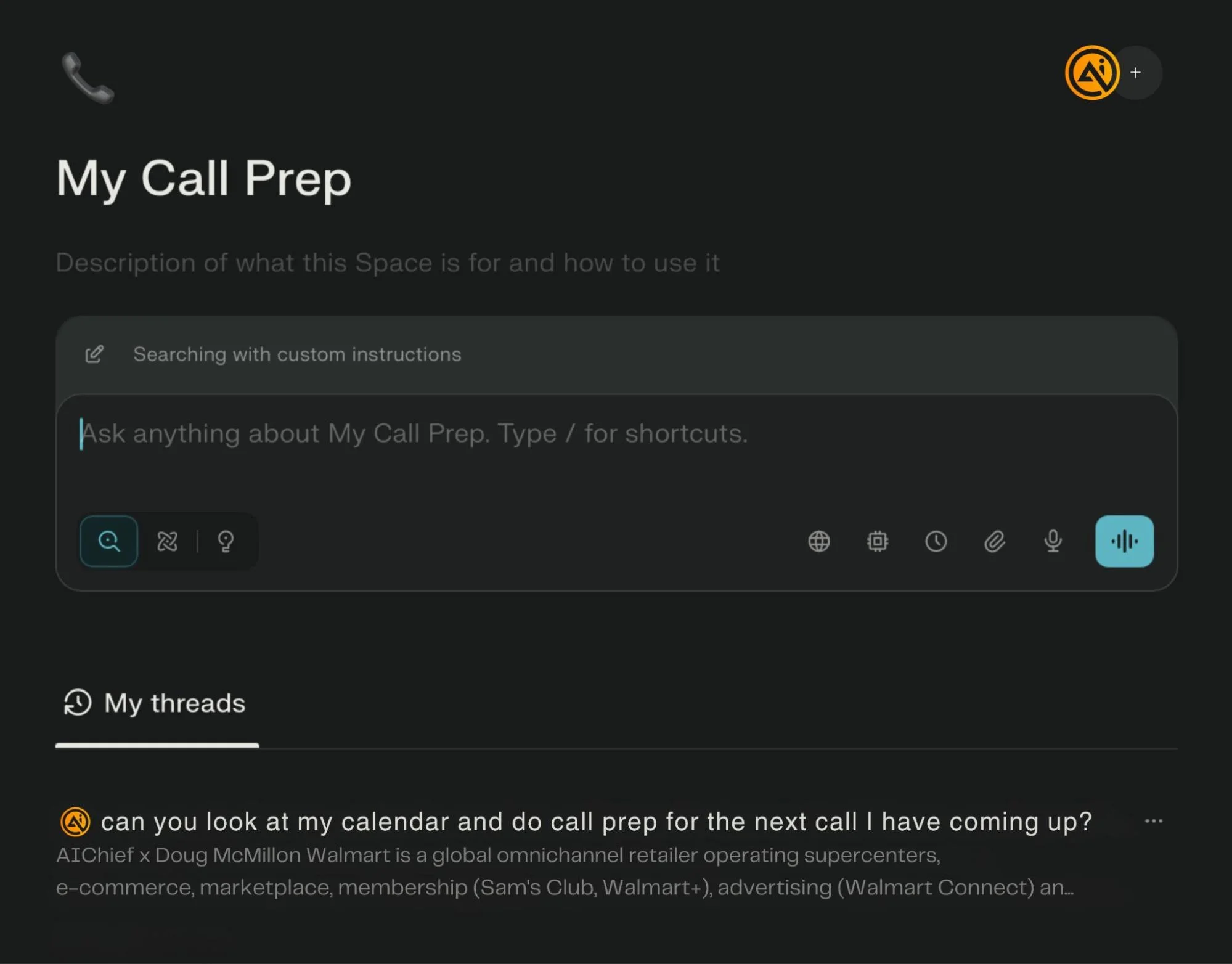
You can save time by setting up a dedicated workflow inside Perplexity.
- Open the Spaces section
- Create a new space for call preparation
- Add custom instructions for how briefs should be formatted
Use instructions like:
- Keep responses short and easy to scan
- Include recent news and key highlights
- List a few useful questions
- Add links for deeper reading
Once set, you only need one command:
Prep my next meeting
Perplexity will generate a ready to review brief based on your calendar.
Result
You stop searching for information before each call. You get a consistent format for every meeting. You walk into conversations with clear context and better questions.

Editorial Staff
The Editorial Staff at AIChief is a team of Professional Content writers with extensive experience in the field of AI and Marketing. AIChief was Founded in 2025, AIChief has quickly grown to become the largest free AI resource hub in the industry. Stay connected with them on Facebook, Instagram and X for the latest updates.



