

AI Tutorial
Master Any Subject with NotebookLM and ChatGPT
Discover how to combine NotebookLM and ChatGPT to study smarter, improve retention, and deeply understand any subject using AI.
Share
This guide walks through a practical way to learn any subject using AI by combining NotebookLM with ChatGPT to improve retention, understanding, and speed.
Best Suited For:
- Students preparing for exams
- Professionals building skills in AI, business, or technical areas
- Content creators making summaries or explainer content
- Lifelong learners aiming to study more efficiently
Step 1: Set up NotebookLM
Start by visiting NotebookLM.
On the homepage, click the “+” button to create a new notebook and upload your study material. While multiple formats are supported, PDFs tend to give the best results.
For example, you can upload a PDF version of AI Engineering: Building Applications with Foundation Models by Chip Huyen.
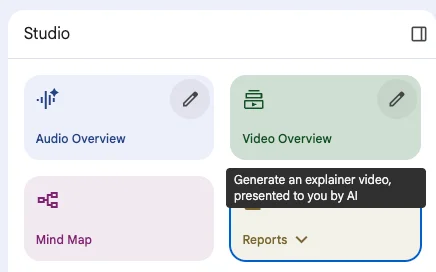
Step 2: Explore the studio and outputs
After uploading your file, NotebookLM processes it and provides several study formats:
- Summary: A brief overview of the material
- Mind Map: Visual links between key ideas
- Audio Overview: AI-generated narration
- Video Overview: A presentation-style explanation with visuals
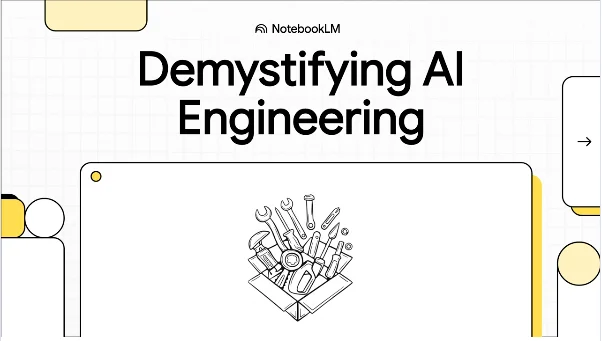
The Video Overview feature is especially useful for comprehension, offering a lecture-style breakdown similar to a short educational video.
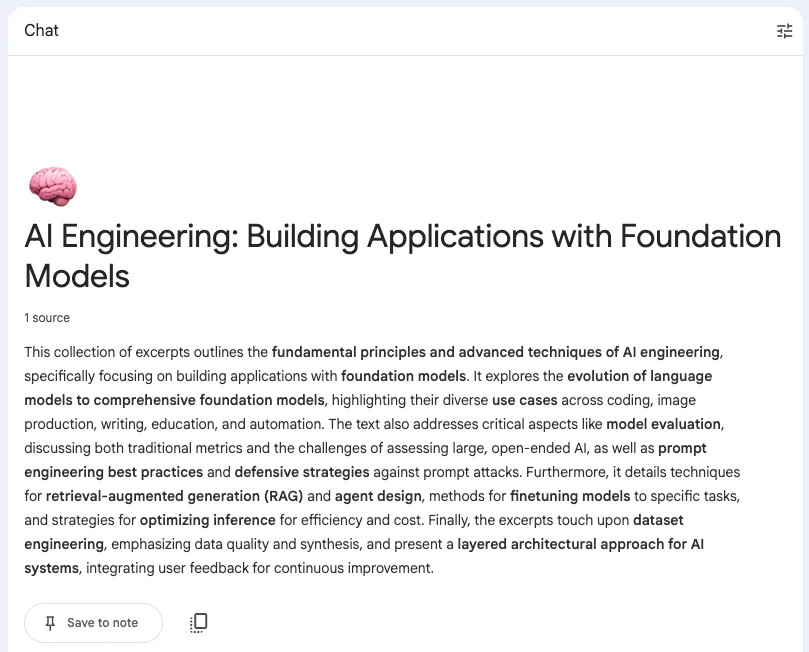
Step 3: Create structured study materials
Go to the Reports, then select the Study Guide section.
NotebookLM generates:
- Q&A sets for testing understanding
- Short-answer questions (e.g., differences between model types)
- Essay-style prompts
- Glossaries of key terms
This structured format helps you actively learn rather than passively skim.
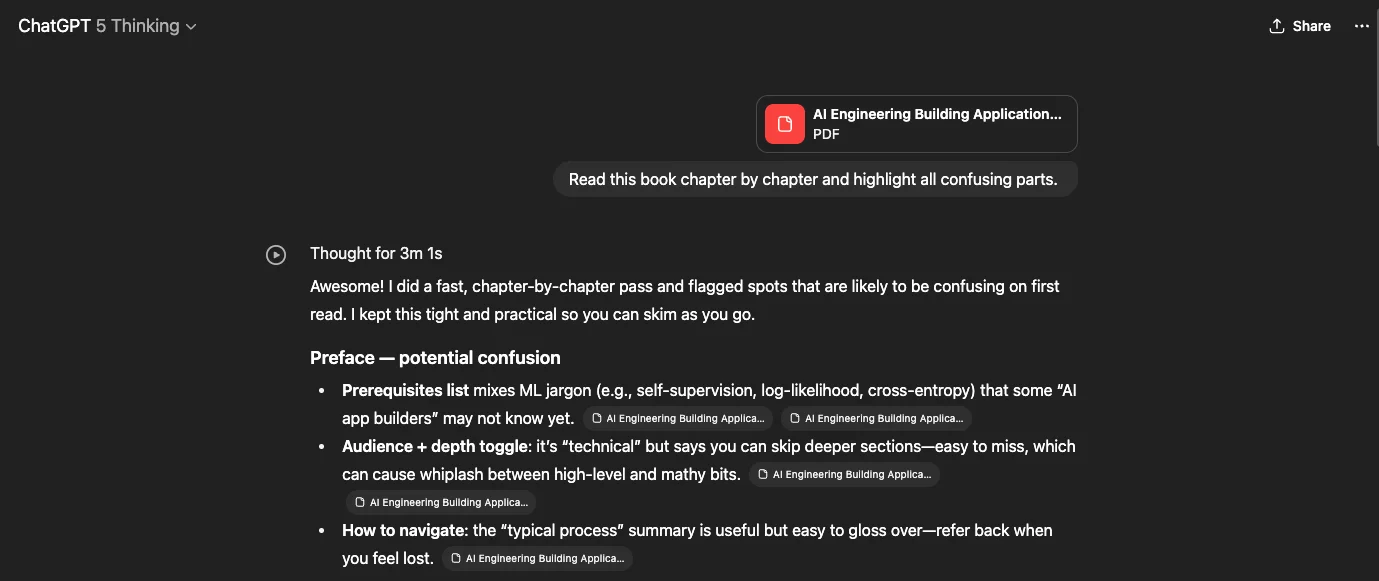
Step 4: Expand learning with ChatGPT
Once you’ve reviewed summaries and guides in NotebookLM, upload your PDF into ChatGPT.
Use prompts like:
- “Read this chapter by chapter and point out confusing sections.”
- “List the key ideas I need to understand.”
- “Quiz me on the most important concepts.”
For deeper results, enable advanced reasoning modes such as GPT-5 Thinking.
Step 5: Combine both tools effectively
Using NotebookLM first and ChatGPT next allows you to:
- Quickly understand context (NotebookLM)
- Learn interactively (study guides and Q&A)
- Clarify difficult concepts in depth (ChatGPT)
Pro Tip
If your material is in EPUB or audio format, convert it to PDF before uploading. Both NotebookLM and ChatGPT perform best with PDFs.
This workflow improves how you learn, helping you retain more, move faster, and produce high-quality study outputs similar to a classroom experience.

Editorial Staff
The Editorial Staff at AIChief is a team of Professional Content writers with extensive experience in the field of AI and Marketing. AIChief was Founded in 2025, AIChief has quickly grown to become the largest free AI resource hub in the industry. Stay connected with them on Facebook, Instagram and X for the latest updates.



