

AI Tutorial
Make the Most of Deep Research
Learn how to use Deep Research to create detailed, cited reports from verified sources and turn complex research into actionable insights.
Share
This guide explains how Deep Research helps create in-depth, cited reports using verified sources, saving significant time and research costs.
Who This Is For
- Founders and executives validating markets with AI
- Marketers and strategists are building campaigns from real customer insights
- Sales and revenue teams need detailed intelligence
- Product managers and innovators making data-informed roadmap decisions
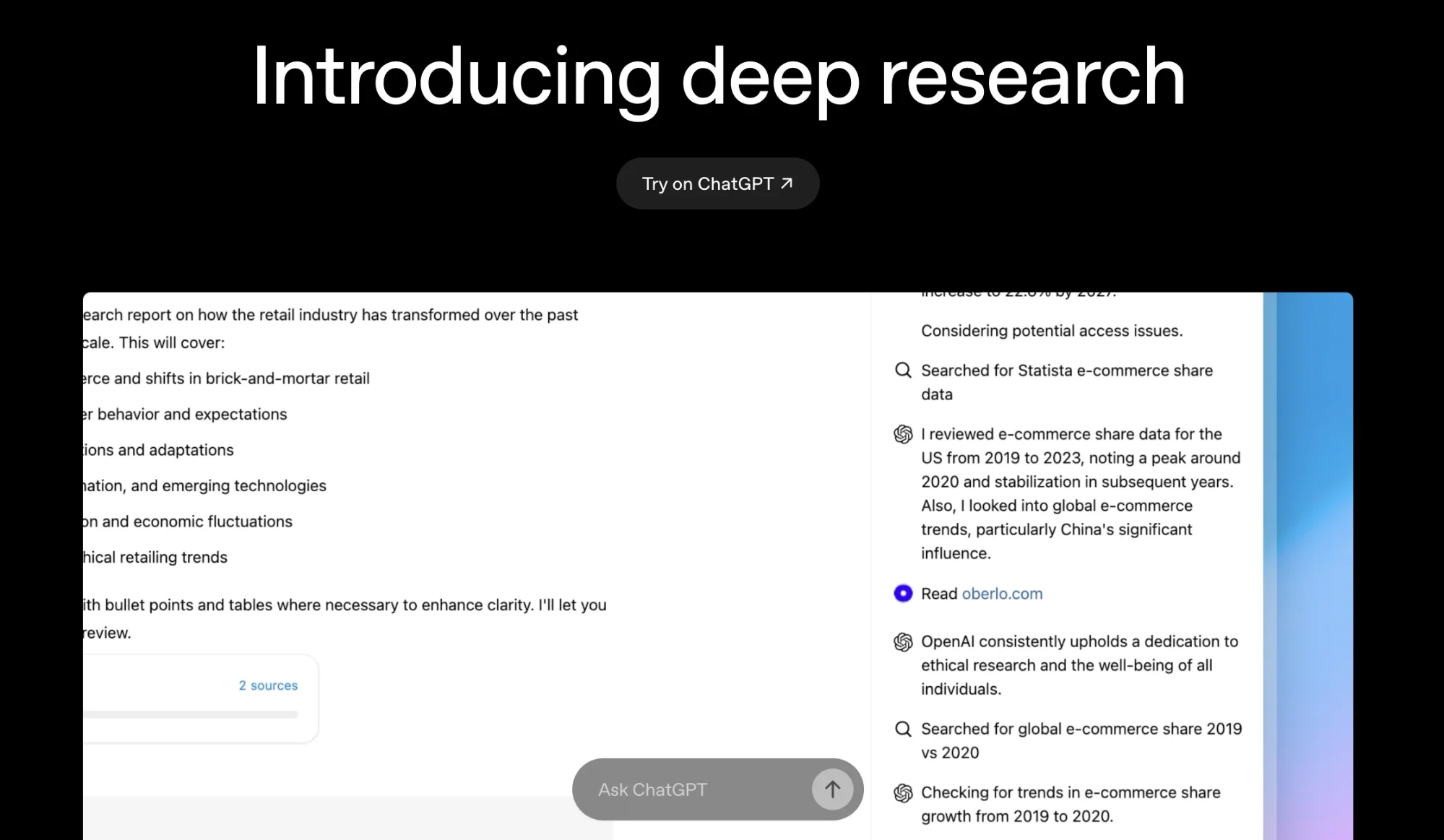
Deep Research allows an AI agent to browse the web independently for 5–30 minutes, review many pages, and return structured insights with references.
STEP 1: Start Deep Research
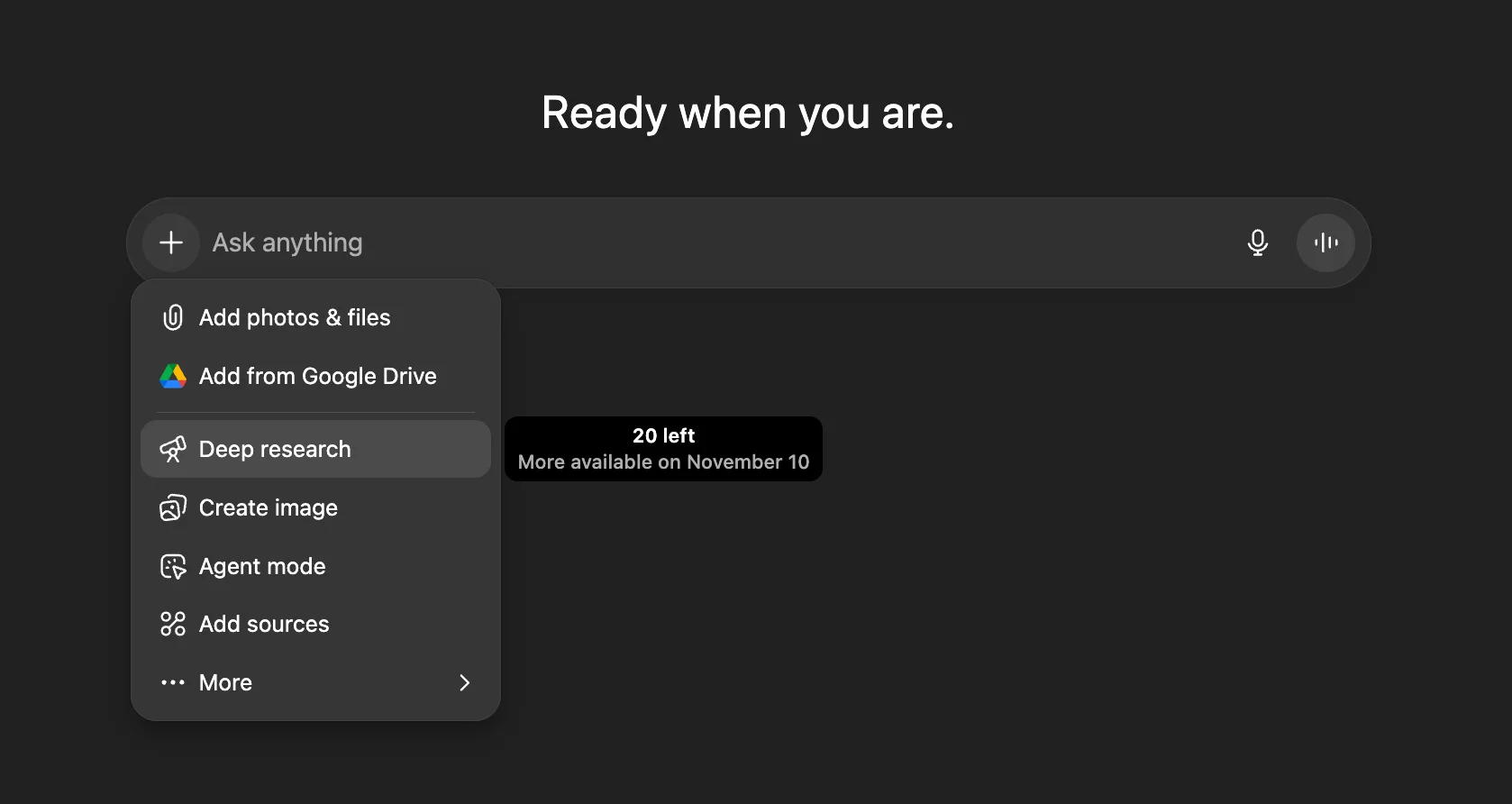
Open ChatGPT, begin a new chat, click the “+” icon, scroll down, and select “Deep Research.”
This launches an autonomous research agent inside ChatGPT. It searches across sources, extracts insights, and creates a cited report. Because it requires heavy computing, usage depends on your subscription tier.
Many major AI tools, including ChatGPT, Perplexity, and Grok, offer similar research features.
Deep Research vs Web Search
Web Search provides fast summaries from a few sources.
Deep Research performs deeper multi-step analysis, reviews more documents, and produces a structured report with citations.
STEP 2: Define Your Research Goal
In the Deep Research interface, explain your objective clearly. More context leads to stronger results.
Example Prompt:
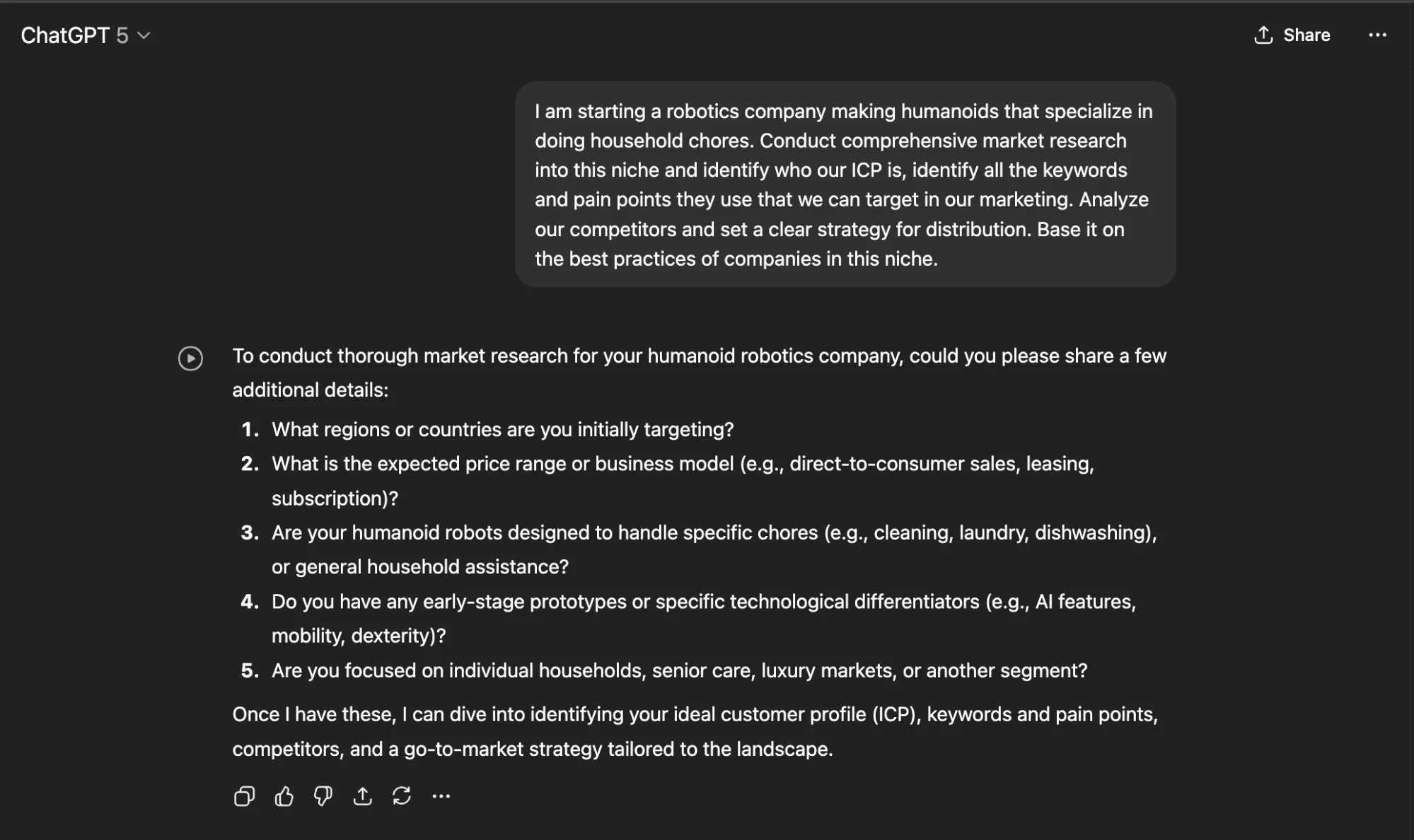
“I am launching a robotics company that builds humanoids for household chores. Conduct detailed market research on this niche, identify the ICP, uncover keywords and pain points for marketing, analyze competitors, and recommend a distribution strategy based on best practices in this category.”
Deep Research may ask clarifying questions about region, price point, target audience, and product scope before starting. Provide as much detail as possible.
STEP 3: Launch the Research
When your prompt is ready, click Submit.
The process usually includes:
- Follow-up questions to refine the request
- Autonomous web browsing
- A live activity feed showing source discovery and progress
You can continue working while the research runs, and ChatGPT will notify you when the report is complete.

STEP 4: Review and Export the Report
Once finished, you’ll receive a structured, cited report that may include:
- Market summary and trend analysis
- ICP profile with customer language and pain points
- Competitor and pricing comparisons
- Suggested positioning, channels, partnerships, and distribution
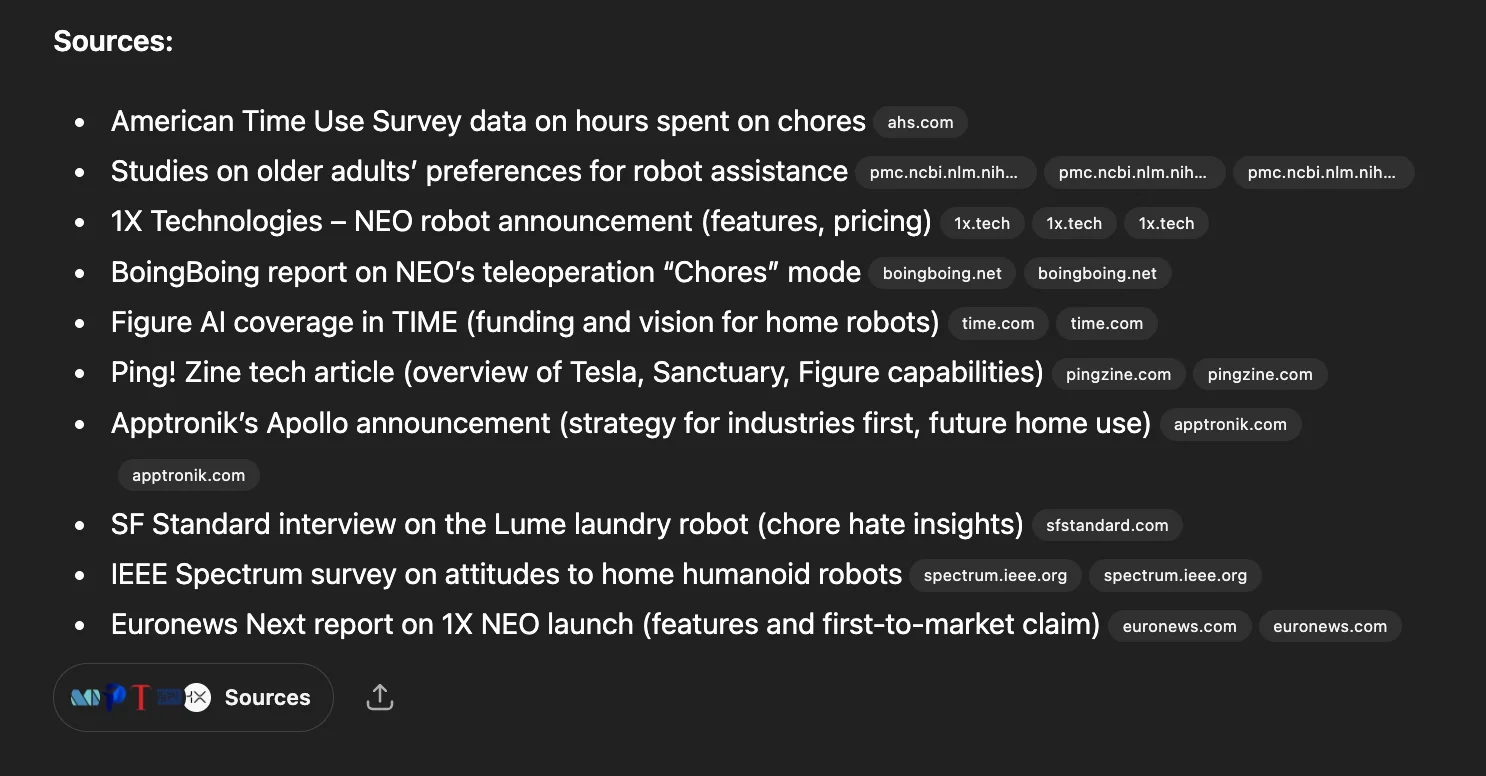
Sources are included for verification.
Use Share, then Download PDF to export the report, or copy a link to share it directly. You can also attach the report when building a custom GPT for your company.
STEP 5: Explore Advanced Applications
Deep Research can support many business functions:
- Sales: Prospect research, funding insights, and competitor intelligence
- Customer Success: Public sentiment analysis and churn-risk signals
- Finance: M&A trends, regulatory reviews, and cost structure analysis
- Operations & Logistics: Supplier mapping, dependency checks, and disruption monitoring
Each use case can produce a complete, verifiable report that reduces manual research time and expense.
Pro Tip
Use Deep Research for comprehensive, multi-source reports rather than quick answers. Give detailed context and measurable goals for stronger results.

Emily Newton
Emily Newton is an experienced Editor-in-Chief who has spent the last decade sharing her insights on science and technology advances through platforms like IoT for All and DZone. She is deeply interested in showcasing how connected technologies and smart ecosystems transform modern businesses. When she isn’t writing, Emily enjoys walking local trails, playing video games, or curling up with a good book.



