

AI Tutorial
Improve your writing with this two-step Typeless workflow
Learn a simple two-step dictation workflow using Typeless and AI tools like Claude or ChatGPT to create cleaner, more natural writing with less effort.
Share
This Typeless workflow combines AI-generated drafts with voice-driven editing to help you create clearer, more natural documents faster.
Who can benefit from this?
- Professionals writing internal memos and updates
- Founders and operators documenting ideas quickly
- Writers looking for a more natural editing process
- Anyone who speaks faster than they type
STEP 1: Configure Typeless
Download Typeless and complete the setup process. Grant the required permissions so it can access your microphone and paste text into input fields.
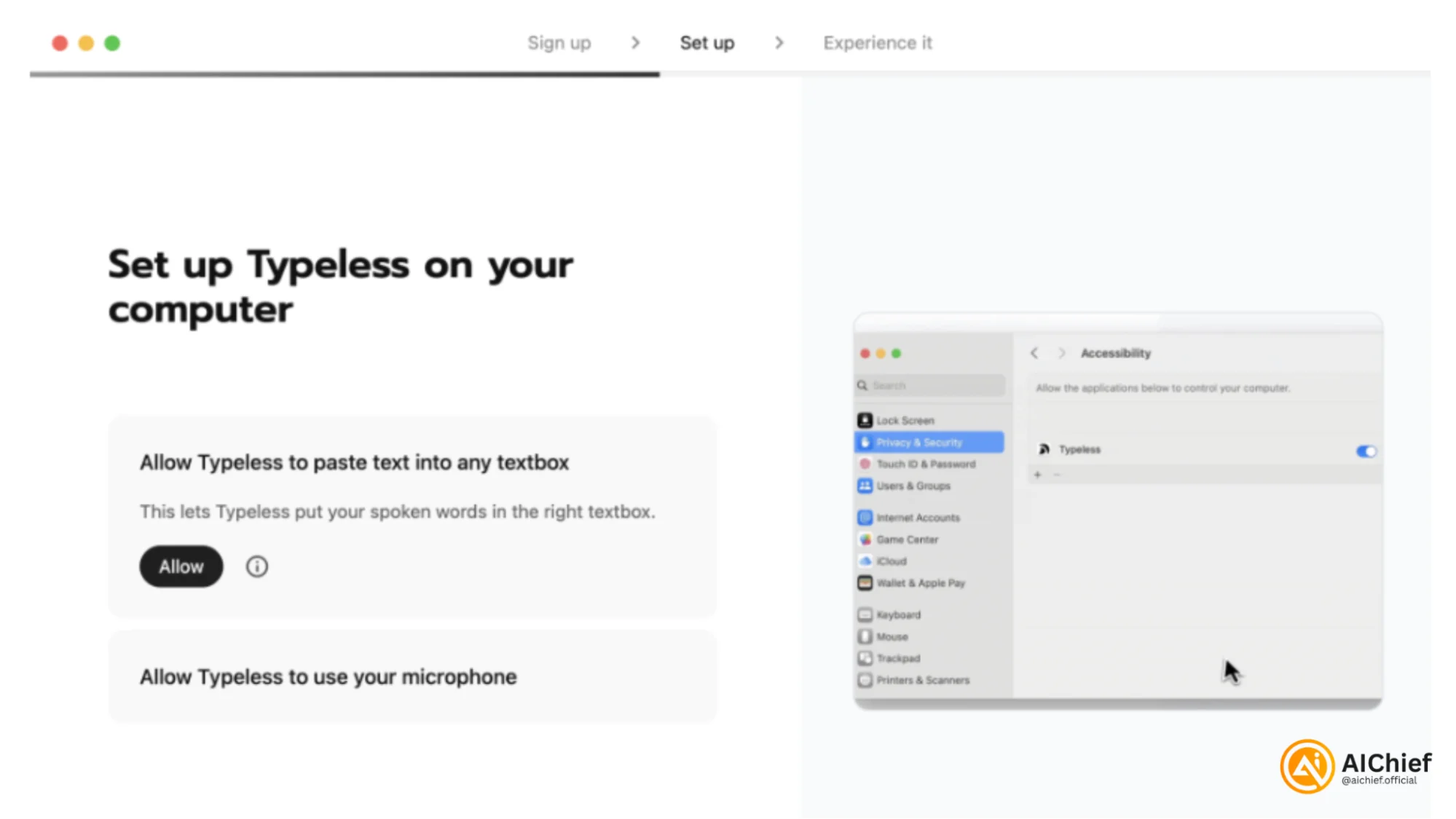
Choose a keyboard shortcut that feels effortless to use. In the example setup, the shortcut was Option + Space Bar.
Typeless works well because speaking is often faster than typing, and the app cleans up pauses, filler words, and rough phrasing more effectively than standard dictation tools. It also includes an AI search shortcut, allowing you to ask questions quickly without switching tabs.
Use Typeless for feedback and comments, not only polished writing. Your natural tone tends to come through more clearly in spoken edits.
STEP 2: Generate the first outline with AI
Open a new Codex, Claude Code, Claude, or ChatGPT session, wherever you typically write. Ask the AI to create a rough outline or basic draft.
Keep the first version simple. It does not need to sound like you yet.
Use this prompt:
"Draft an outline for a short internal memo about [topic]. Keep it concise."
In the demo example, the draft covered a fictional project update for an AI software product.
The first draft is only meant to provide structure and something to react to later.
AI handles organization well. Your personal tone comes during the editing phase.
STEP 3: Save the original version and create a working copy
Before making edits, ask the AI to preserve the initial draft separately.
Use this prompt:
"Save this as the initial draft and do not edit it. Now create a separate working draft that we can revise."
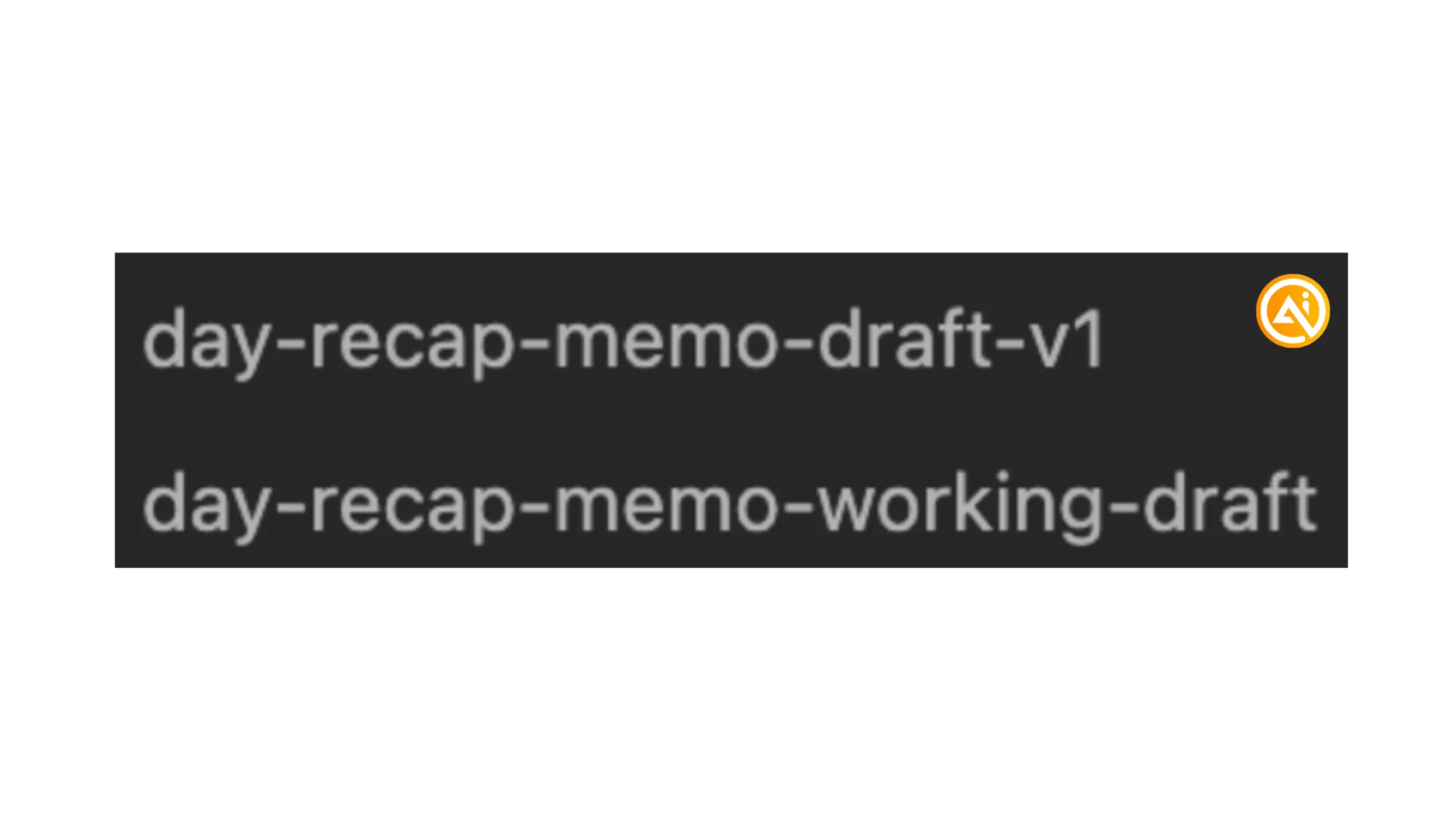
This creates:
- an untouched original version
- a working draft for revisions
Over time, comparing the original AI draft with the final version becomes useful. You’ll start noticing patterns in your editing style, such as:
- shorter introductions
- fewer generic phrases
- stronger examples
- more bullet points
- cleaner endings
- avoiding certain punctuation styles
STEP 4: Record your feedback as spoken comments
Read through the working draft and add a comments section at the bottom. Then use Typeless to verbally explain everything you want changed.
Start by correcting facts. Then add missing context. After that, point out anything that sounds overly polished, generic, or unlike your normal tone.
Your comments do not need to be organized. The roughness is intentional.
Example feedback:
- "The overview needs to be two sentences. Current progress needs to have bullet points. Product focus needs to say this version adds social functionality. Say this version is built for virality. Make the conclusion less wordy. Make sure everything is in my voice and verbiage."
This process is much faster than manually rewriting every line. You are effectively giving the AI a live style guide based on your reactions.
STEP 5: Rewrite the draft in your style
Once all comments are added, ask the AI to revise the document using your spoken feedback.
Use this prompt:
- "Rewrite the draft using the comments I left in the draft. Write it in my tone. Use my verbiage. No em dashes. Preserve the core points, but cut anything that sounds generic. Make it concise."
The revised version should feel significantly different from the original AI-generated draft. In the demo, the final version became shorter, clearer, and more aligned with the intended direction.
If the result is close but still needs refinement, do another quick Typeless pass explaining only the remaining issues. Then use:
"Make only those edits."
This helps avoid unnecessary rewrites to sections that are already working well.

Editorial Staff
The Editorial Staff at AIChief is a team of Professional Content writers with extensive experience in the field of AI and Marketing. AIChief was Founded in 2025, AIChief has quickly grown to become the largest free AI resource hub in the industry. Stay connected with them on Facebook, Instagram and X for the latest updates.



