

AI Tutorial
How to Run a Complete SEO Audit Using AI (and Turn It Into Actionable Outputs)
Learn how to generate a full SEO audit using AI tools like ChatGPT or Claude, and turn it into a report, slide deck, and actionable task list.
Share
This guide walks you through how to perform a full SEO audit on any website using AI—and then convert that analysis into practical deliverables. Instead of just getting insights, you’ll end up with a structured report, a presentation-ready deck, and a prioritized task list you can actually execute.
Quick Overview
You’ll use an AI tool to analyze a website across key SEO areas, then transform the output into three formats: a detailed report, a slide deck for presentation, and a working spreadsheet of fixes ranked by importance.
Who This Is For
- Small business owners and freelancers who want SEO insights without paying for expensive tools
- Marketing professionals and consultants who need client-ready reports and presentations
- Website managers looking for a fast way to identify and prioritize improvements
What You’ll Create
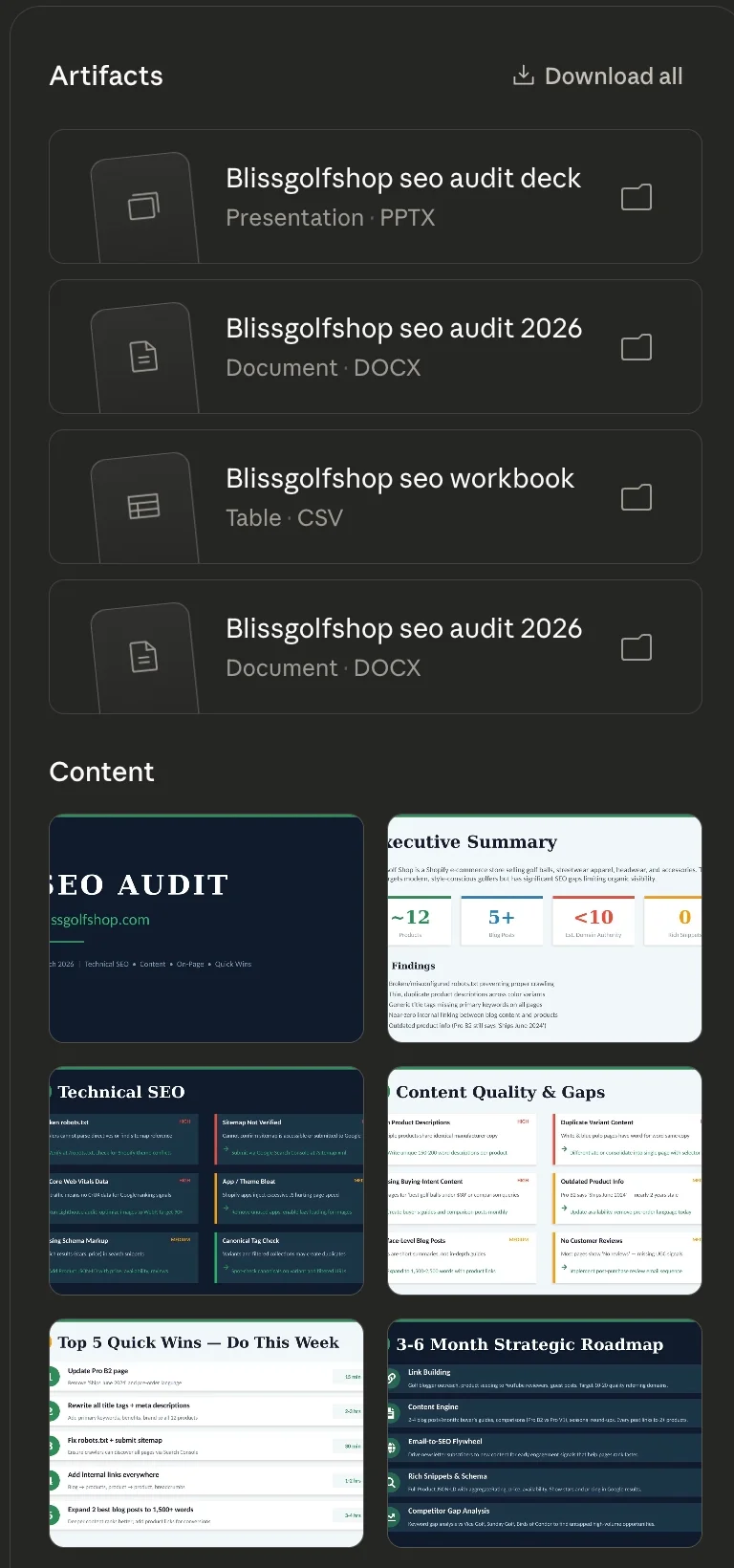
From a single audit, you’ll generate:
- A comprehensive report covering technical SEO, on-page factors, content quality, and backlinks
- A concise slide deck for stakeholders or clients
- A structured spreadsheet listing issues, fixes, and priorities
What You Need
- Access to an AI tool such as ChatGPT, Claude, Gemini, or NotebookLM
- A website URL (your own site, a client project, or a competitor)
Step 1: Run the SEO Audit
Start by opening your preferred AI tool and entering a structured prompt.
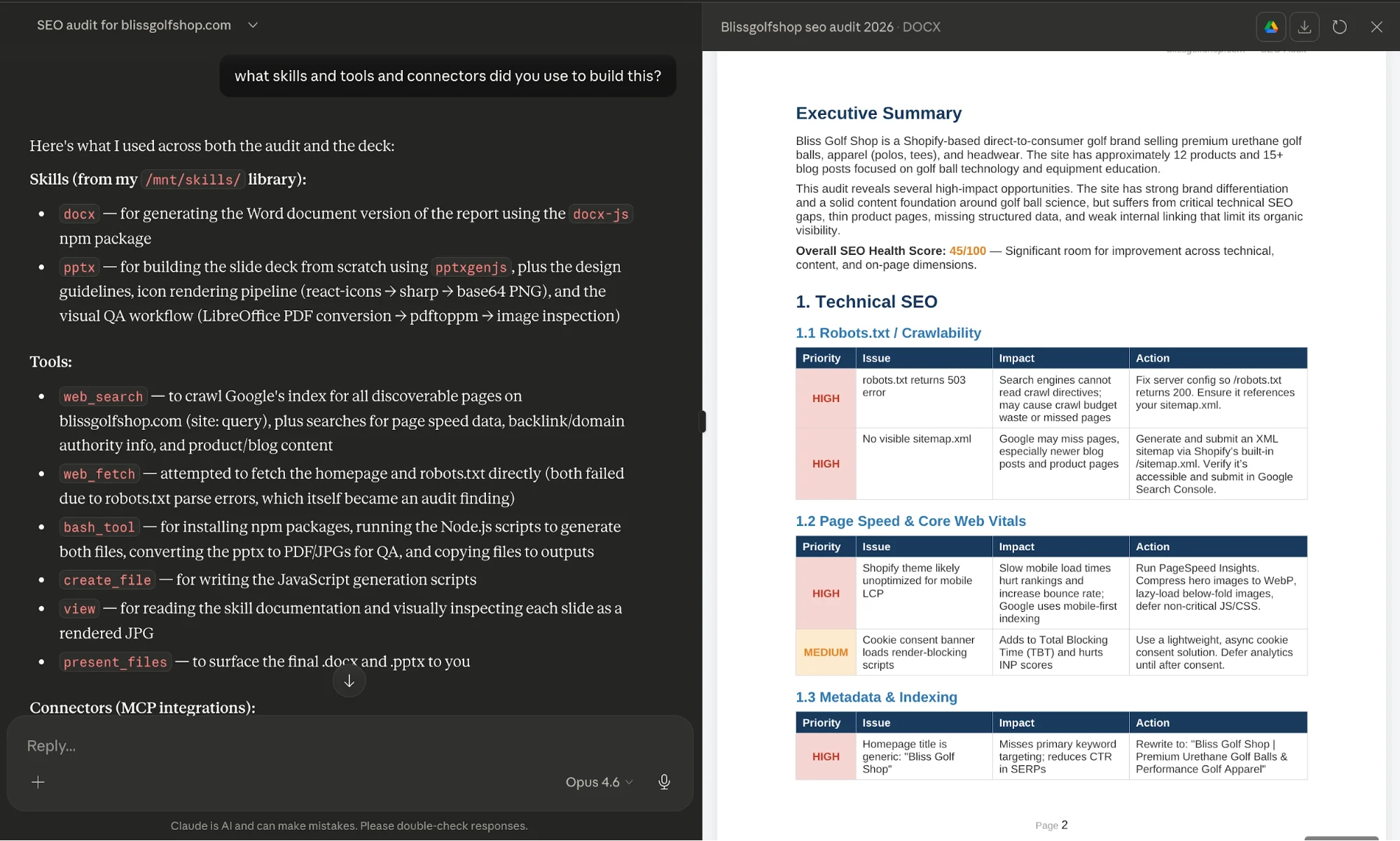
Example Prompt
Perform a complete SEO audit of [website URL].Evaluate technical SEO, on-page optimization, content quality, and backlinks.
Identify the top 10 highest-impact improvements based on effort versus potential results.
Include sources for your findings and format the output as a structured report.
To get accurate insights, ensure your AI tool has browsing or external data access enabled.
Tip:
After the audit completes, ask the AI to list the tools and data sources it used. This helps validate accuracy and highlights any missing integrations.
Step 2: Convert the Audit into a Presentation
Once the report is ready, transform it into a slide deck for easier communication.
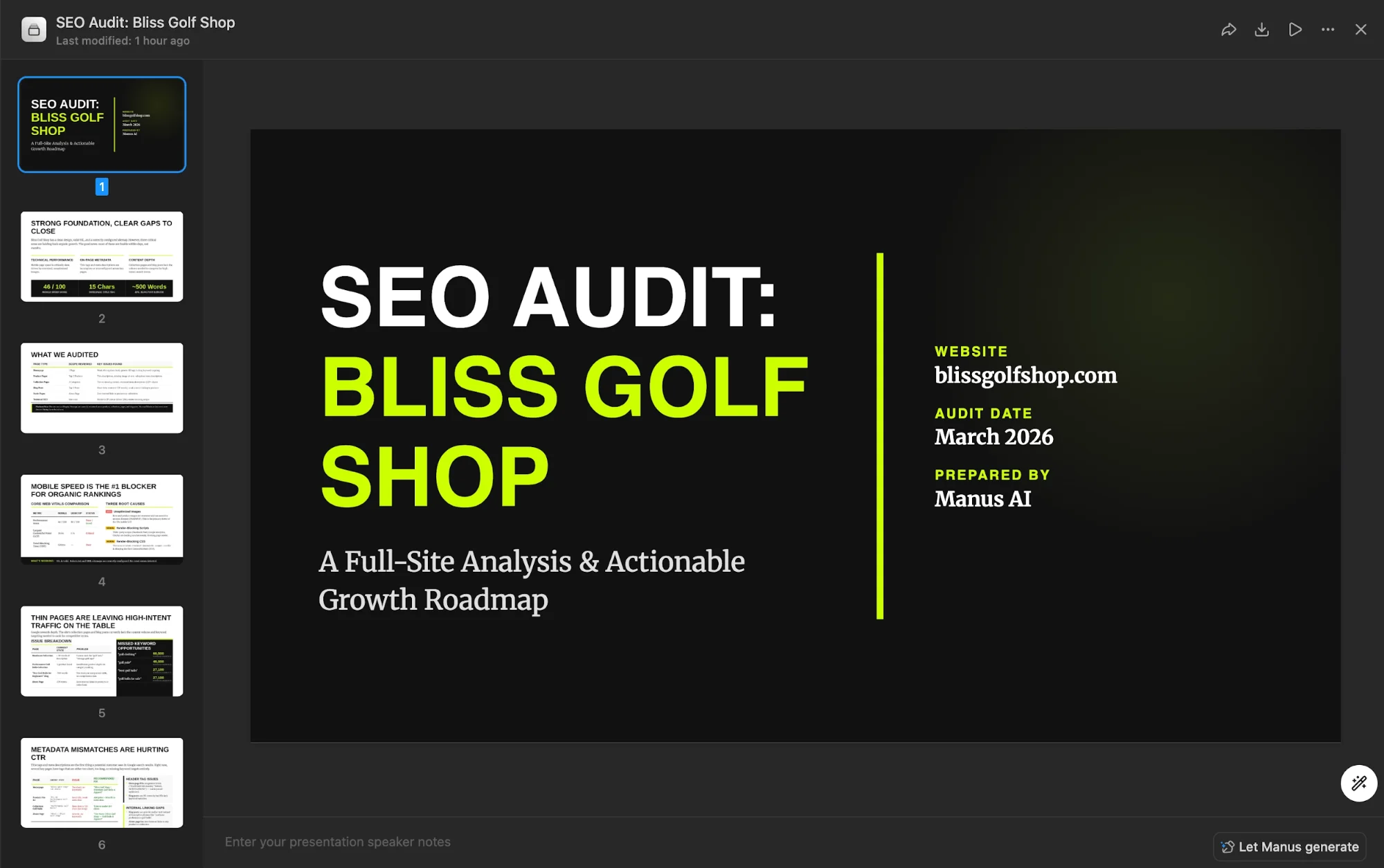
Example Prompt
Convert this audit into a presentation with fewer than 10 slides.
Include an executive summary, key issues grouped by category, and a prioritized action plan.
Depending on the tool you’re using:
- Some allow direct export to PowerPoint
- Others provide structured content you can paste into slides
This step is especially useful when presenting findings to clients or stakeholders.
Step 3: Create a Practical SEO Task List
The report explains the problems. The spreadsheet helps you fix them.
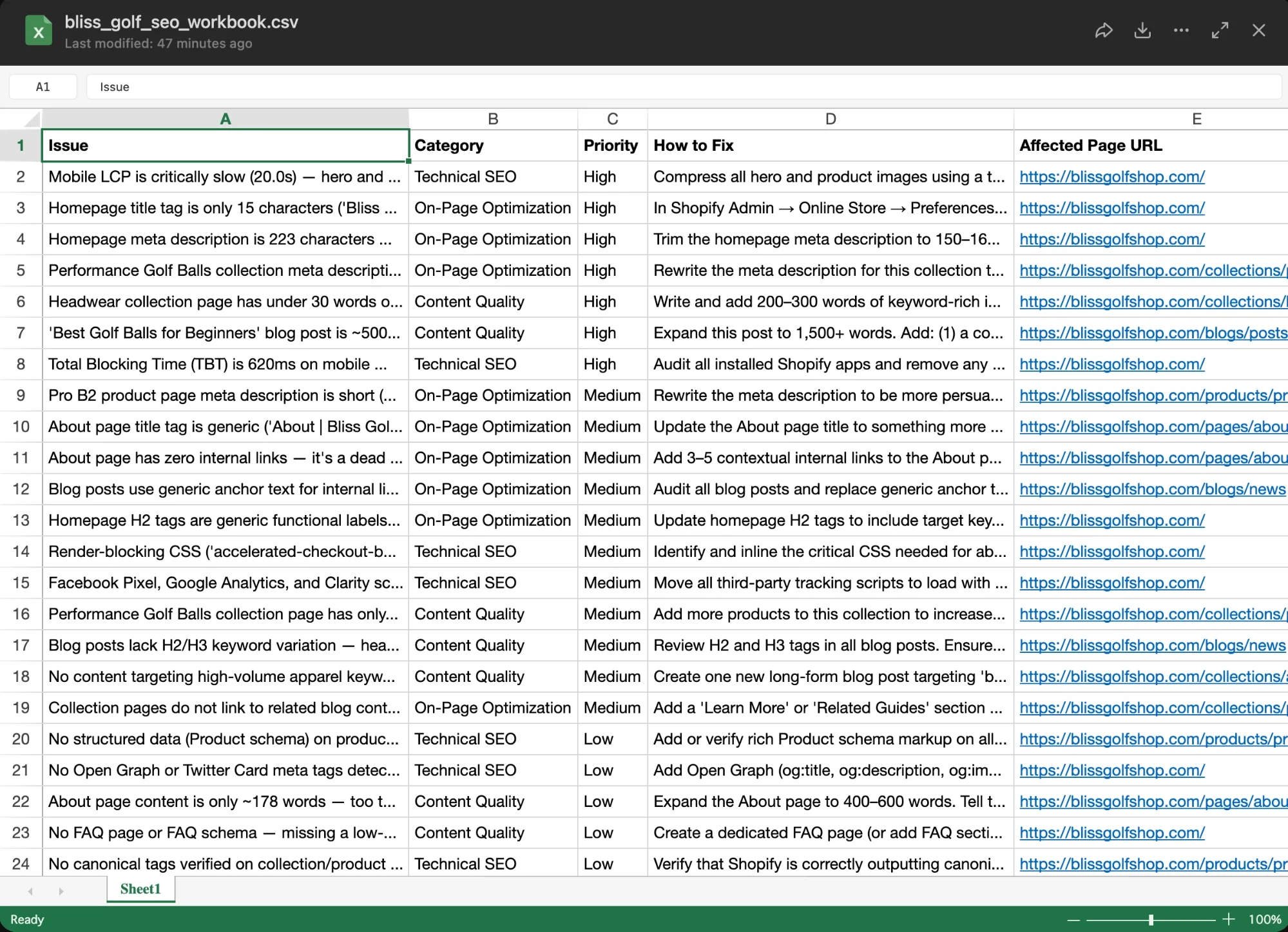
Example Prompt
Create a spreadsheet (CSV format) listing all identified issues.
Include columns for: Issue, Category, Priority (High/Medium/Low), Recommended Fix, and Affected Page URL.
Sort everything by priority.
Open the file in Excel or Google Sheets to create a working checklist.
This document becomes your execution layer:
- Assign tasks to developers
- Import into project management tools
- Track progress over time
Step 4: Turn the Workflow Into a Reusable System
Once you’ve completed the process, save it as a reusable workflow.
Most AI tools allow you to:
- Create custom assistants
- Save prompt templates
- Build repeatable “skills”
Next time, you can simply input a URL and generate all three outputs automatically.
Advanced Tips
To make your workflow even more effective:
- Break the spreadsheet into sections
Separate tasks into categories like Technical SEO, Content Updates, and Backlinks for better organization - Refine your reporting structure
Add scoring systems or progress tracking columns to monitor improvements - Integrate external SEO tools
If you use platforms like Ahrefs or SE Ranking, connect them to your AI tool for deeper data insights - Use the AI for prioritization
Ask it to highlight quick wins versus long-term improvements
Final Thoughts
This approach turns SEO from a complex, tool-heavy process into something streamlined and actionable. Instead of juggling multiple platforms, you use AI to analyze, organize, and present everything in one workflow.
The real advantage isn’t just speed, it’s turning insights into execution without extra friction.

Editorial Staff
The Editorial Staff at AIChief is a team of Professional Content writers with extensive experience in the field of AI and Marketing. AIChief was Founded in 2025, AIChief has quickly grown to become the largest free AI resource hub in the industry. Stay connected with them on Facebook, Instagram and X for the latest updates.



