

AI Tutorial
How to Create Branded Video Intros, Transitions, and Outros Using Manus
Learn how to generate professional intro, transition, and outro videos for your brand using Manus in under 20 minutes, no design skills required.
Share
This guide walks you through using Manus to quickly generate a complete set of branded video clips. With just a logo and a few guided inputs, you can produce polished intro, transition, and outro videos that match your brand identity.
Who This Is For
- Content creators who want high-quality video intros without hiring designers
- Marketing teams producing consistent branded video content
- Freelancers and agencies offering video branding services to clients
What You’ll Create
- A branded intro clip
- A transition clip
- A branded outro clip
All videos will share the same visual theme, colors, and branding elements so they feel like a unified set.
What You Need
- A Manus subscription (free trial or paid plan)
- Your logo or brand assets
- Optional: a video editor for final assembly
Step 1: Start With an Interactive Setup
Open a new project in Manus and upload your logo or brand visuals.
Instead of writing a long creative brief, ask Manus to guide you through a short questionnaire.
Example Prompt
Create a branded intro, transition, and outro video using my logo.
Ask me a few multiple-choice questions about style and tone before starting.
This approach works well because Manus will gather exactly the details it needs, such as animation style, color direction, and overall vibe, through simple selections.
Tip:
Upload any available brand materials (logos, guidelines, colors) to improve accuracy and consistency.
Step 2: Review and Select a Concept
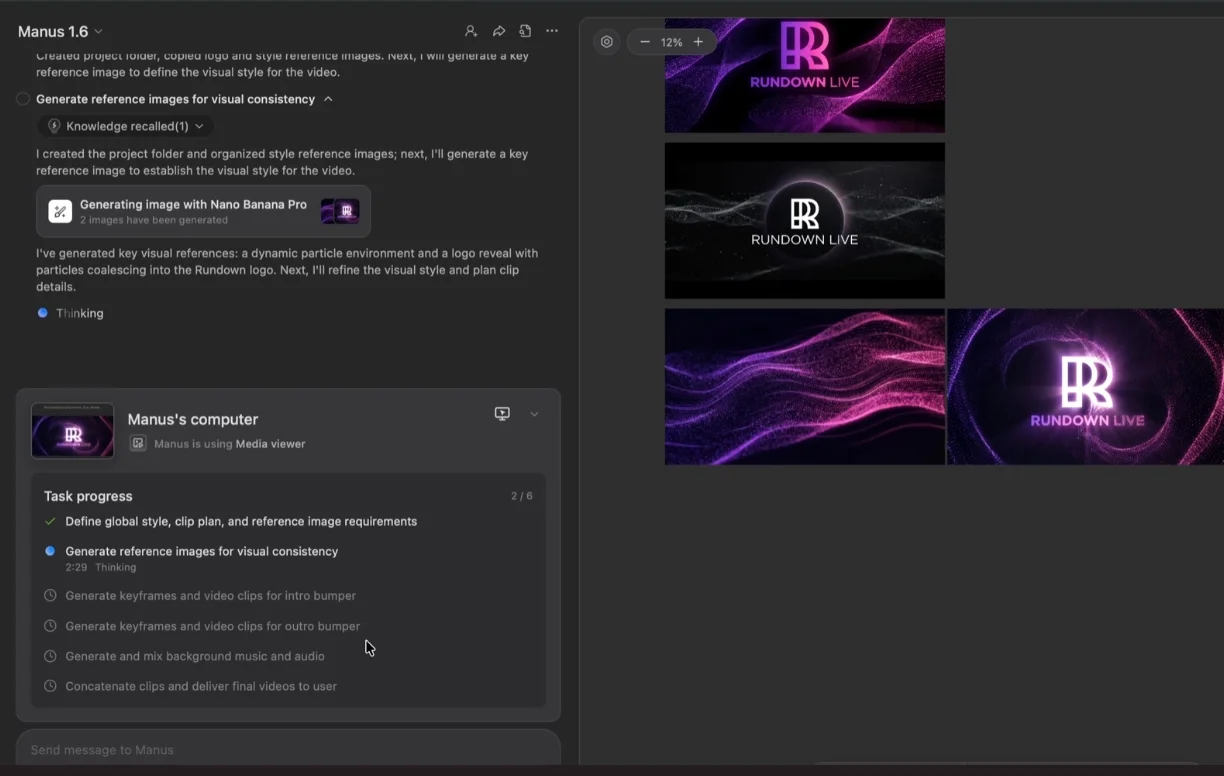
After answering the questions, Manus will suggest a few design directions.
Before choosing one, ask it to generate visual previews so you can compare options more easily.
Select the concept that best matches your brand. If none feel right, provide feedback and request new variations.
Step 3: Generate the Video Clips
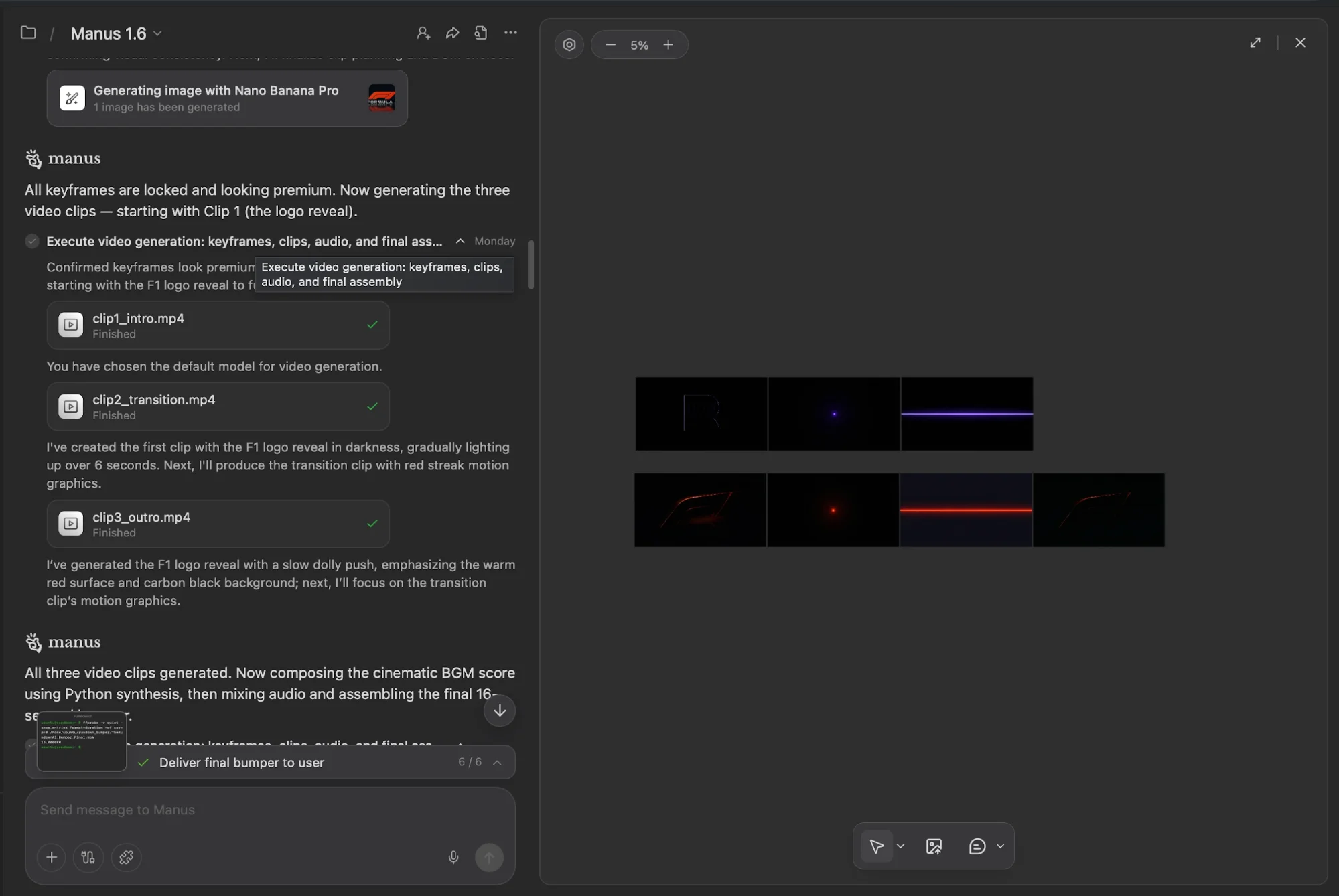
Once a concept is selected, Manus will begin producing your videos.
Behind the scenes, it creates keyframes and animates them into full clips, optionally adding background music if selected.
- This process usually takes around 15–20 minutes
- The default mode is sufficient for most cases
- Assets (video, audio, images) remain editable rather than merged into one file
If something like music fails to load, you can skip it and add your own later.
Step 4: Review and Refine
When the clips are ready, preview them directly in Manus.
If adjustments are needed, you can request changes without regenerating everything.
Example Adjustment Request
The intro looks good, but the transition feels slow.
Please regenerate the transition with faster motion.
Once satisfied, download the clips and integrate them into your editing workflow.
Advanced Tips
- If your logo doesn’t render properly, try uploading a higher-quality version or use text-based branding instead
- Keep assets organized so you can reuse them across projects
- Use Manus’s layered output to tweak individual elements if needed
Next Steps
After creating your first set of clips, you can expand further:
- Save the process as a reusable workflow for future projects
- Create variations for different formats (e.g., vertical videos for social media)
- Develop alternate versions for campaigns or seasonal branding
Final Thoughts
This workflow allows you to produce consistent, branded video elements quickly and efficiently. Instead of relying on manual design work, you can generate professional assets in minutes and refine them as needed.

Editorial Staff
The Editorial Staff at AIChief is a team of Professional Content writers with extensive experience in the field of AI and Marketing. AIChief was Founded in 2025, AIChief has quickly grown to become the largest free AI resource hub in the industry. Stay connected with them on Facebook, Instagram and X for the latest updates.



