

AI Tutorial
How to Create a Lead Magnet Tool for Your Website Using Replit
Learn how to create a custom calculator-based lead magnet for your website using Replit, no coding experience required.
Share
This walkthrough explains how to use Replit to create a custom calculator lead form for your website. If you can copy and paste, you can develop simple tools for your team and cut down on per-user software costs.
Who Should Use This
- Agencies aiming to create tailored lead magnets for clients without a development team
- Marketing teams looking to avoid paying recurring fees for basic calculator tools
- Non-technical founders interested in capturing leads through interactive experiences
What You’ll Create
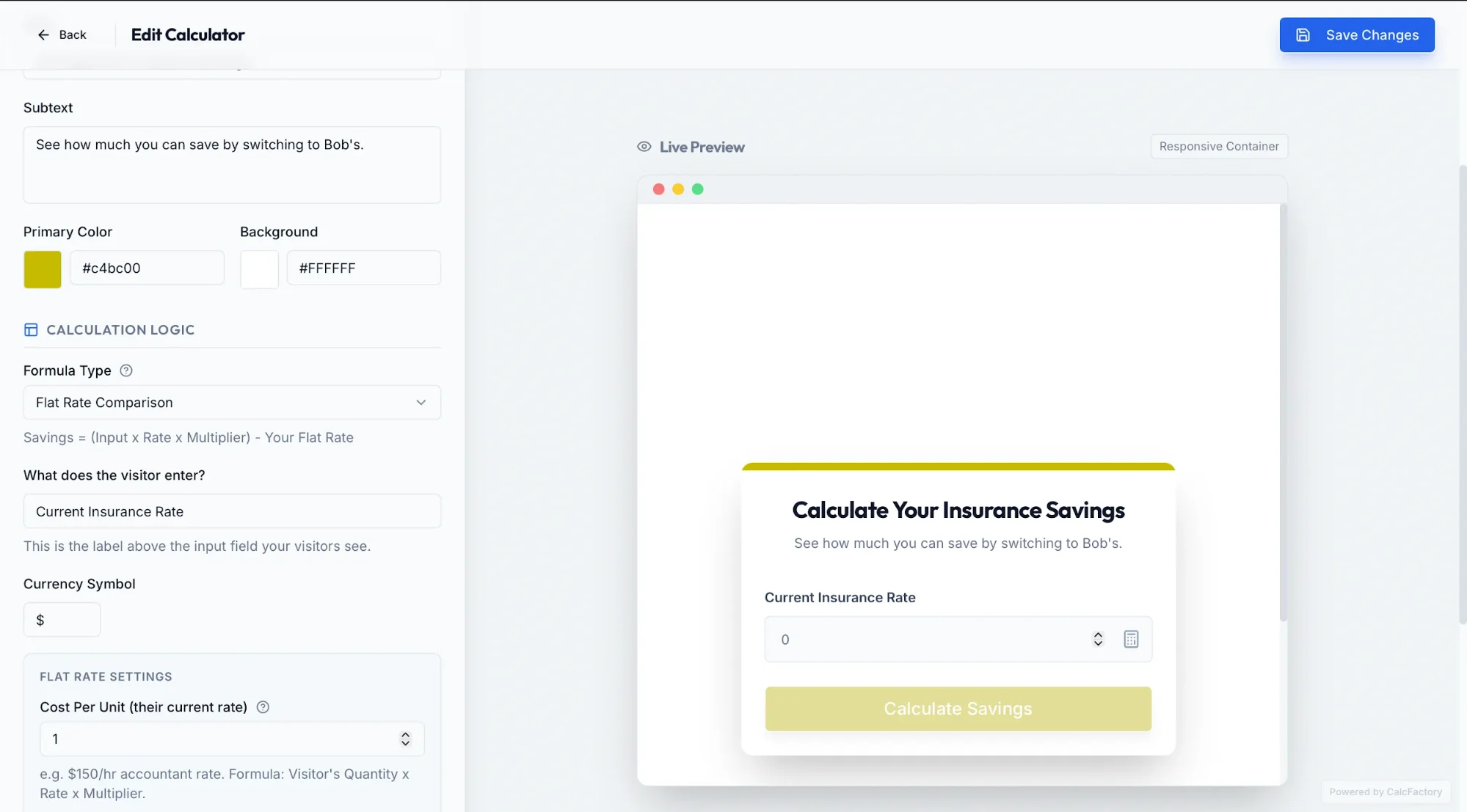
Getting Started Requirements
- Replit Core subscription ($25/month)
Step 1: Create the Calculator App
Visit Replit.com and enable Plan mode.
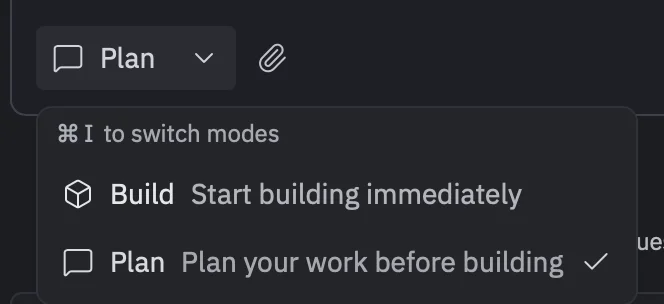
Enter a prompt like the following:
Build a “CalcFactory” app using Python (Flask) and Replit SQL. It should function as a LeadGen Calculator Builder where users can create embeddable cost-saving calculators that collect email leads and track analytics. Allow customization of colors, text inputs, and formulas. Save user responses and emails in a Replit database.
Respond to any follow-up questions from the agent and click “Build.”
Tip: Keep things straightforward. This is meant for internal use, not a large-scale SaaS product.
Step 2: Build and Embed Your Form
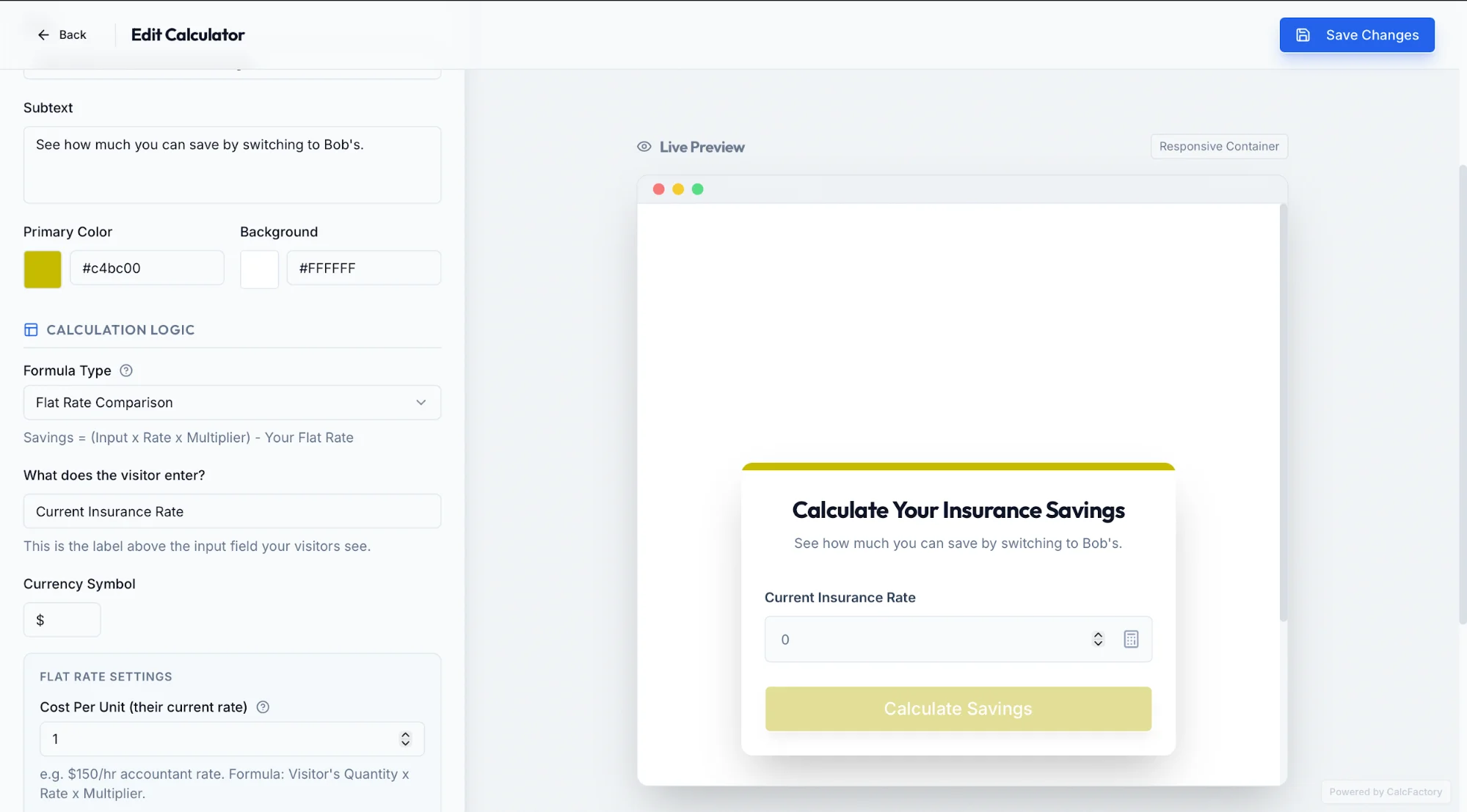
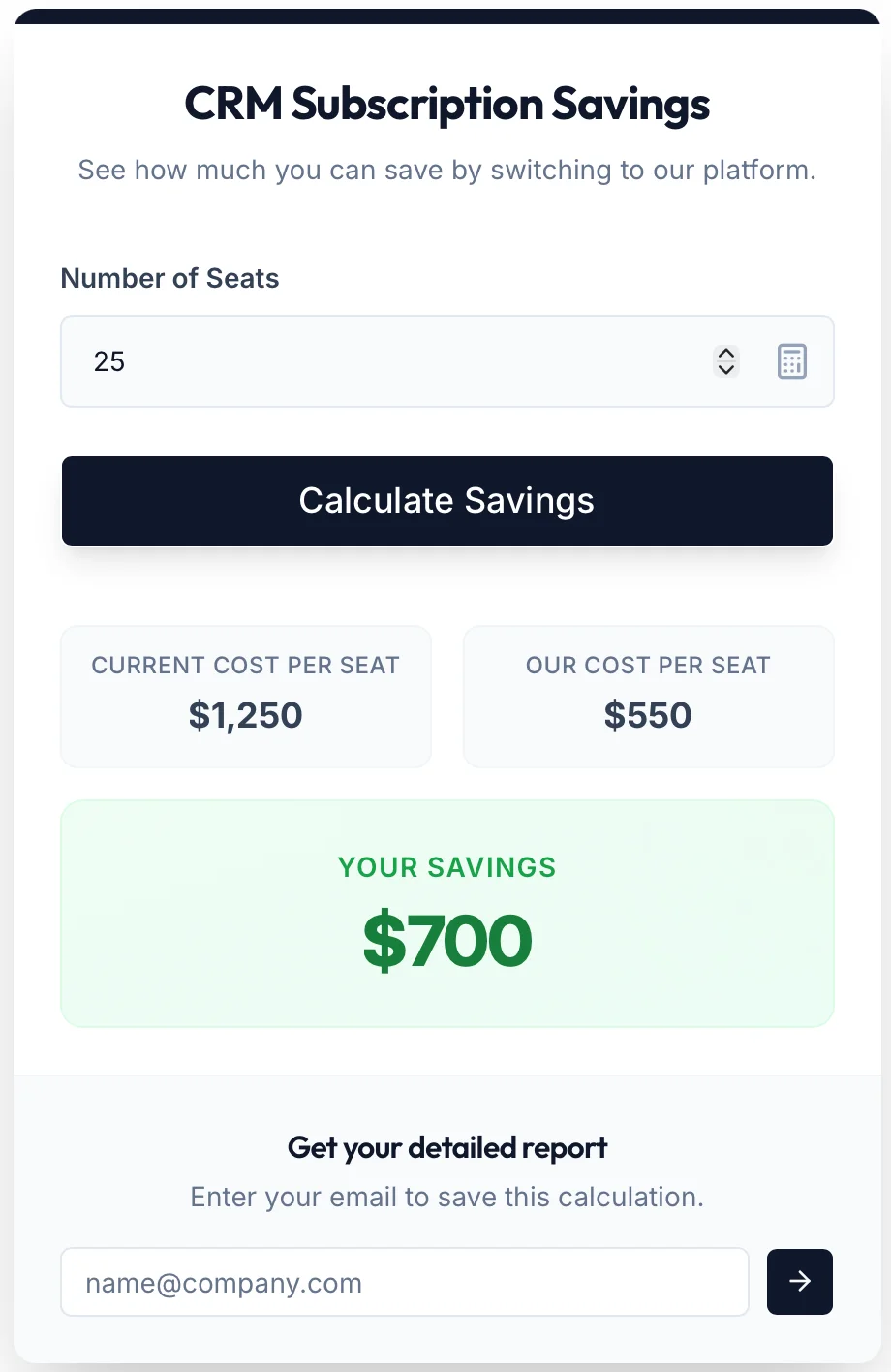
Use your tool to create a sample form. Ours appeared like this:
Ensure your app produces an embeddable snippet (an “iframe”).
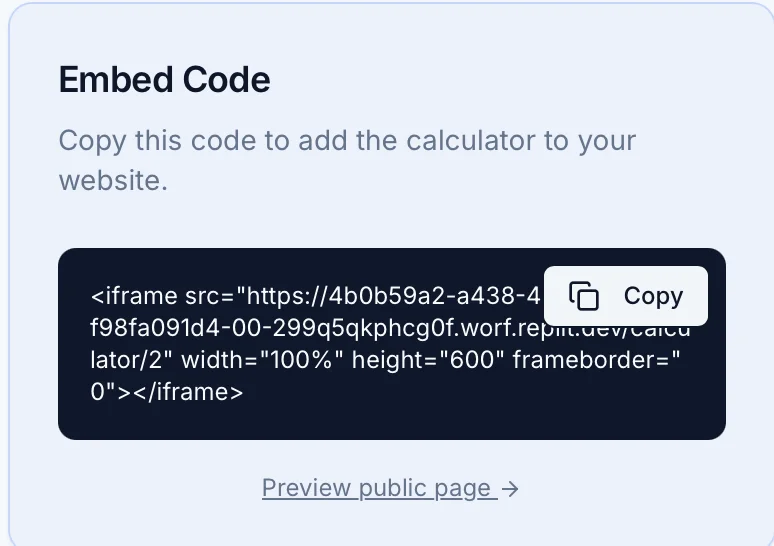
You can copy this iframe and place it on your website. If you’re unsure how, you can provide the code to Replit, Codex, or another AI tool to handle the integration.
Tip: Publish your app using the “Publish” button in the top-right corner. Forms embedded from Preview mode will stop working once you exit Replit.
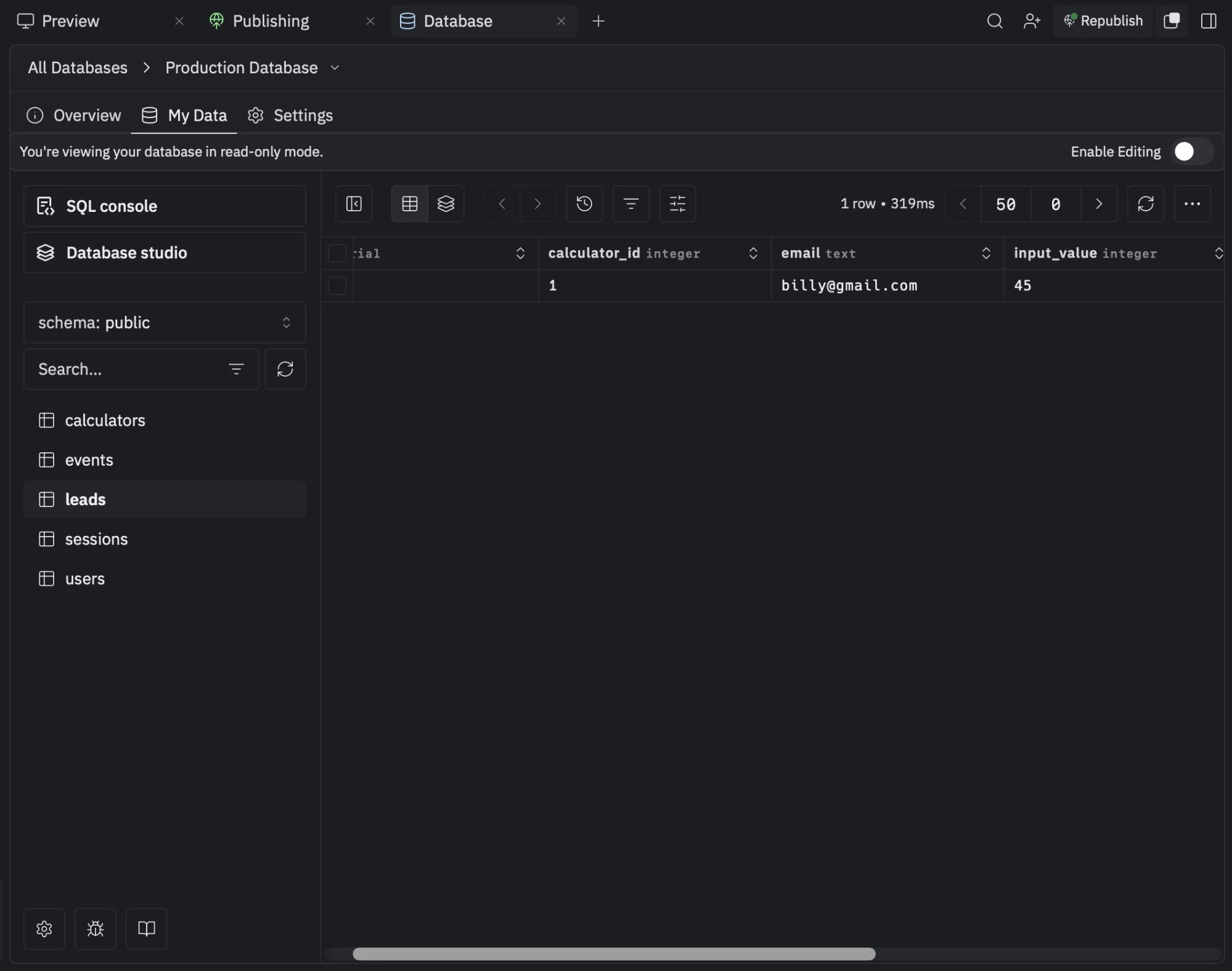
Step 3: Test the Form and View Leads
Test your form by submitting it. Include an email input field at the end.
To access collected data, go to Replit → Database → Production Database.
Next Steps
If you want to send your data elsewhere, use an automation platform like N8N or Make.com. Set up a simple workflow that receives data via webhook and logs it into a Google Sheet. Provide the webhook URL to the Replit agent and instruct it to forward lead data there.
You can also automate the delivery of lead magnets directly to users after submission.

Emily Newton
Emily Newton is an experienced Editor-in-Chief who has spent the last decade sharing her insights on science and technology advances through platforms like IoT for All and DZone. She is deeply interested in showcasing how connected technologies and smart ecosystems transform modern businesses. When she isn’t writing, Emily enjoys walking local trails, playing video games, or curling up with a good book.



