

AI Tutorial
Fix Bugs and Ship Code Directly from Slack
Fix bugs and ship features directly from Slack using Claude Code. Connect GitHub, assign tasks in chat, and manage updates without opening your editor.
Share
Most development work happens inside your editor. You switch tools, check messages, then return to code. This breaks focus and slows execution.
You can move part of this workflow into Slack. With Claude Code connected to your workspace, you assign tasks, review changes, and ship updates without opening your IDE.
What you need
- Claude Pro account with Claude Code
- GitHub account with a repository
- Slack workspace
- A basic project to test
Who this workflow helps
- Small teams working inside Slack
- Developers handling quick fixes on the go
- Operators reducing tool switching
What this setup does
Claude Code connects your Slack workspace to your codebase. You assign tasks through messages. It reads context, updates files, and creates pull requests.
You review and approve changes directly from Slack.
Step 1. Link Claude Code to your repository
Connect Claude Code to your GitHub account.
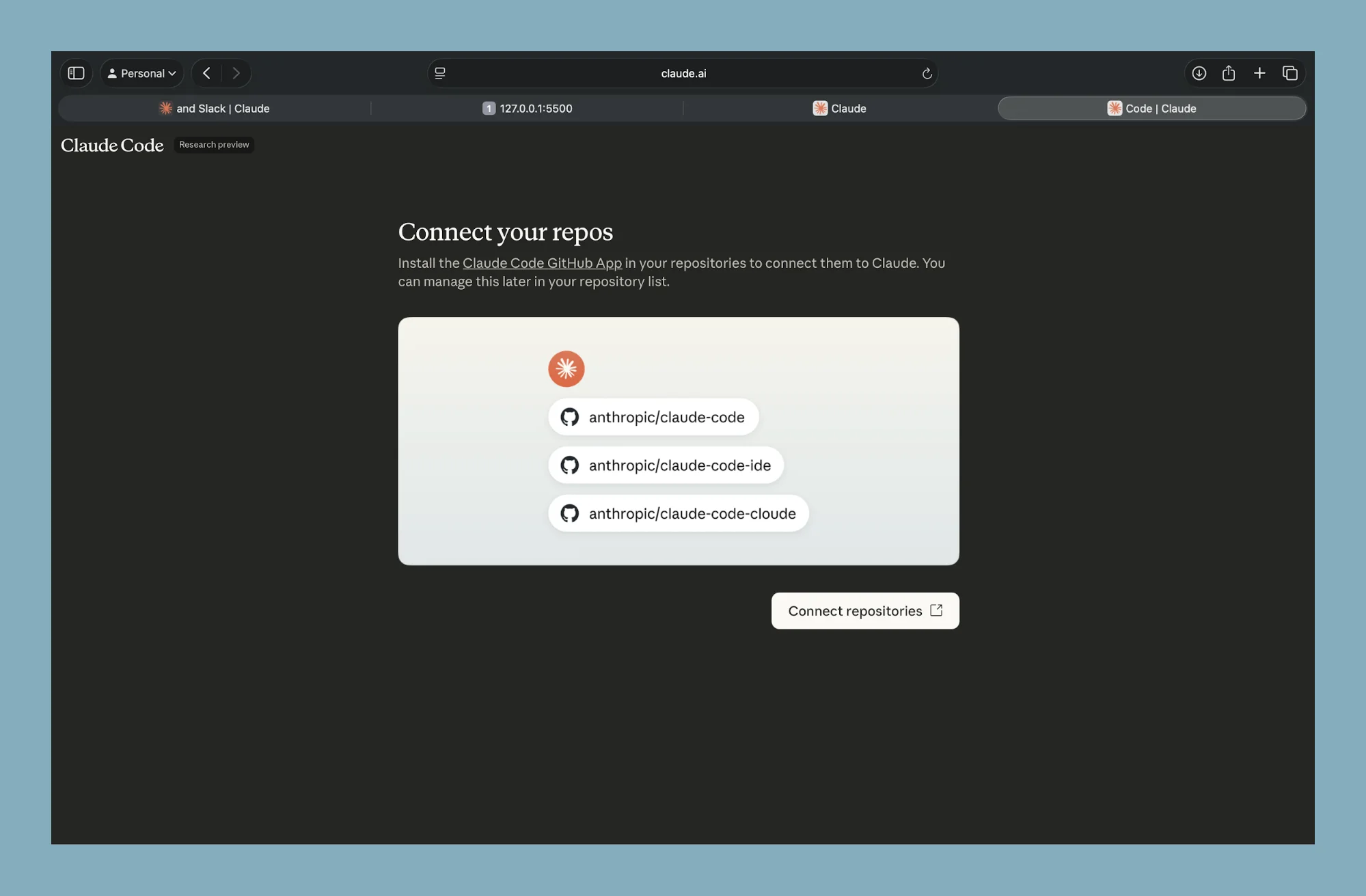
Grant access to the repository you want to manage. Start with a simple project if you are testing.
Step 2. Add Claude to Slack
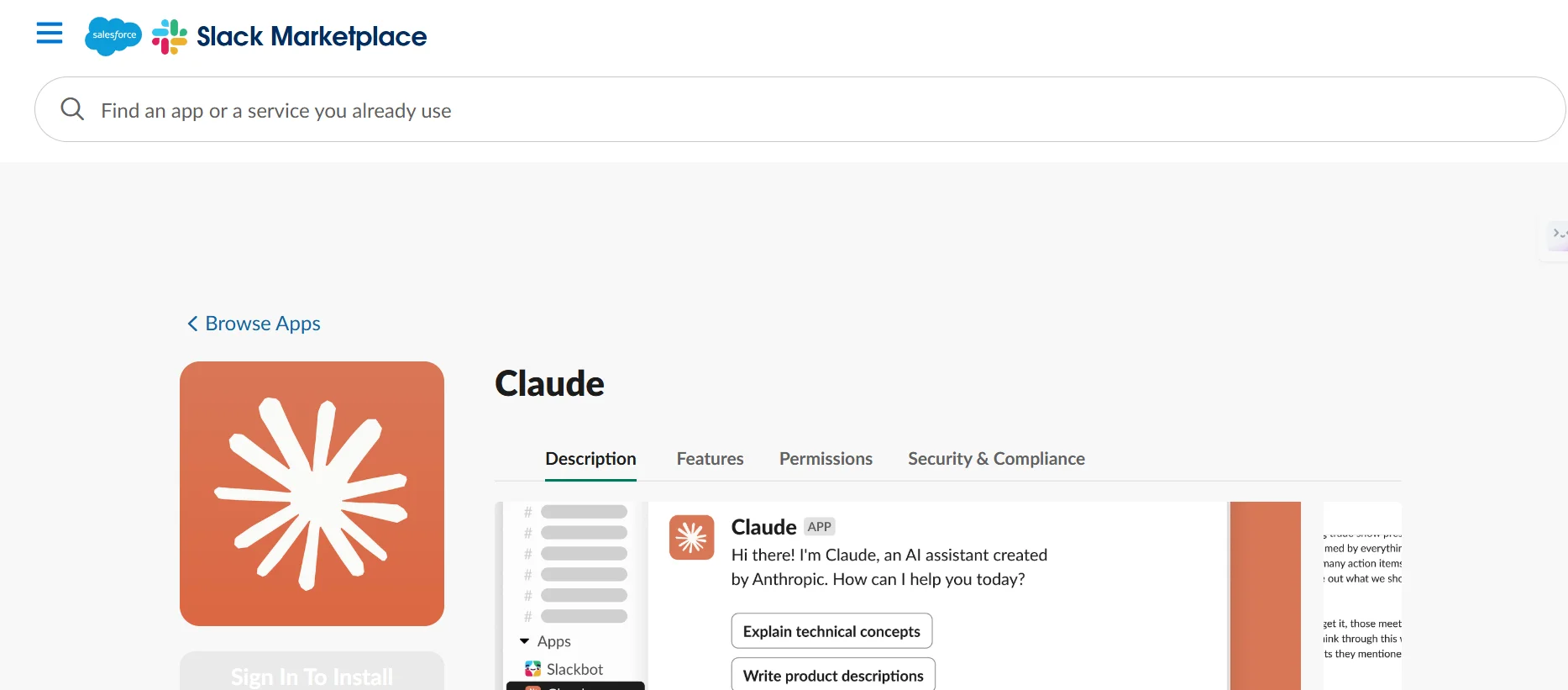
Install the Claude app in your Slack workspace.
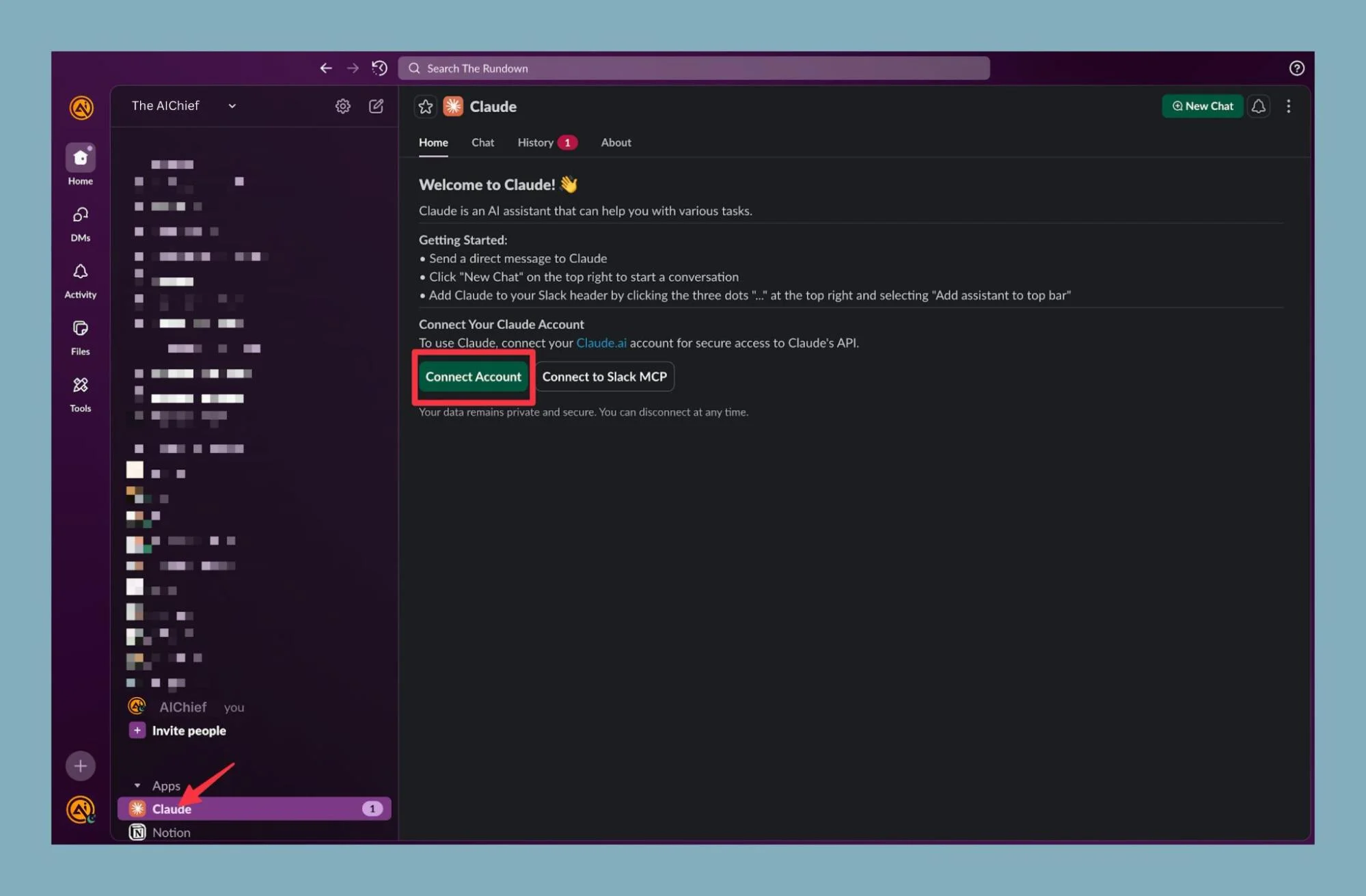
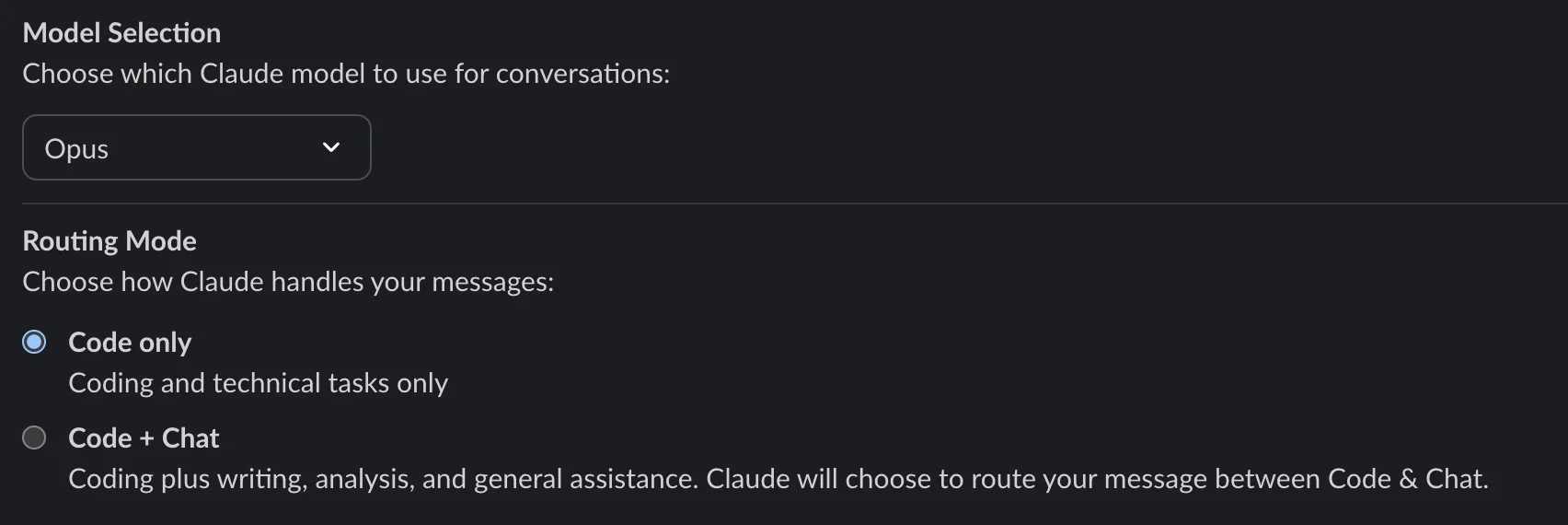
Open Slack and connect your account. Choose the mode that fits your workflow. Code only mode focuses on development tasks.
Step 3. Add Claude to a channel
Claude works inside channels, not direct messages.
Open a channel and mention Claude using @claude. Approve the request to add it.
You can create a dedicated channel for development tasks or use an existing one.
Step 4. Assign tasks through messages
Start a thread in the channel and describe the task.
Examples:
- Fix a layout issue on the homepage
- Update a button style
- Add a new feature
Claude reads recent messages in the thread and builds context before making changes.
For better accuracy, include the repository name or link in the channel details. This helps Claude target the correct project.
Step 5. Review and merge updates
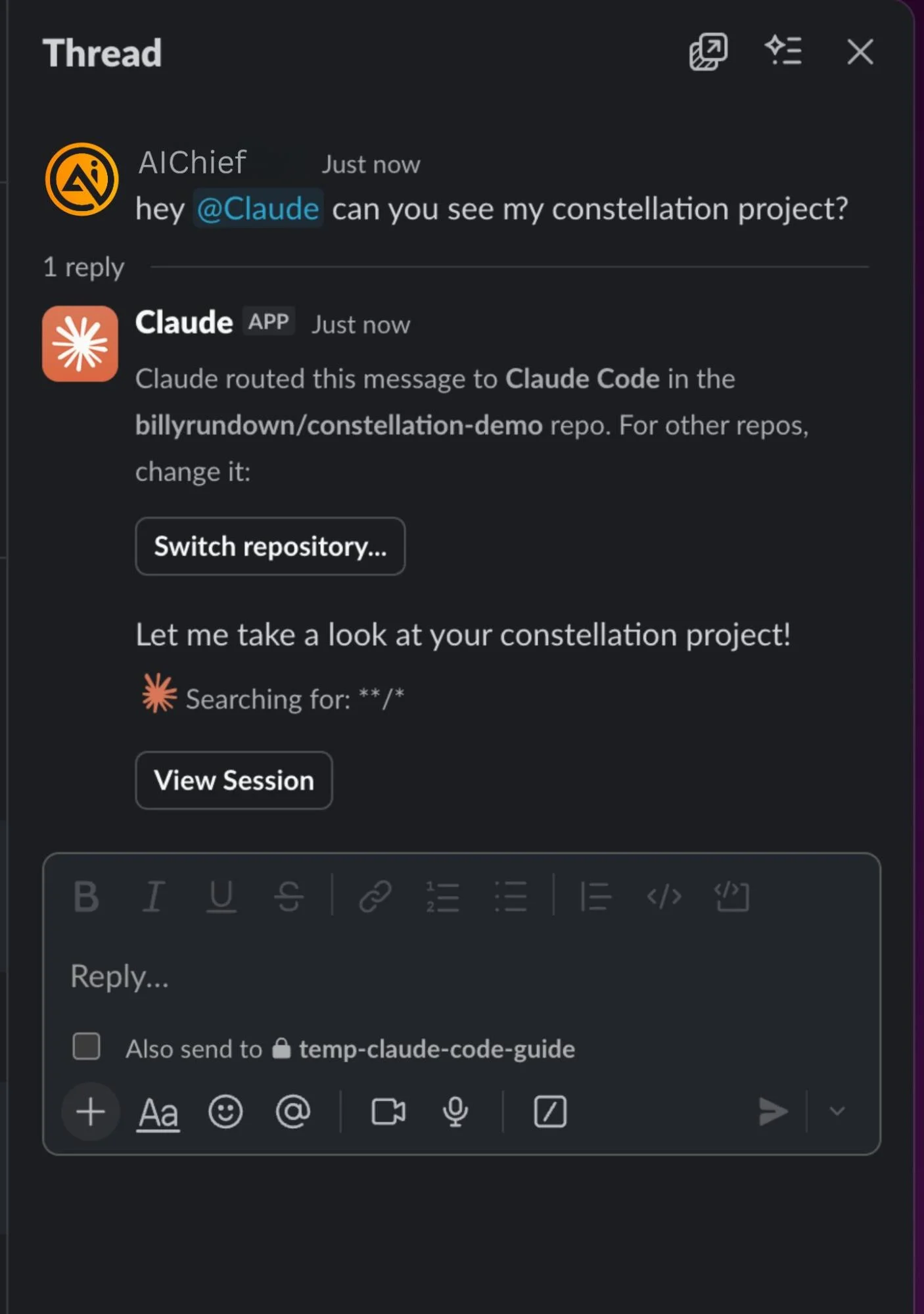
Claude will generate code changes and create a pull request in your repository.
Review the changes and approve them.
Once merged, your updates go live based on your deployment setup.
You can complete this process from your phone using the Slack app.
Extend this workflow
- Ask Claude to generate new components or pages
- Use GitHub Pages to deploy updates automatically
- Keep threads focused on one task for better results
Result
You reduce the need to open your editor for every change. You manage code tasks inside Slack. You move faster from idea to deployment.

Editorial Staff
The Editorial Staff at AIChief is a team of Professional Content writers with extensive experience in the field of AI and Marketing. AIChief was Founded in 2025, AIChief has quickly grown to become the largest free AI resource hub in the industry. Stay connected with them on Facebook, Instagram and X for the latest updates.



