

AI Tutorial
Design High-Impact Product Ads Using Nano Banana
Learn how to use Nano Banana in Gemini to generate product ads, edit images, and test creative marketing ideas quickly and affordably.
Share
This guide explains how to use Nano Banana to create and edit images for product advertising. It’s a practical AI tool for generating ad creatives and testing visual ideas quickly.
Best Suited for:
- Small business owners creating marketing assets
- Designers building quick mockups
- Students or educators visualizing ideas
- Creators experimenting with visuals
Step 1: Access Nano Banana
Nano Banana is available through Gemini.
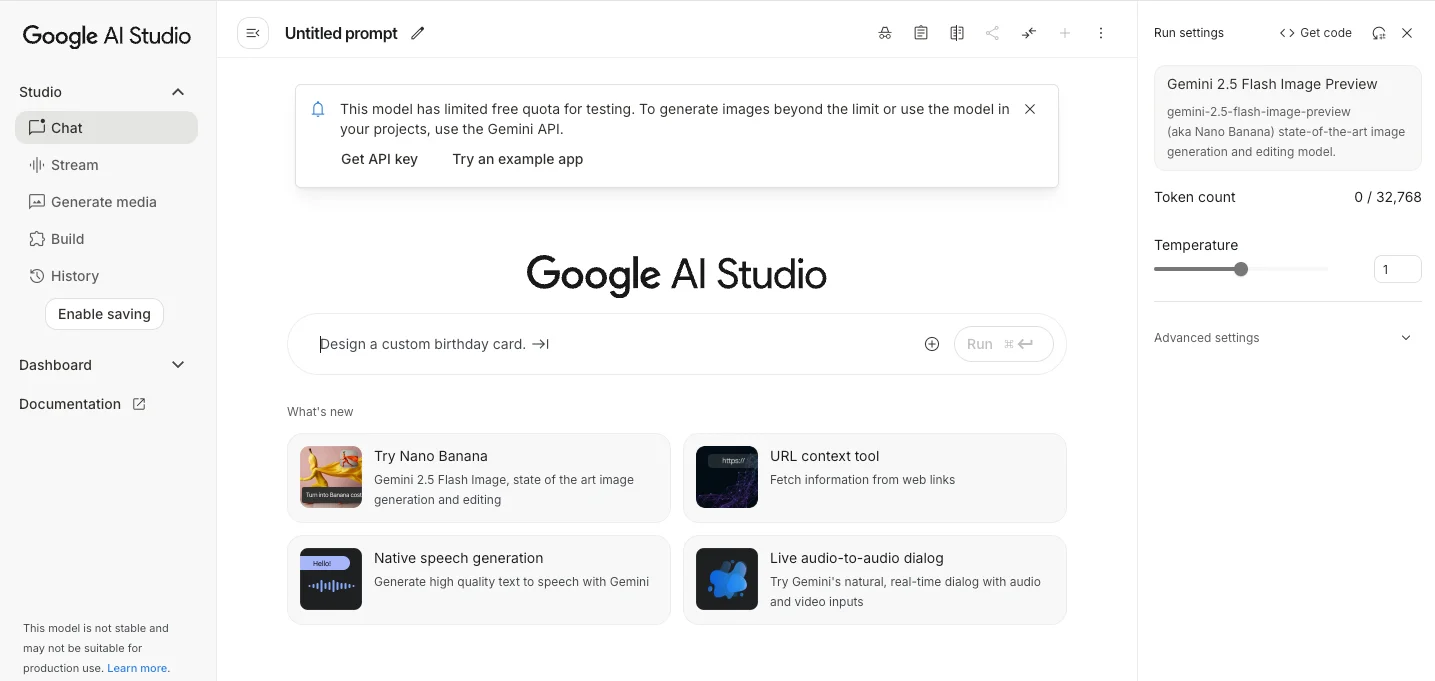
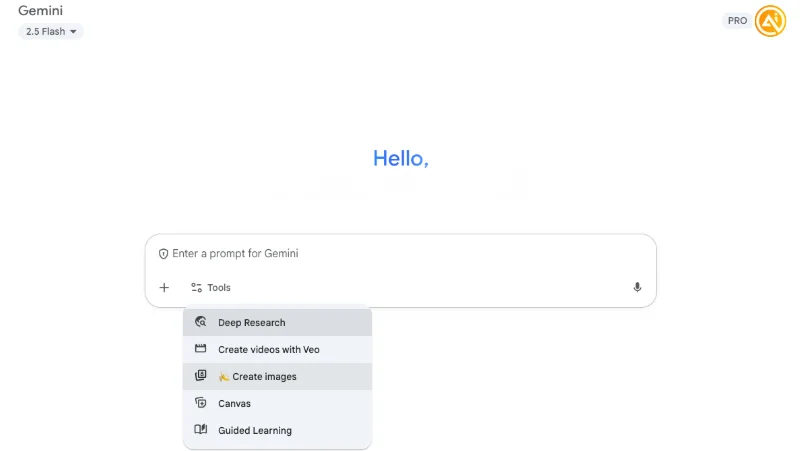
You can access it in two ways:
- Gemini App: Open Gemini, go to chat, click Tools, and enable Create Images
- Google AI Studio: Use AI Studio for a more advanced interface
The Gemini app is typically easier for most users.
Step 2: Enable image generation and write your prompt
Turn on Create Images and upload your product image.
Use a prompt like:
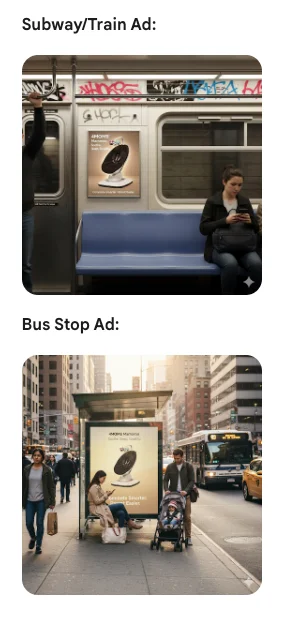
“Create ads using this product in different environments such as a subway, train, or bus stop.”
The model integrates your product into realistic scenes and formats them as ad creatives.
Improve results by:
- Changing environments
- Adding slogans or branding
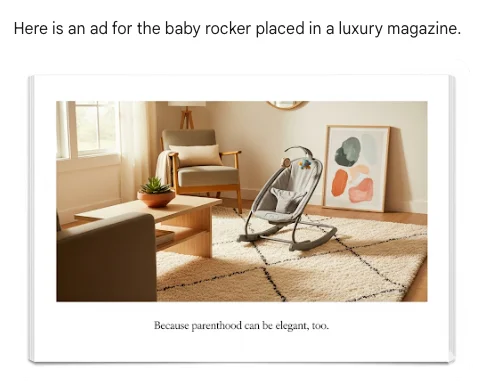
- Testing different visual styles
More specific prompts usually lead to stronger outputs.
Step 3: Experiment with creative variations
You can go beyond basic ads by:

- Turning sketches into colored visuals
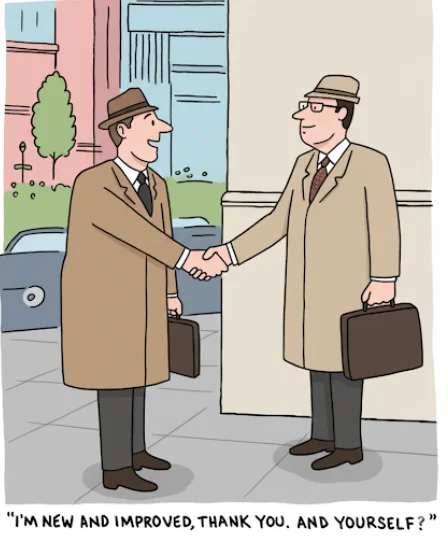
- Applying stylistic edits
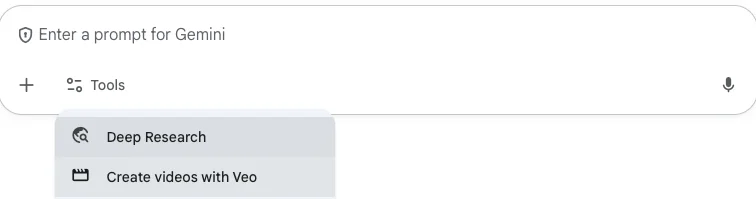
- Creating short animations using tools like VEO
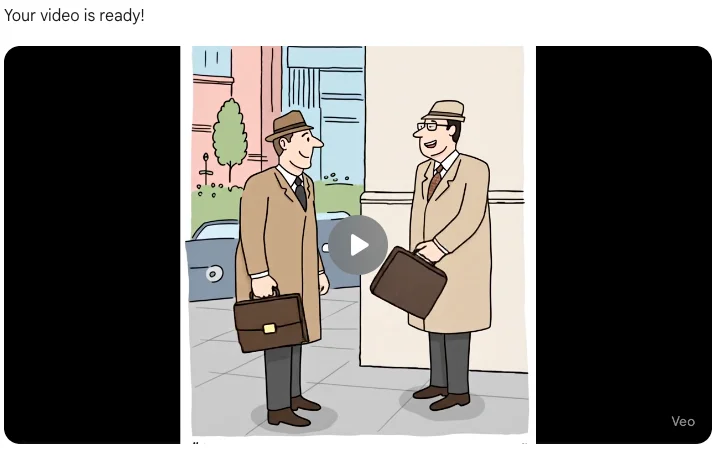
Enable video generation to bring your visuals to life.
Step 4: Export and apply your visuals
Download your images and use them across:
- Ad campaigns
- Social platforms
- Product pages
Pro Tip
Use Nano Banana to test campaign ideas before investing in production. It’s a cost-efficient way to validate creative direction.

Editorial Staff
The Editorial Staff at AIChief is a team of Professional Content writers with extensive experience in the field of AI and Marketing. AIChief was Founded in 2025, AIChief has quickly grown to become the largest free AI resource hub in the industry. Stay connected with them on Facebook, Instagram and X for the latest updates.



