

AI Tutorial
Create Viral YouTube Scripts With NotebookLM
Learn how to use NotebookLM to analyze YouTube videos, extract winning formulas, and turn them into high-performing script blueprints.
Share
In this walkthrough, you’ll use NotebookLM to break down YouTube videos and identify the structure behind their success. You’ll then convert those insights into reusable frameworks for writing your own scripts.
Who This Is For
- Product managers creating clearer announcement videos
- Interviewers who need a better structure for conversations
- Anyone producing YouTube content
What You’ll Create
A structured notebook that analyzes videos and turns them into reusable “blueprints” for script writing.
What You Need
- Google Workspace or Gmail account
- One or two video ideas
Step 1: Add Your Source Video
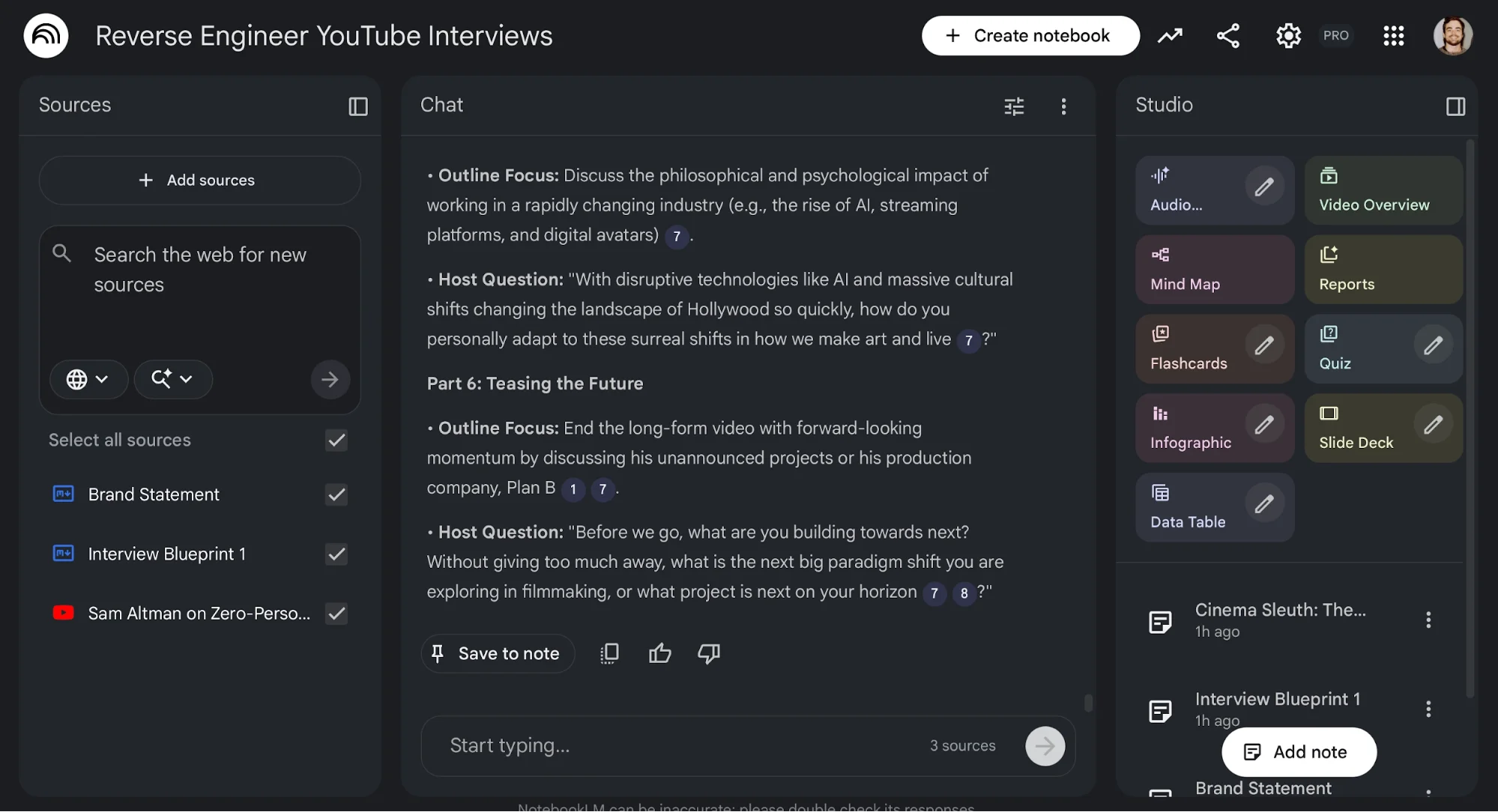
Find a long-form YouTube video with a structure you like. Go to NotebookLM, create a new notebook, and add the video link as a source.
Then create a note describing your brand, audience, and content direction. Save it as a source as well.
Tip: You can also add your website or upload PDFs to give more context.
Step 2: Turn the Video Into a Blueprint
Select both the video and your brand note. Then use this prompt:
Reverse engineer the structure of this video. Turn it into a blueprint that outlines the structure so I can use it for [my brand] content. Include scenes and possible angles.
Save the output as a note.
Rename it “Blueprint 1” and convert it into a source so it can be reused.
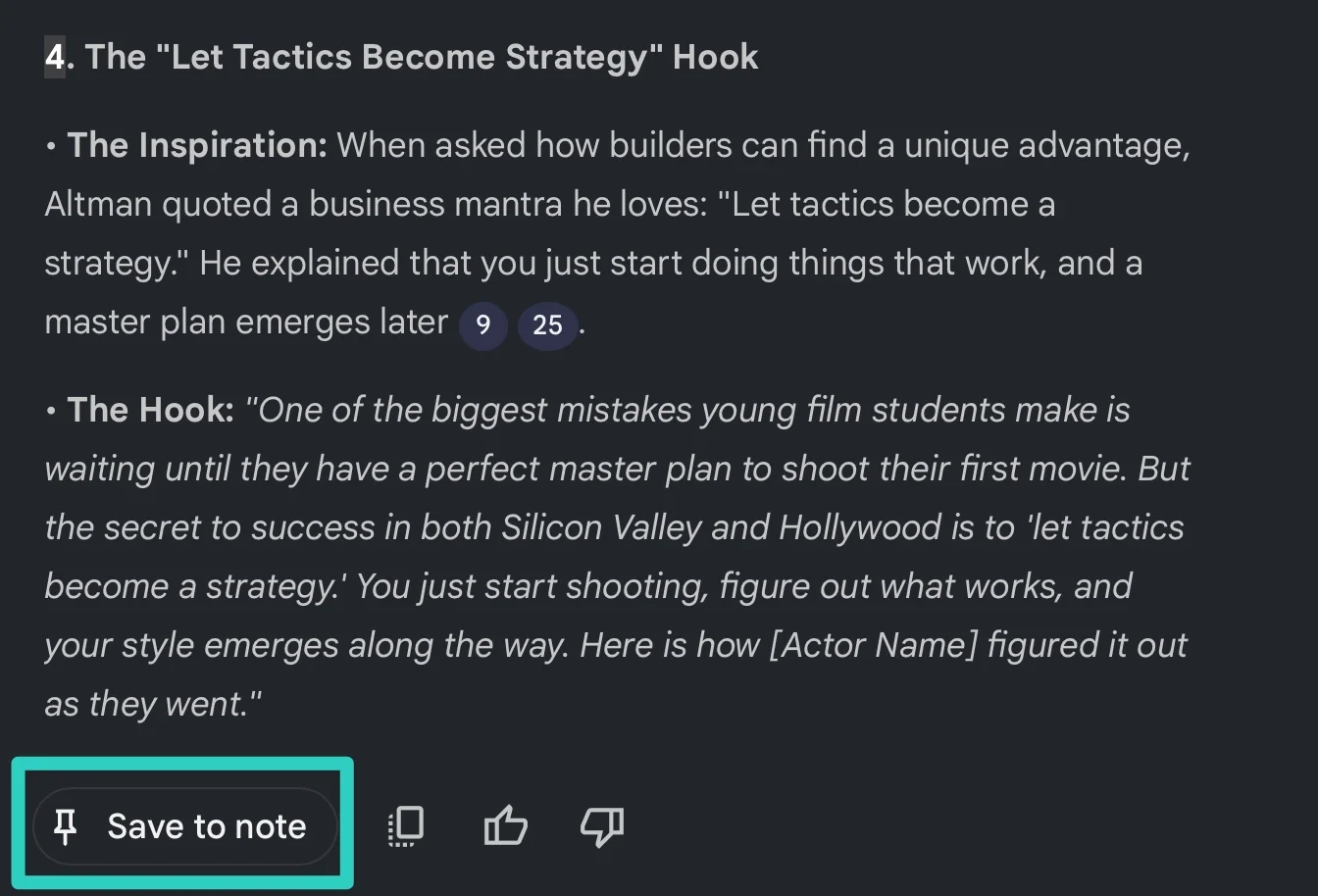
Tip: You can export notes into Google Docs or Sheets if needed.
Step 3: Generate Scripts From the Blueprint
Now deselect the video source so only your brand note and Blueprint 1 remain.
Use a prompt like:
Use Blueprint 1 to create an outline, a script, and four video titles for my brand on the topic of [your topic].
NotebookLM will generate a structured script based on the blueprint.
You can export the script and refine it further. Over time, build a collection of blueprints for different video styles and formats.
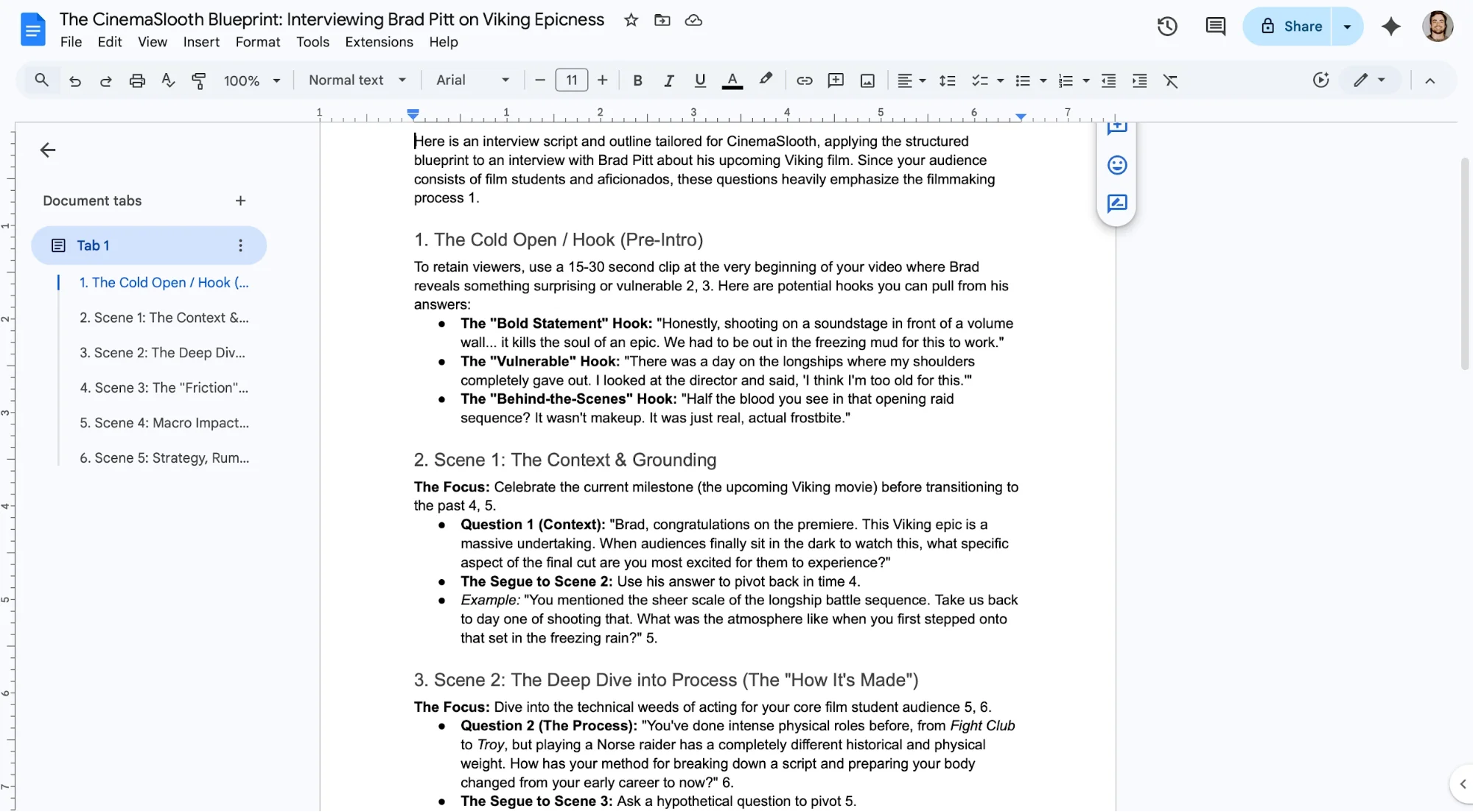
For example, you can create a dedicated notebook for product announcements by analyzing multiple examples and turning them into reusable structures.
Take It Further
You can also use NotebookLM to analyze your own videos. Add one of your videos and prompt: Review this video and provide feedback on engagement. Highlight sections that could work as hooks for short-form content.
Collect these hooks in a document and add it as a source. This allows your notebook to improve over time as you analyze more content.

Editorial Staff
The Editorial Staff at AIChief is a team of Professional Content writers with extensive experience in the field of AI and Marketing. AIChief was Founded in 2025, AIChief has quickly grown to become the largest free AI resource hub in the industry. Stay connected with them on Facebook, Instagram and X for the latest updates.



