

AI Tutorial
Create UGC-Style Marketing Videos with Different Camera Angles Using Sora 2
Learn how to generate short UGC-style marketing videos in Sora 2 using prompts, camera angles, close-ups, and realistic creator-style scenes.
Share
In this guide, you’ll learn how to create AI-generated UGC-style content with different camera angles for marketing campaigns and content strategy.
Who This Is Useful For
- Solo founders who need quick product videos
- Social media managers testing AI-generated content at scale
- Performance marketers prototyping UGC-style ads
- Creators experimenting with cinematic camera movement
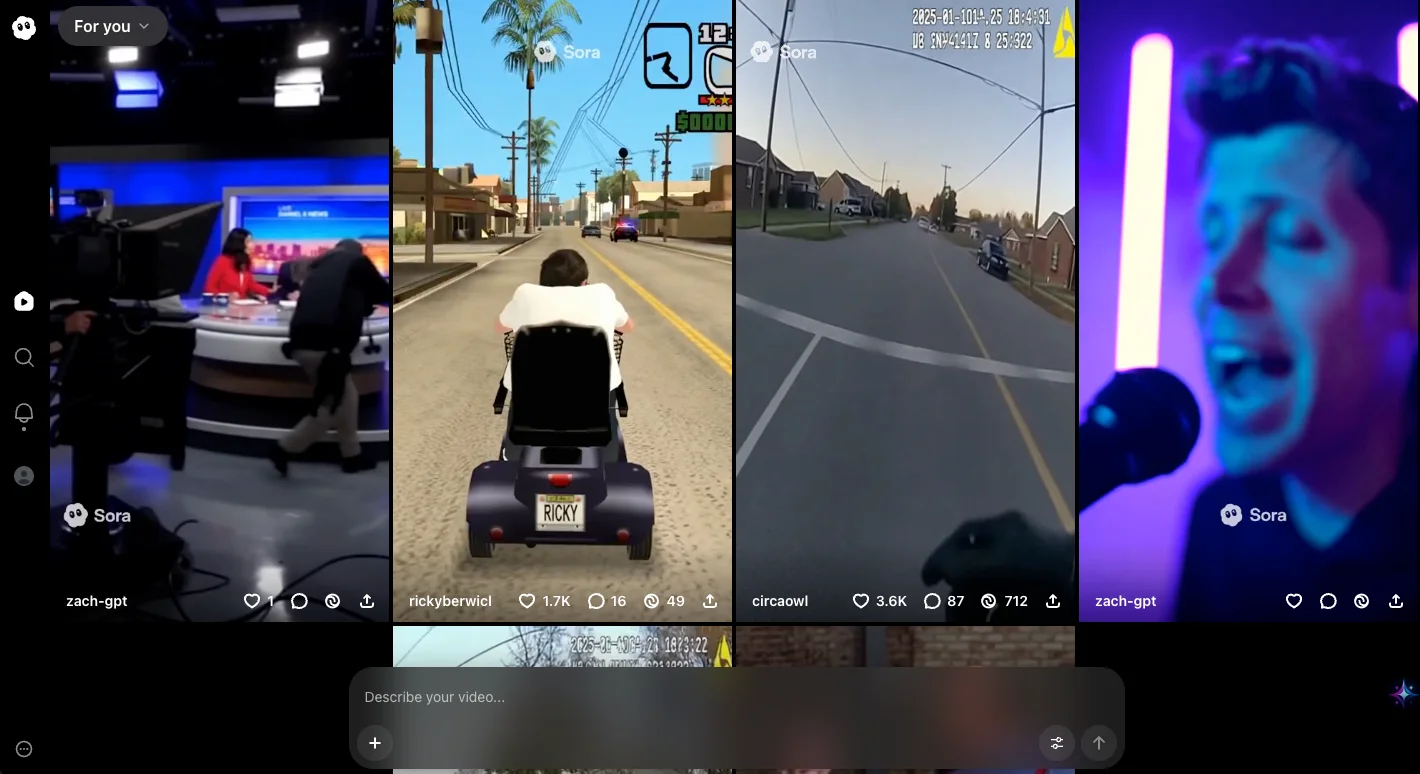
STEP 1: Access Sora 2
To begin creating videos, open the Sora homepage or mobile app.
On the homepage, you can browse trending videos or start a new creation by using the “Create your video” chat box.
Note: While the Sora app is in beta, you may need an invite code to access it.
STEP 2: Enter your prompt
Next, write your video prompt. Be clear about the subject, action, camera framing, lighting, and overall style.
For a UGC-style influencer ad where someone is demonstrating or reacting to a product, you can use a prompt like:
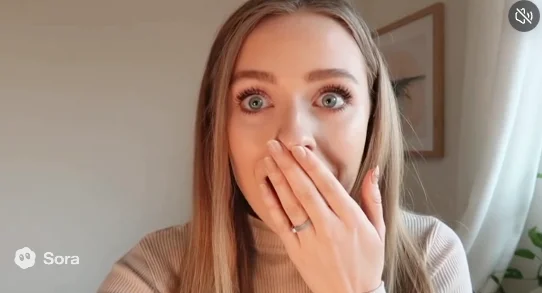
Selfie-mode. A young blonde woman films herself with her phone, eyes wide, mouth open in shock. She slowly raises her hand to cover her mouth as if gasping, holding the pose with a surprised expression. Natural lighting, authentic TikTok vibe. She says “Meta Raybans.”
This type of prompt creates a casual, creator-style video that feels similar to short-form social content.
STEP 3: Add multiple camera angles
For another version, you can ask Sora to include a camera cut.
For example:
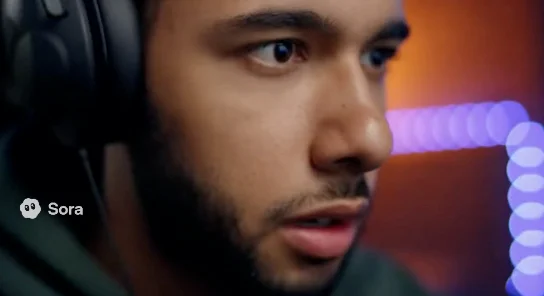
- A man is playing a video game. Cut to a close-up shot of the man’s face.
- This creates a simple wide-shot-to-close-up sequence without needing manual editing.
- Using camera terms like “selfie-mode,” “wide shot,” “close-up,” “over-the-shoulder,” or “cut to” helps guide the final output.
STEP 4: Post or download your content
Once you are happy with the result, you can publish it on the Sora app or download it for use elsewhere.
Keep these points in mind:
- Avoid requesting videos of real people by name, such as public figures or specific private individuals, because those requests may be declined.
- You cannot upload images containing people, but you may be able to use approved cameo-style versions to create clips.
- Some users may look for ways to remove watermarks, but always follow the platform’s usage rules and licensing terms.
Pro Tip
Focus on becoming strong at prompting Sora with different angles, shots, environments, lighting styles, and pacing.
Short clips between 5–10 seconds can be especially useful for marketing, since they force you to deliver value quickly and test ideas faster.

Editorial Staff
The Editorial Staff at AIChief is a team of Professional Content writers with extensive experience in the field of AI and Marketing. AIChief was Founded in 2025, AIChief has quickly grown to become the largest free AI resource hub in the industry. Stay connected with them on Facebook, Instagram and X for the latest updates.



