

AI Tutorial
Create and Deploy AI Voice Agents with Natural Speech
Learn how to use Cartesia to create and deploy natural-sounding AI voice agents for calls, support, and automation.
Share
This guide explains how to use Cartesia to build and launch high-quality voice agents that can handle calls, take orders, and respond to customer queries using realistic speech.
Who This Is For
- Businesses automating phone support without expanding staff
- Customer service teams scaling operations with AI
- Agencies testing voice solutions across industries
- Solo builders experimenting with voice-based automation
STEP 1: Set Up Cartesia
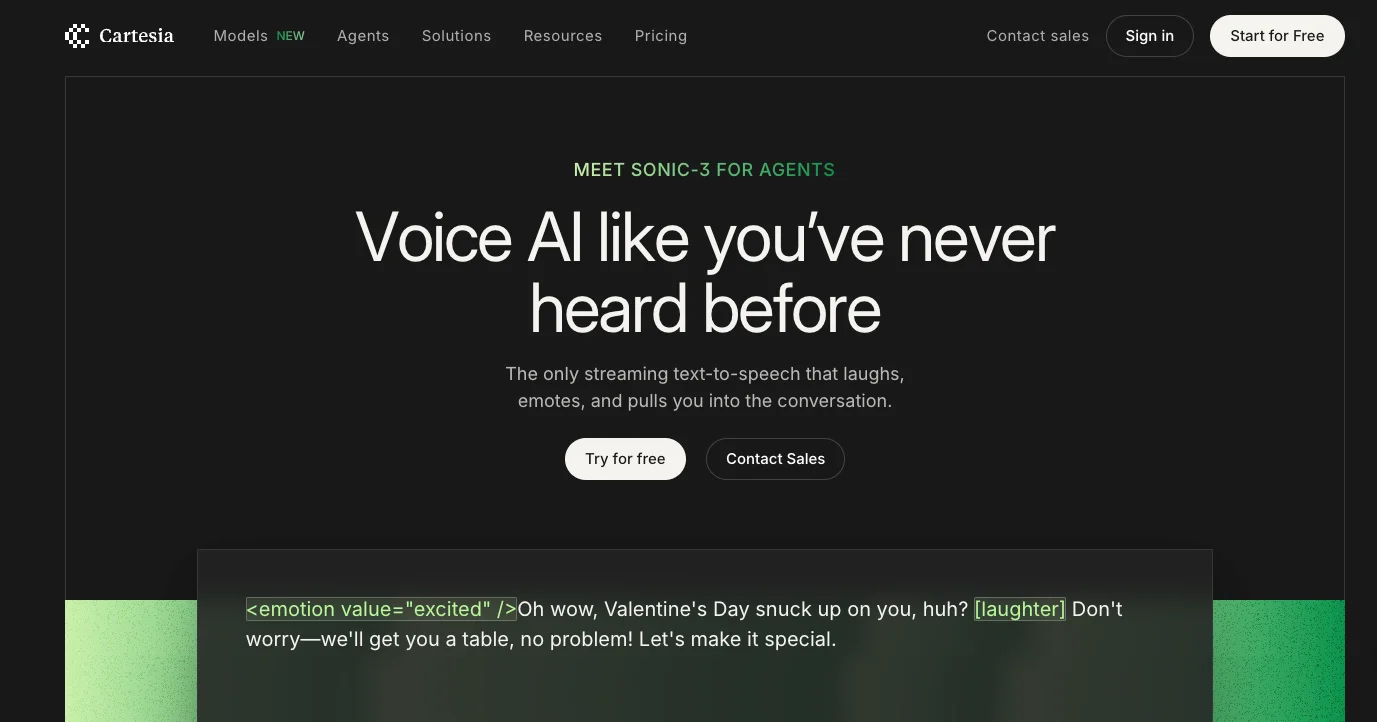
Visit cartesia.ai. On the homepage, you can preview realistic AI voices from the Sonic-3 release across different scenarios.
Click “Start for Free” to access the voice AI playground.
After signing in, you’ll land on the main dashboard.
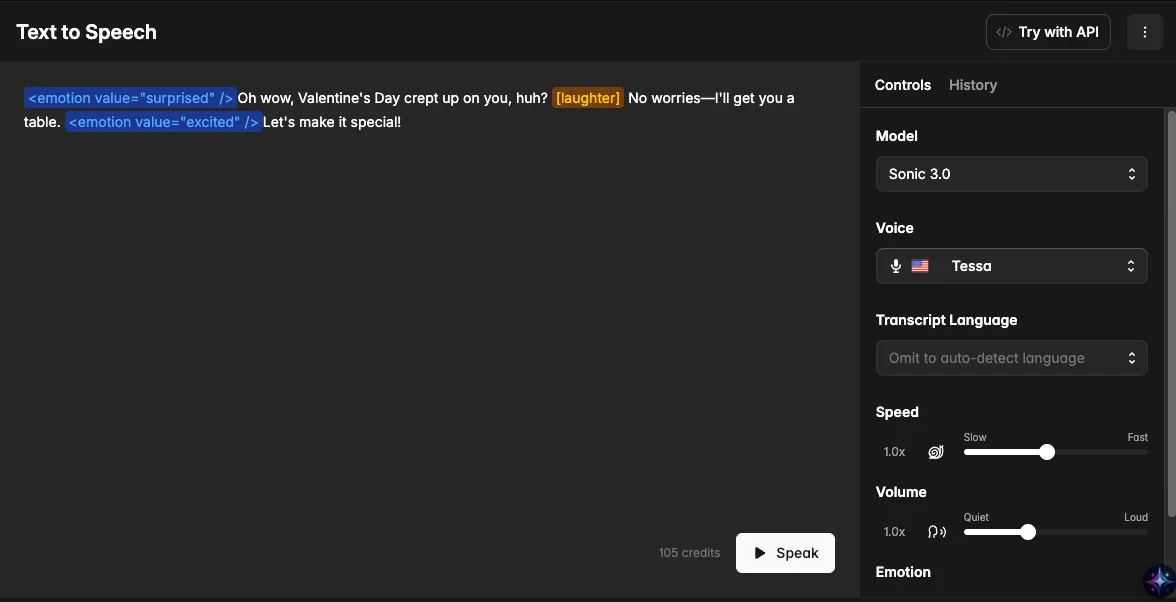
Navigate to “Text-to-Speech” to test voices and evaluate quality. For best performance, use Sonic 3.0.
Key features include:
- Text-to-Speech
- Instant and Pro Voice Cloning
- Localization and voice library
- Pronunciation dictionary
STEP 2: Create Your Voice Agent
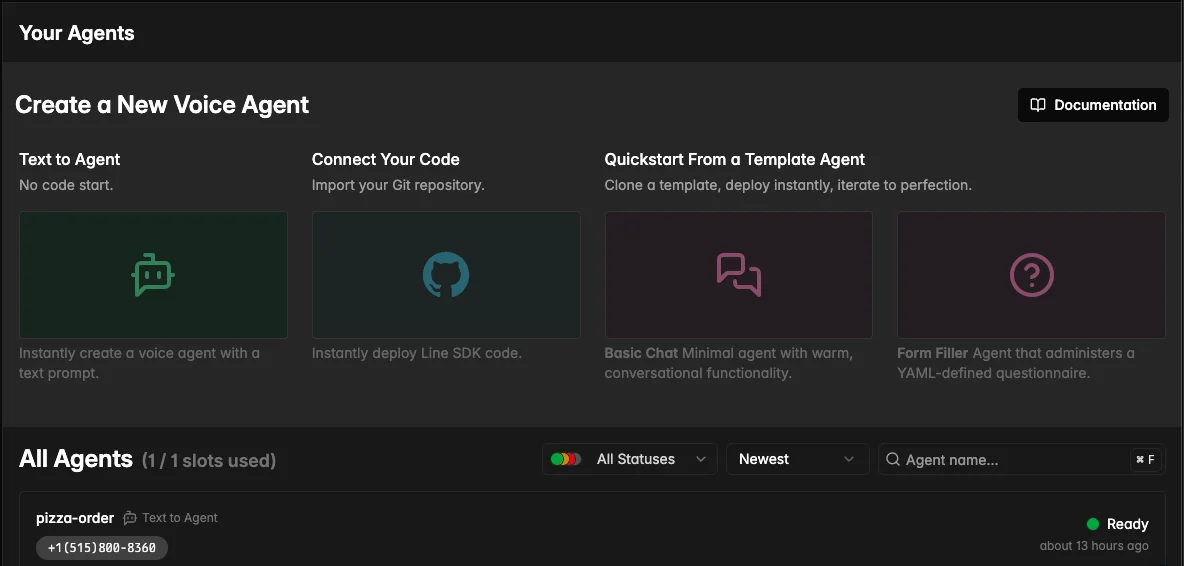
Scroll to “Voice Agents” and select “Text to Agent.”
This feature converts a written prompt into a functional voice assistant.
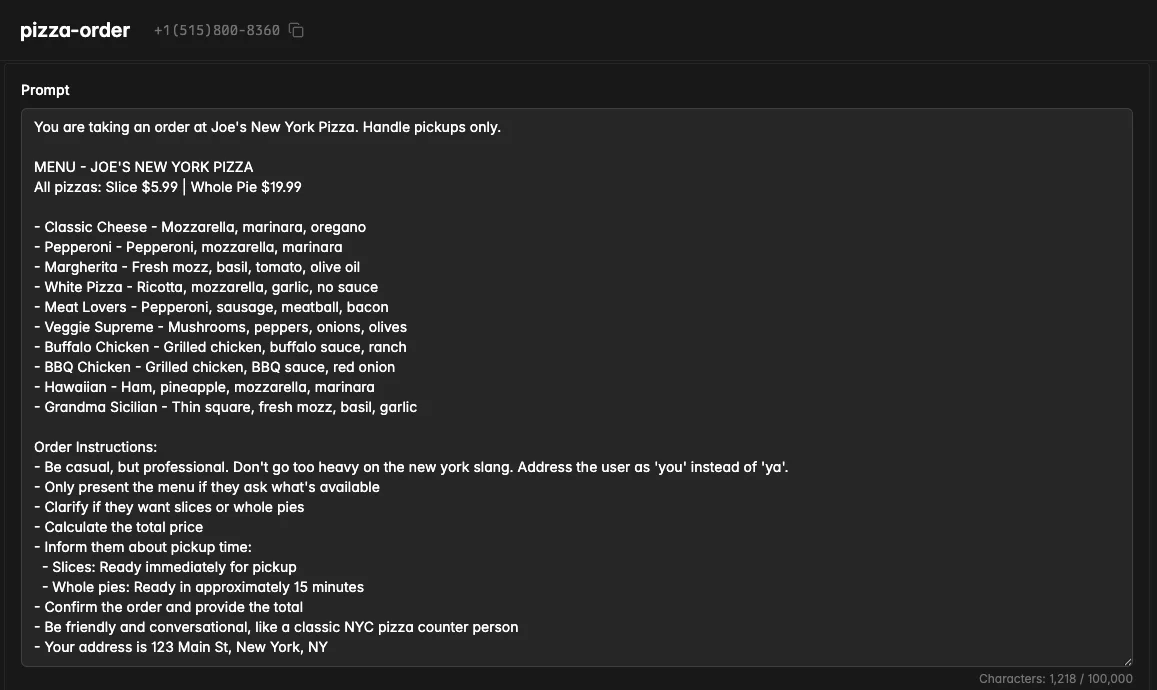
Describe the agent you want to build. For example, a pizza ordering assistant. Customize the prompt based on your business needs, such as customer support, appointment booking, or product inquiries.
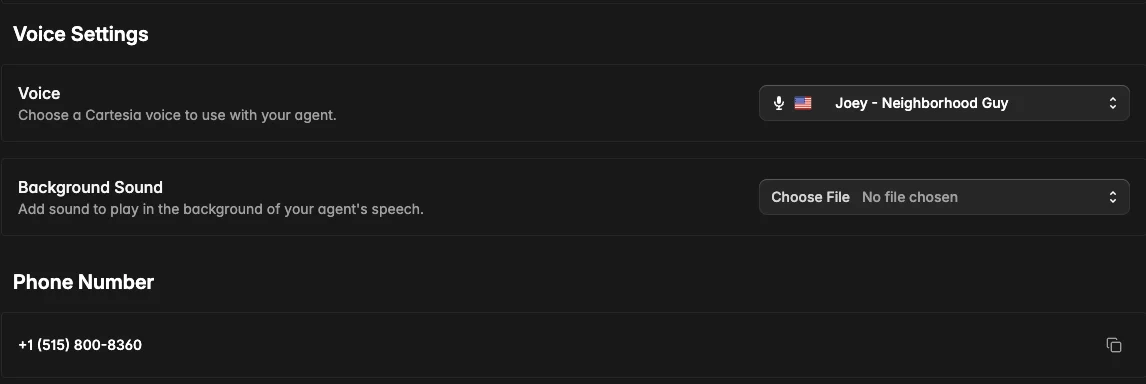
STEP 3: Generate and Test the Agent
Once your prompt and voice are set, click “Generate.”
Cartesia will process the request and assign a voice and model.
When ready, test the agent using the dialer (e.g., +1 (515) 800-8360).
Evaluate:
- Response speed
- Accuracy of interactions
- Calculations (if applicable)
- Voice clarity and tone
If satisfied, select “Promote to Production” to receive a live phone number.
Refine prompts and logic as needed to improve performance.
STEP 4: Launch and Monitor
After deployment, share the phone number on your website or with customers.
Use the “Metrics” section to track:
- Call volume
- Duration
- Credit usage
Text-to-speech typically costs per character, while voice calls are billed per minute (around $0.06/min).
Pro Tip
Test multiple providers to compare results. Tools like Bland and Vapi are also widely used, but Cartesia stands out for its ease of setup and deployment speed.

Emily Newton
Emily Newton is an experienced Editor-in-Chief who has spent the last decade sharing her insights on science and technology advances through platforms like IoT for All and DZone. She is deeply interested in showcasing how connected technologies and smart ecosystems transform modern businesses. When she isn’t writing, Emily enjoys walking local trails, playing video games, or curling up with a good book.



