

AI Tutorial
Create a Claude Skill for YouTube Thumbnail Design
Learn how to create a custom Claude Skill that generates branded, high-CTR YouTube thumbnails automatically.
Share
This guide explains how to create a Claude Skill that analyzes high-performing YouTube content and generates consistent, on-brand thumbnails automatically.
Who This Is For
- YouTube creators looking to save time on thumbnail design
- Content agencies producing visuals for multiple clients
- Solopreneurs testing thumbnail variations without design tools
- Anyone wanting consistent branding across thumbnails
STEP 1: Enable Claude Skill Capabilities
Go to Claude and sign in with a Pro or Max account.
Open settings via the profile icon and configure:
- Enable Code execution & file creation (required for generating image files like PNGs)
Scroll to the Skills section:
Turn on Skill Creator
- Click the menu next to it and select “Try in Chat”
- This prepares your environment for building custom skills.
STEP 2: Create the Thumbnail Generator Skill
Start a new chat and upload your brand logo.
Use a prompt like:
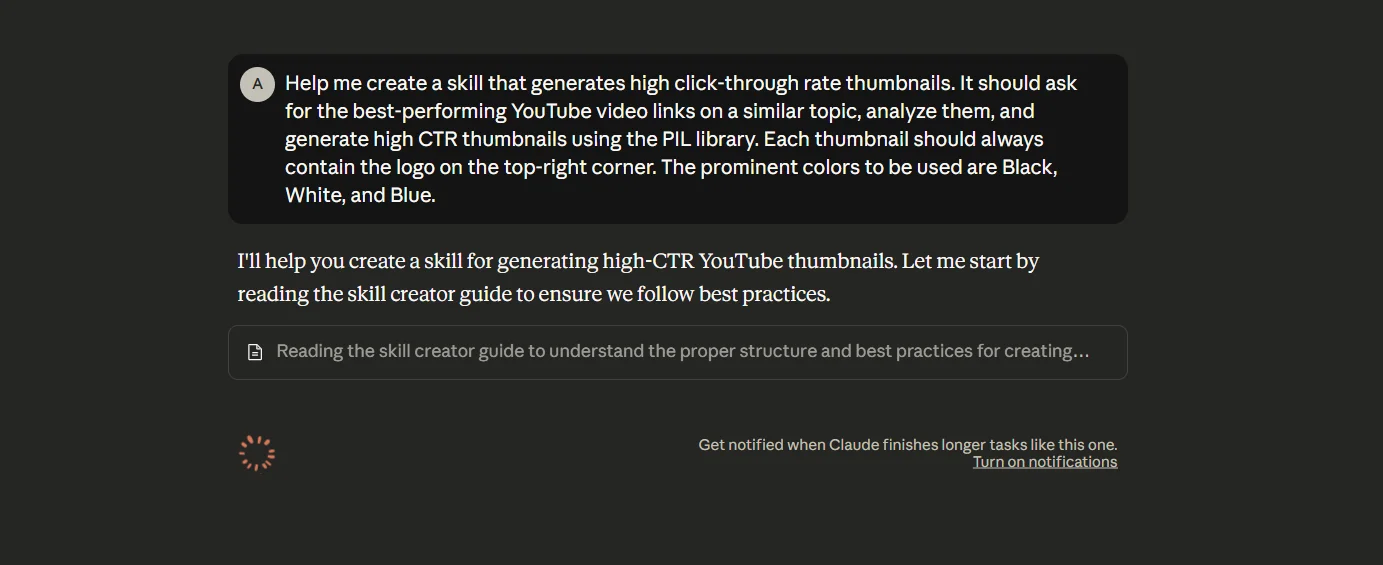
“Help me create a skill that generates high click-through rate YouTube thumbnails. It should request top-performing video links on similar topics, analyze them, and generate thumbnails using the PIL library. Each thumbnail must include my logo in the top-right corner and use black, white, and blue as primary colors.”
Claude will generate a custom “Thumbnail Generator” Skill along with a ZIP file and usage instructions.
STEP 3: Install the Custom Skill
Download the generated ZIP file.
Go to:
Profile, then Settings, and then Capabilities, lastly Upload Skill
Upload the ZIP file to install it. The new skill will now be available across your chats.
STEP 4: Generate YouTube Thumbnails
Start a new chat and provide your topic along with examples of high-performing videos.
Example Prompt:
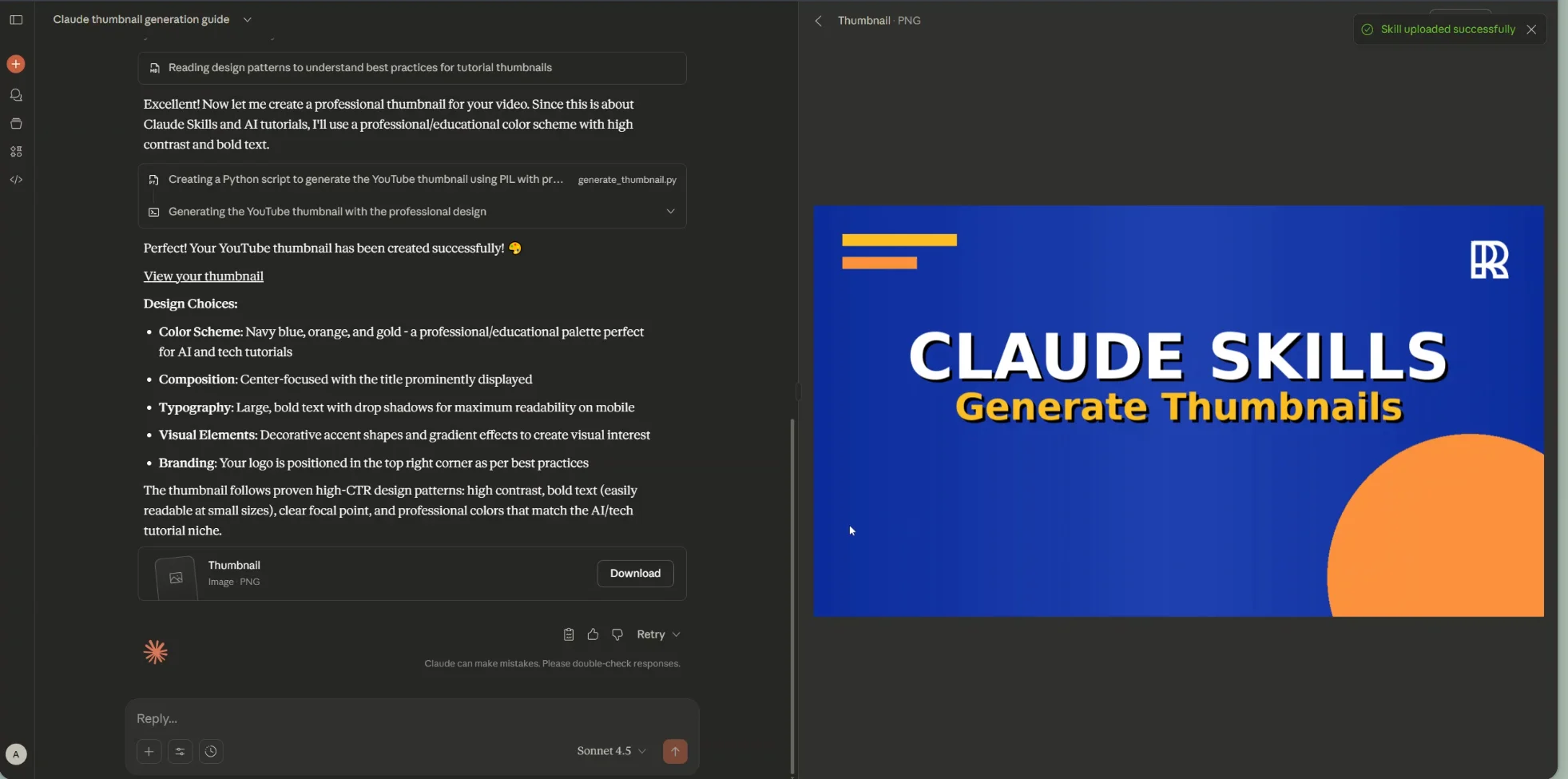
“Create a YouTube thumbnail for ‘AI Productivity Tools 2025.’ Here are three top-performing videos: [insert links]. Generate a high-CTR thumbnail using my brand colors and place my logo in the top-right corner.”
Claude will generate a thumbnail based on your inputs and branding.
You can refine results with prompts like:
- “Switch to Roboto font”
- “Make the text bolder using a sans-serif style”
Pro Tip
Use this workflow to build additional Claude Skills, such as tools for generating presentations or creating email marketing campaigns automatically.

Editorial Staff
The Editorial Staff at AIChief is a team of Professional Content writers with extensive experience in the field of AI and Marketing. AIChief was Founded in 2025, AIChief has quickly grown to become the largest free AI resource hub in the industry. Stay connected with them on Facebook, Instagram and X for the latest updates.



