

AI Tutorial
Comparing ChatGPT Images vs Nano Banana Pro Across Key Scenarios
Compare ChatGPT image generation and Nano Banana Pro across real use cases, and learn how to build your own evaluation framework.
Share
This walkthrough compares ChatGPT’s image model with Nano Banana Pro across multiple use cases. You’ll also learn how to create a reusable comparison framework for evaluating AI models.
We also tested Nano Banana Pro through Google AI Studio to see if it performs better than the standard version.
Tip: If you don’t have Gemini Pro, Nano Banana Pro can often be accessed for free. Try using an incognito browser if needed.
Who It’s For
- Business owners creating marketing assets
- Designers using AI-generated visuals
- Anyone looking to improve AI image outputs
What You’ll Create
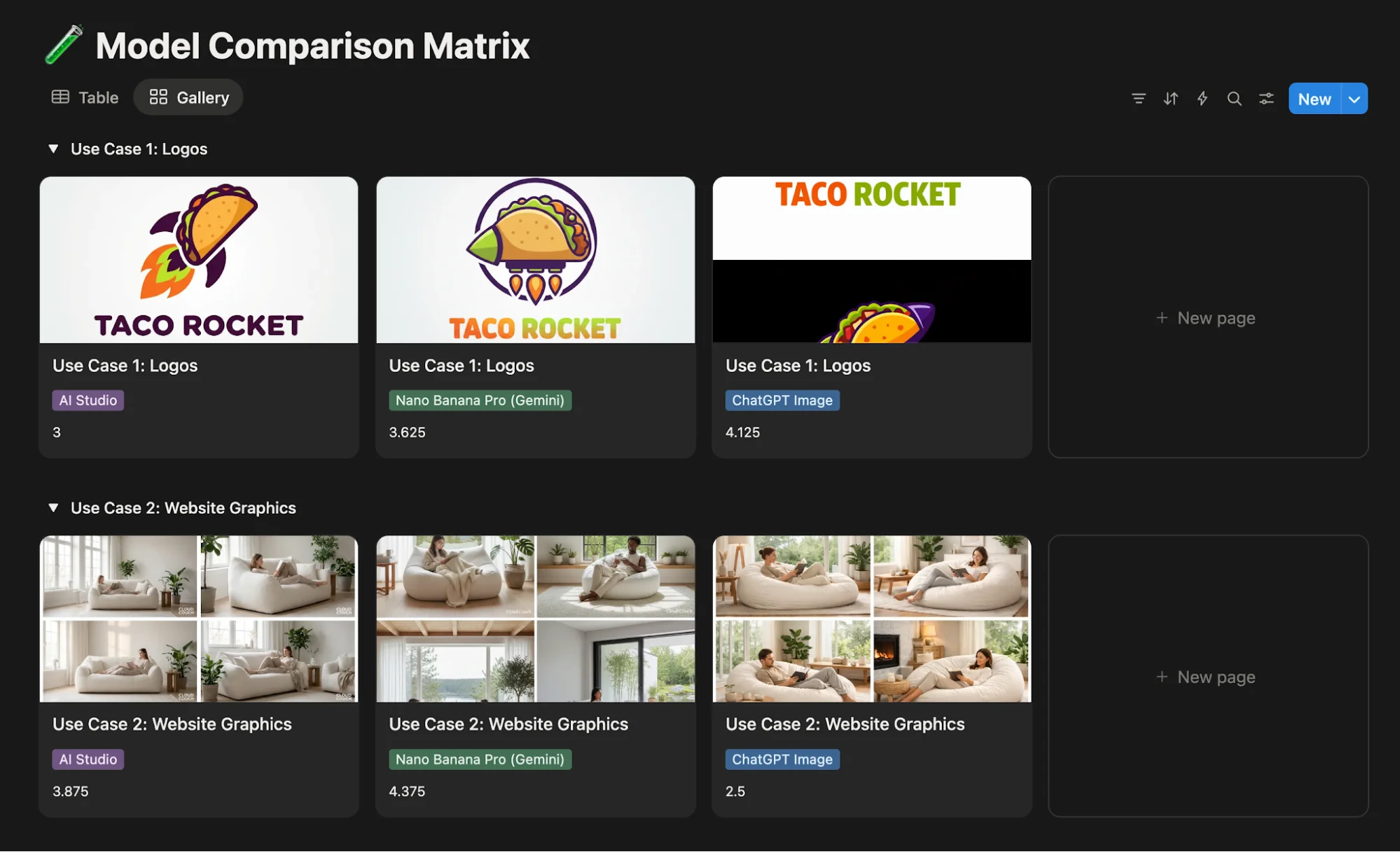
A structured comparison matrix to evaluate image models
Requirements
- Gemini Pro account
- Free or paid ChatGPT account
- (Optional) Google Workspace account with AI Studio billing enabled
- (Optional) A Notion template for your scoring system
Step 1: Define Your Use Cases
Select a set of test scenarios. Example set:
- Logo for a taco truck
- Website graphic for a furniture brand
- Social post for an energy drink
- Travel agency marketing asset
- A detailed prompt where realism is easy to judge
Set clear evaluation rules:
- Use identical prompts for each model
- Generate 4 images per test
- Score on:
- Consistency (prompt accuracy)
- Creativity (variation quality)
- Utility (practical usability)
- Quality (realism vs. AI artifacts)
Step 2: Generate Prompts
Use an AI tool like Claude, ChatGPT, or Gemini to create structured prompts.
Example instruction:
“Create JSON prompts for these use cases. Invent unique brands and include instructions to generate four variations in a grid.”
Tip: Request a 4×4 grid output to reduce time and token usage.
Step 3: Build a Scoring Matrix
Create a table like this:
| Use Case | Model | Consistency | Creativity | Utility | Quality | Overall |
|---|---|---|---|---|---|---|
| Case 1 | Nano Banana | dgdfg | dfhdfhdf | dfhfdhfd | dfhdfh | dfhdh |
| Case 2 | ChatGPT Images | hjk,hj | jk.jk.j | jk.jk.jk. | bmbm | bnmbm |
| Case 3 | Nano Banana Pro | bnmbnm | bmbnm | bmbnmb | bnmbnm | bmbnm |
You can replicate this in tools like Notion for easy reuse.
Step 4: Access the Tools
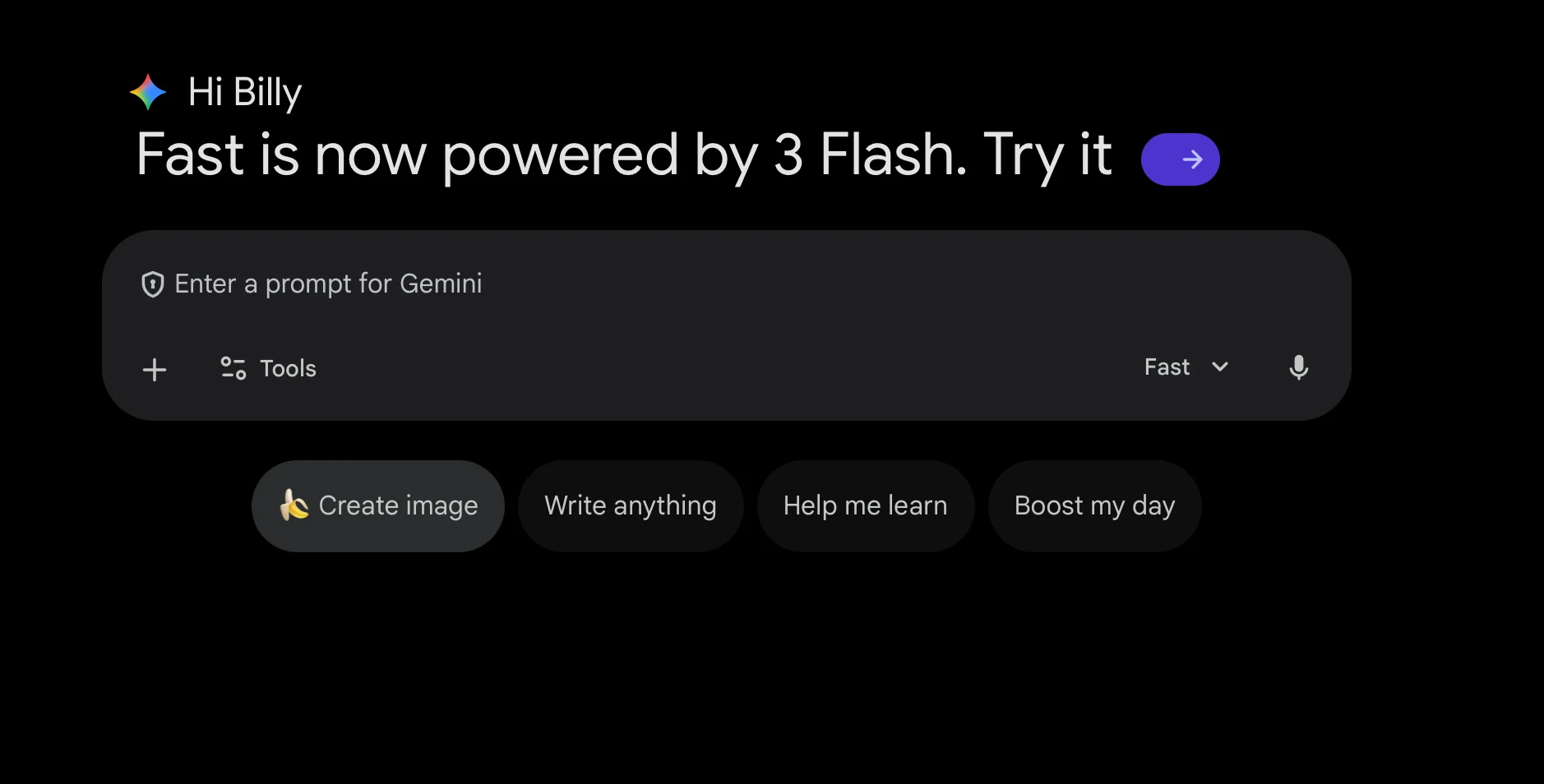
- Open Gemini and select “Create image” to use Nano Banana
- Visit ChatGPT’s image generation interface
- (Optional) Use AI Studio’s Playground to test Nano Banana Pro
Step 5: Run and Evaluate Tests
Input each prompt into each tool and generate outputs.
Start a new session per use case to avoid context overlap.
Score results using your defined criteria.
Going Further
Test these workflows with your own brand:
- Ask ChatGPT or Gemini to interview you (3–5 questions)
- Use responses to generate tailored prompts
- Compare outputs and refine
For best results, generate multiple variations in a grid, then isolate and refine the strongest option.

Emily Newton
Emily Newton is an experienced Editor-in-Chief who has spent the last decade sharing her insights on science and technology advances through platforms like IoT for All and DZone. She is deeply interested in showcasing how connected technologies and smart ecosystems transform modern businesses. When she isn’t writing, Emily enjoys walking local trails, playing video games, or curling up with a good book.



