

AI Tutorial
Build On-Brand Campaigns and Creatives with Pomelli
Learn how to use Pomelli to build your brand identity and generate high-quality marketing campaigns and creatives quickly.
Share
This guide explains how to use Pomelli to create a business identity and produce marketing campaigns and creatives that stay aligned with your brand. Pomelli is a collaboration between Google Labs and Google DeepMind, designed to generate high-quality marketing outputs efficiently.
Who This Is For
- Small businesses without dedicated marketing teams
- Agencies building campaigns for clients
- Solo founders testing brand positioning
- Content teams producing fast, consistent assets
STEP 1: Start with Pomelli
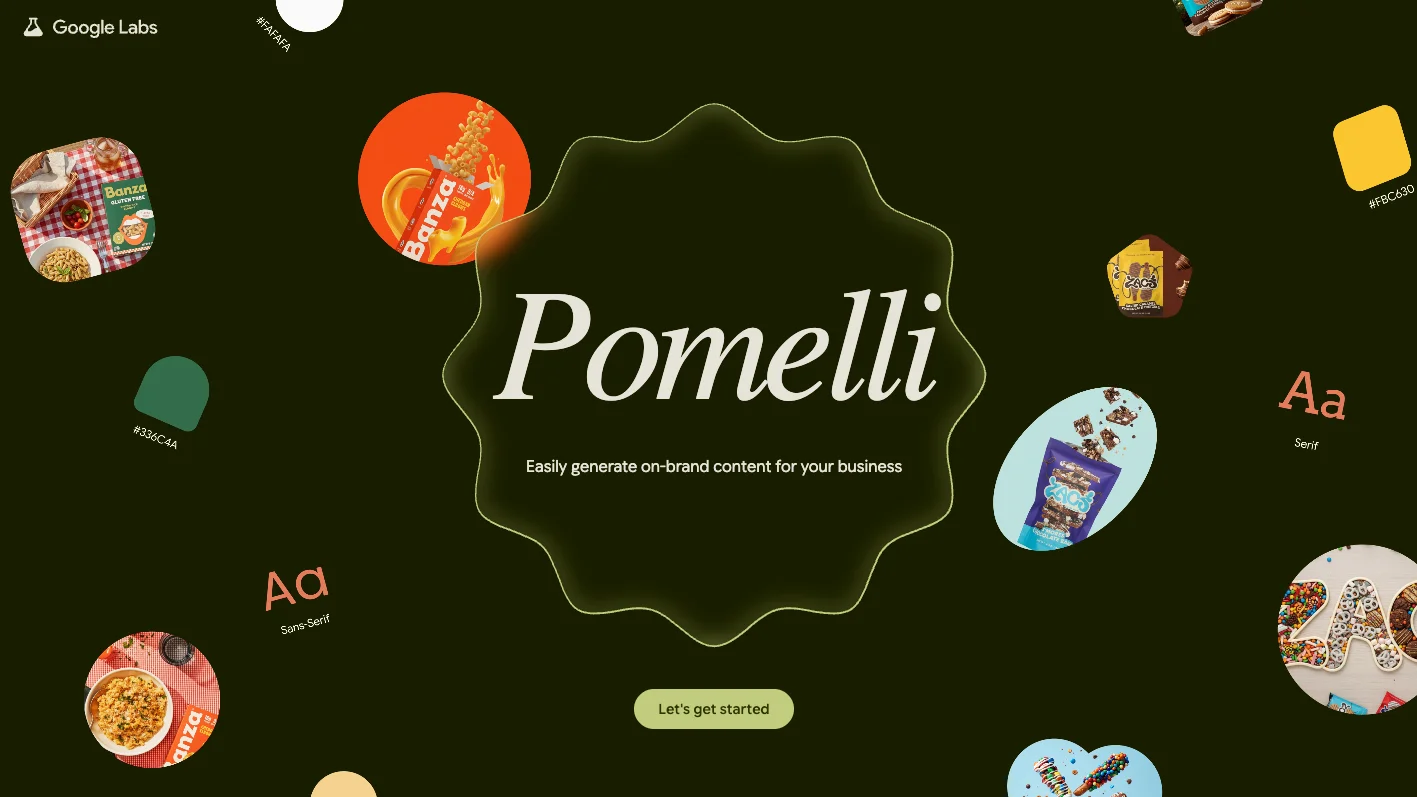
Go to the Pomelli site and click “Let’s Get Started.”
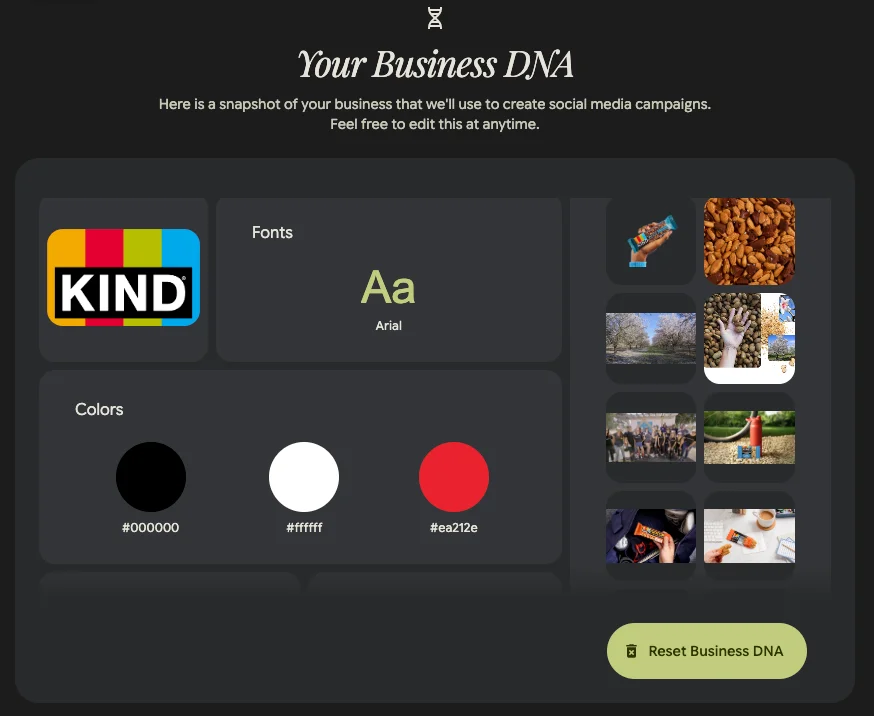
Enter your website URL. Pomelli analyzes your site to extract:
- Colors, fonts, and imagery
- Taglines and value propositions
- Tone, style, and product signals

For example, a brand like KIND Snacks can be used as input.
Note: This process involves sharing your site data for analysis, so review privacy considerations before proceeding.
STEP 2: Refine Your Brand Identity
Review and adjust your “Business DNA” summary.
This includes:
- Website and visuals
- Brand values and tone
- Design elements and messaging
All fields can be edited, update colors, tweak messaging, or refine positioning. This identity becomes the foundation for generating campaigns.
STEP 3: Generate Campaign Ideas
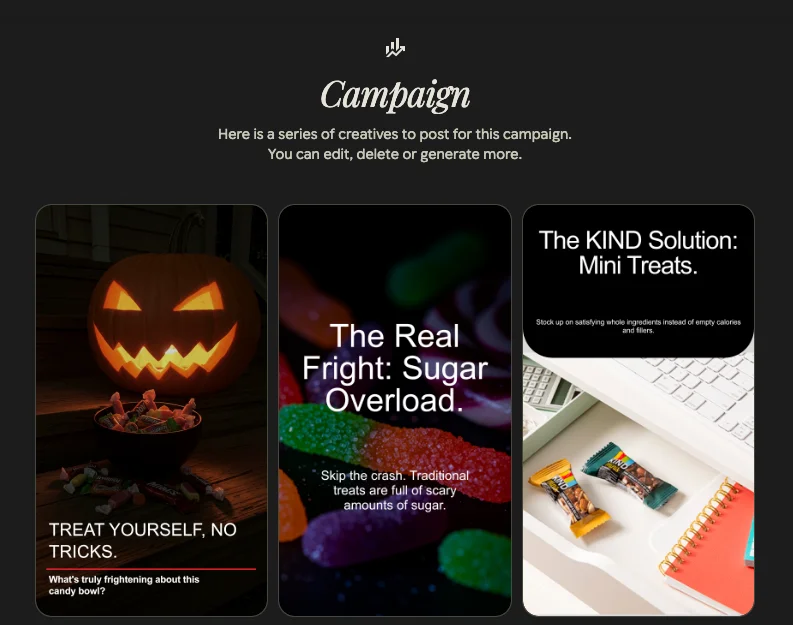
Use your Business DNA to create tailored marketing campaigns.
Example Prompt:
“Create a Halloween campaign that feels spooky but still aligns with a kind brand voice.”
- Click “Generate Ideas” to see multiple variations, such as:
- A message focused on positive actions
- A theme highlighting transparency
A playful twist on seasonal messaging
If unsure where to start, explore Pomelli’s suggested prompts.
STEP 4: Customize Campaign Assets
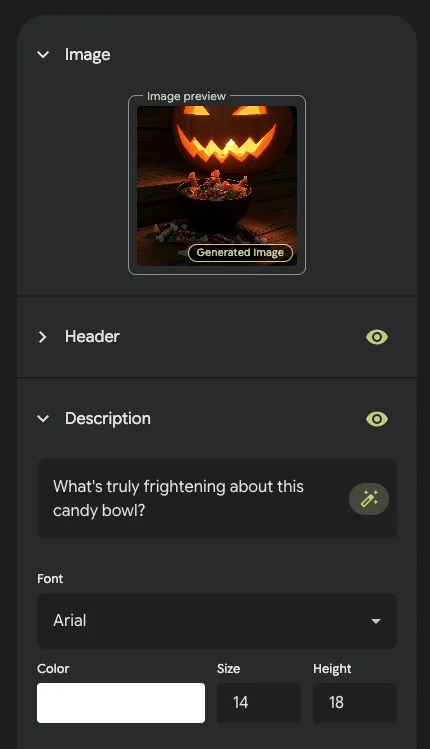
Open the creative editor to refine outputs.
You can:
- Edit headlines, copy, fonts, and colors
- Resize assets for different platforms
- Use “Fix Layout” to automatically adjust the design
- Add calls-to-action to visuals
Once finalized, download your creatives and publish them across channels.
Pro Tip
Pomelli offers strong leverage for small teams and agencies, minimal setup, fast execution, and consistent branding. Test performance against existing creatives to measure improvements in engagement and conversions.

Editorial Staff
The Editorial Staff at AIChief is a team of Professional Content writers with extensive experience in the field of AI and Marketing. AIChief was Founded in 2025, AIChief has quickly grown to become the largest free AI resource hub in the industry. Stay connected with them on Facebook, Instagram and X for the latest updates.



