

AI Tutorial
Build a Conversational BI System from Your Spreadsheets with CData MCP and Claude
Learn how to convert Google Sheets data into a conversational business intelligence system using CData Connect AI and Claude Desktop.
Share
This tutorial shows how to turn your Google Sheets invoice data into an interactive business intelligence system using CData Connect AI and Claude Desktop, eliminating the need for manual calculations or complex formulas.
Best Suited For:
- Finance managers are monitoring cash flow and overdue invoices
- Small business owners reviewing customer payment behavior
- Operations teams tracking invoice workflows
- Accountants creating quick financial summaries without pivot tables
Step 1: Set up your CData Connect AI account
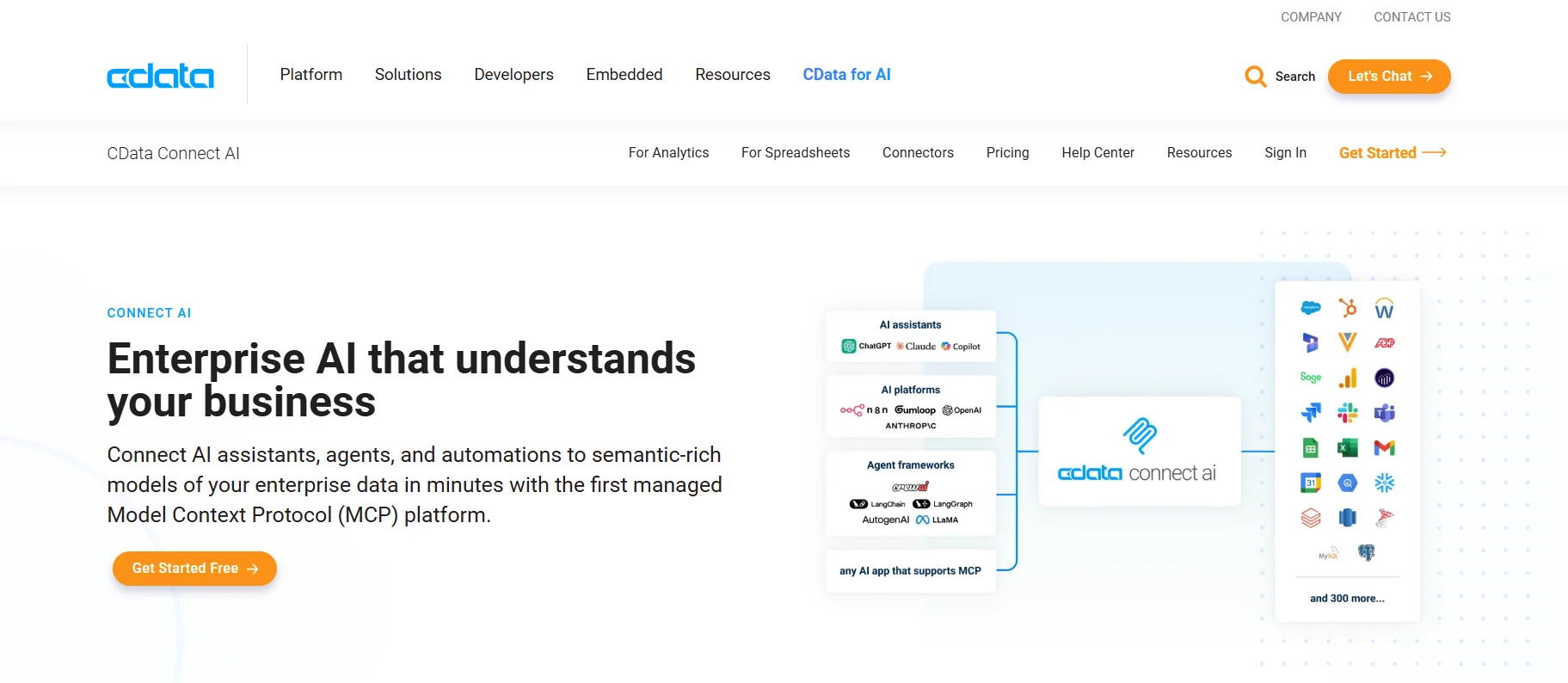
Visit CData Connect AI and register for a free account. After logging in, access the dashboard where you can manage all your data connections.
CData Connect AI supports over 300 enterprise data sources such as Salesforce, NetSuite, Workday, and MongoDB, acting as a unified MCP server that links Claude to nearly any business platform.
Step 2: Link Google Sheets as your data source
Select Add Connection and choose Google Sheets from the list of available sources. Sign in with your Google account and grant the required permissions.
On the connection setup page, click Save & Test at the top. If successful, you’ll see a confirmation message indicating the connection has been created.
Step 3: Connect Claude Desktop to CData MCP Server
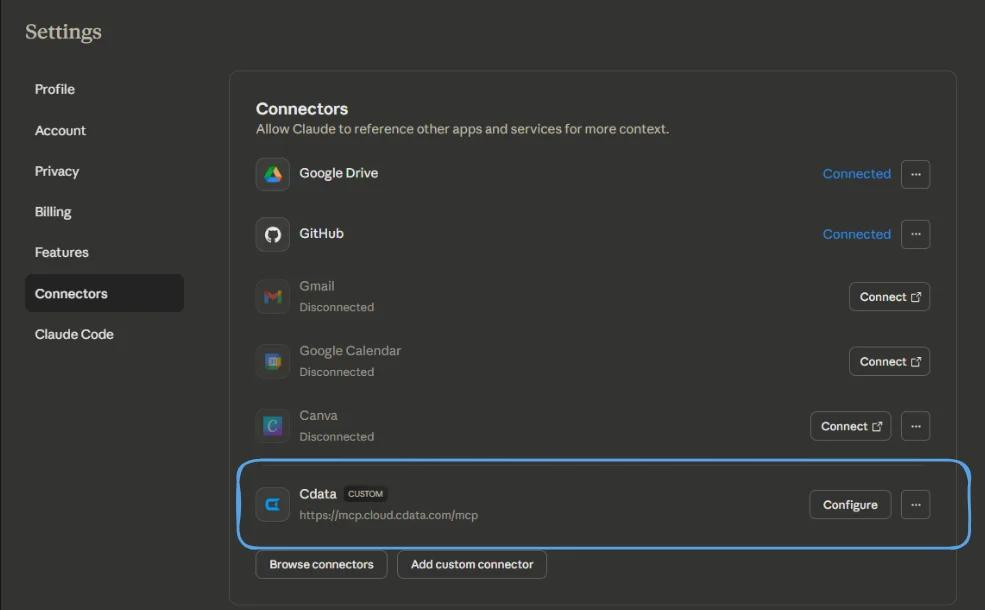
In Claude Desktop, configure the CData Connect AI MCP server using this endpoint:
https://mcp.cloud.cdata.com/mcp
Log in using your CData credentials to complete the setup.
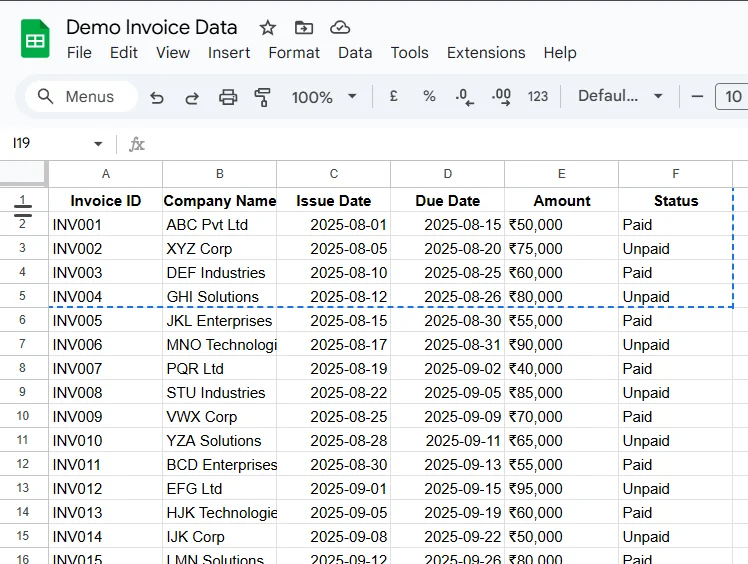
To verify, ask Claude to describe your dataset. You should receive confirmation showing access to your Demo Invoice Data, including fields like Invoice ID, Company Name, Issue Date, Due Date, Amount, and Status.
Step 4: Analyze invoice data using natural language
You can now explore your data by asking Claude to query specific sheets. For this example, use the Invoice Data sheet from Google Sheets.
Try a prompt like:
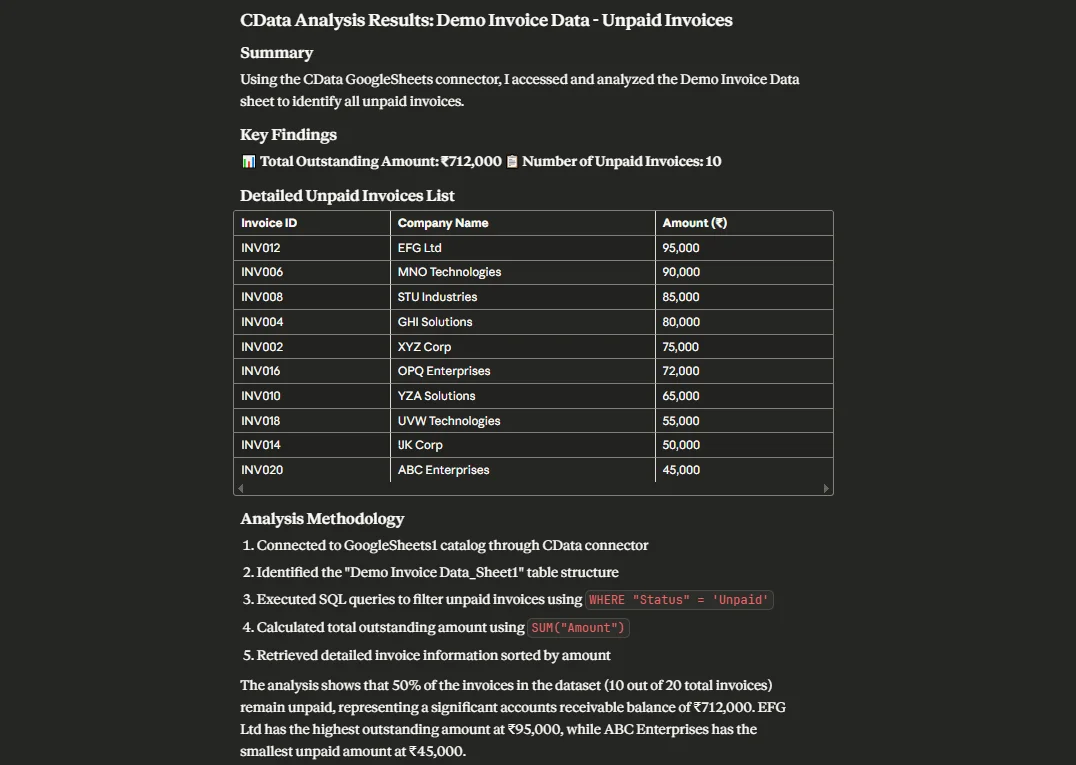
“Use CData to analyze the Demo Invoice Data sheet and list all unpaid invoices with company names and amounts, then calculate the total outstanding balance.”
Claude will process the data and return structured results, highlighting unpaid invoices, totals, and useful insights for managing cash flow.
Pro Tip
Integrate your CRM tools, like HubSpot or Salesforce, into CData as additional sources. This allows you to combine payment data with sales, support, and customer activity for deeper insights, all within a single Claude conversation.

Editorial Staff
The Editorial Staff at AIChief is a team of Professional Content writers with extensive experience in the field of AI and Marketing. AIChief was Founded in 2025, AIChief has quickly grown to become the largest free AI resource hub in the industry. Stay connected with them on Facebook, Instagram and X for the latest updates.



