

AI Tutorial
Brand Kit Creation Guide: From Zero to Ready in Under an Hour
Learn how to use Nano Banana Pro in Google AI Studio to create a full brand kit PDF, logo variations, and social media templates with organized brand assets.
Share
In this guide, you’ll learn how to create a complete brand kit PDF, multiple logo versions, and social media templates using Nano Banana Pro.
Who This Is Useful For
- Business owners preparing to hire a graphic designer or social media intern
- Vibe coders building a new app or product
- Teams with scattered or inconsistent style guides
What You’ll Build
By the end of this workflow, you’ll have a polished brand system with logo files, social media graphics, and a professional brand kit PDF that can be shared with teammates, freelancers, designers, or contractors.
STEP 1: Open Google AI Studio
Go to aistudio.google.com.
Click Playground.
If you haven’t already, connect a paid API key so you can access the required generation features.
STEP 2: Add System Instructions
Click System instructions and paste the following:
GENERATION PRINCIPLES:
When requesting brand assets, structure prompts using:
SUBJECT & PURPOSE
Clearly explain what is being created and who it is for.
Example: A logo for freelance designers who value both aesthetics and professionalism.
VISUAL DESCRIPTION
Use complete sentences. Describe composition, lighting, materials, textures, and layout like you are briefing a designer.
BRAND CONSISTENCY MARKERS
Reference the chosen color palette, typography style, visual mood, and design language.
CONTEXT & RATIONALE
Explain why design choices support the brand strategy.
WORKFLOW APPROACH
- Start with foundational assets like logos and colors before moving into applications.
- Suggest variations that maintain consistency across different use cases.
- Adjust assets depending on where they will be used.
QUALITY STANDARDS
- Use Nano Banana Pro’s strengths, like typography precision and consistent branding.
- Avoid short keyword prompts like “logo, modern, clean, blue.”
- Instead use detailed descriptions like: A contemporary logo combining geometric precision with organic flow, using deep navy and coral, designed for creative professionals who value minimalism.
STEP 3: Create Your Folder Structure
Create a folder on your computer:
[Brand Name] Brand Kit
Inside it, create three folders:
- Logo Files
- Social Assets
- Brand Kit Slides
Phase 1: Brand Discovery: 5 Minutes
Send this first message:
I need to create a complete brand kit for my business.
Business name: [YOUR BUSINESS NAME]
What we do: [ONE SENTENCE]
Target customer: [WHO + THEIR PAIN]
Brand personality: [3 ADJECTIVES]
Interview me with 3–5 focused questions, including tagline ideas.
What happens next:
You’ll get a few follow-up questions. Answer naturally. This helps keep your branding consistent.
Pro Tip: The more detailed this conversation is, the better your results will be.
Phase 2: Generate Logo Concepts: 10 Minutes
Send this:
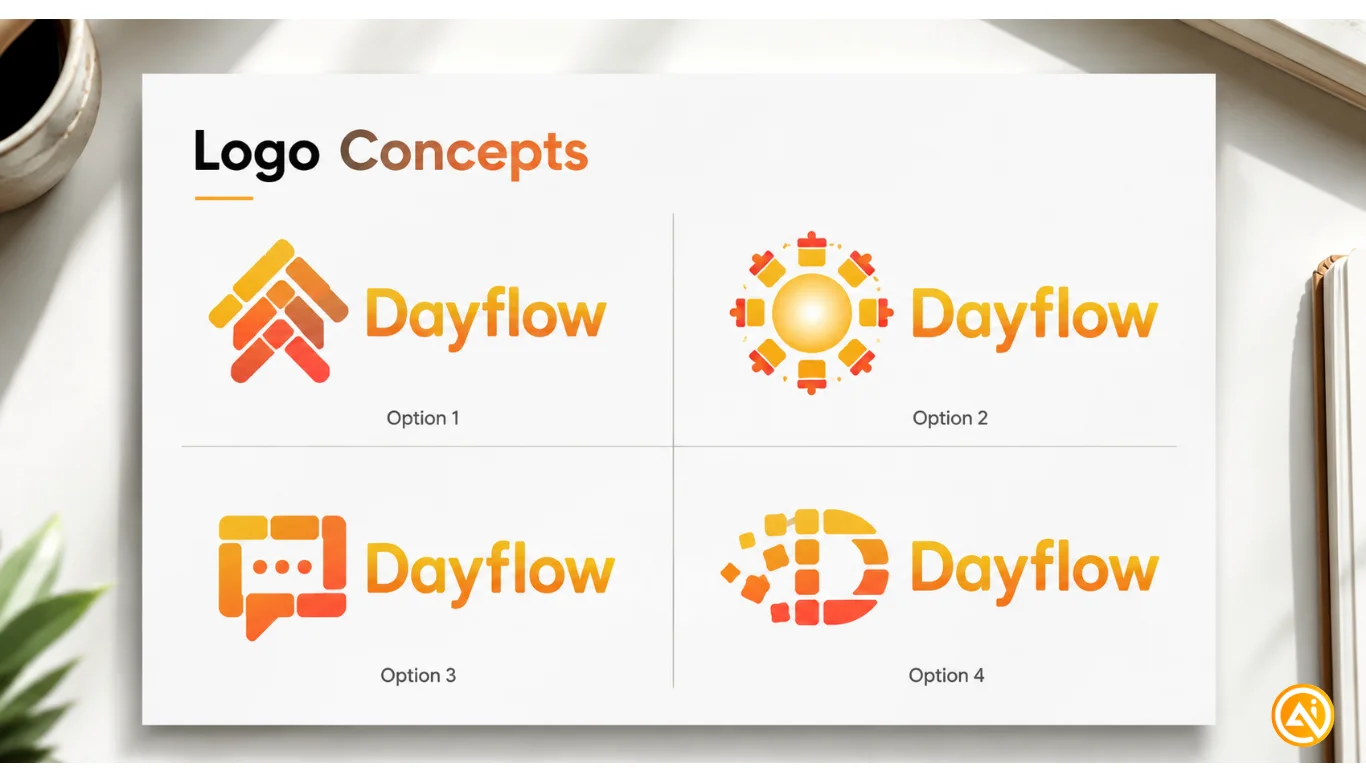
- Based on our conversation, generate 4 logo concepts for [YOUR BRAND NAME].
- Show them in a 2x2 grid labeled Option 1–4.
- Each should explore a different direction while staying aligned with the brand.
- Present them as a professional slide titled “Logo Concepts.”
Phase 3: Extract Your Logo: 15 Minutes
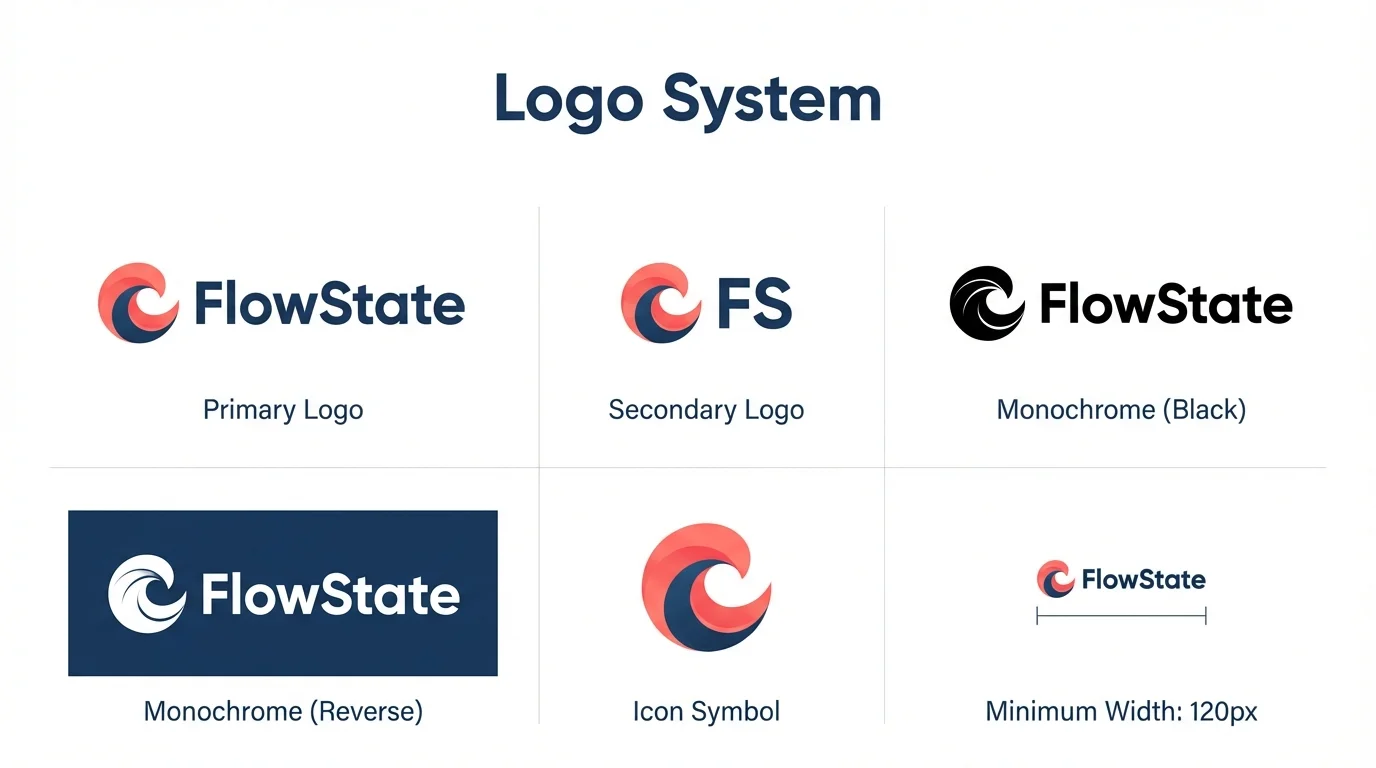
Primary logo
Create the full-color version on a clean white background.
Save as: Logo_Primary.png
Simplified logo
Create a small-size version for icons and profiles.
Save as: Logo_Secondary.png
Black monochrome
Create a solid black version for print use.
Save as: Logo_Monochrome_Black.png
White reverse
Create a white version on a dark background.
Save as: Logo_Monochrome_White.png
Icon-only
Create just the symbol for small uses.
Save as: Logo_Icon.png
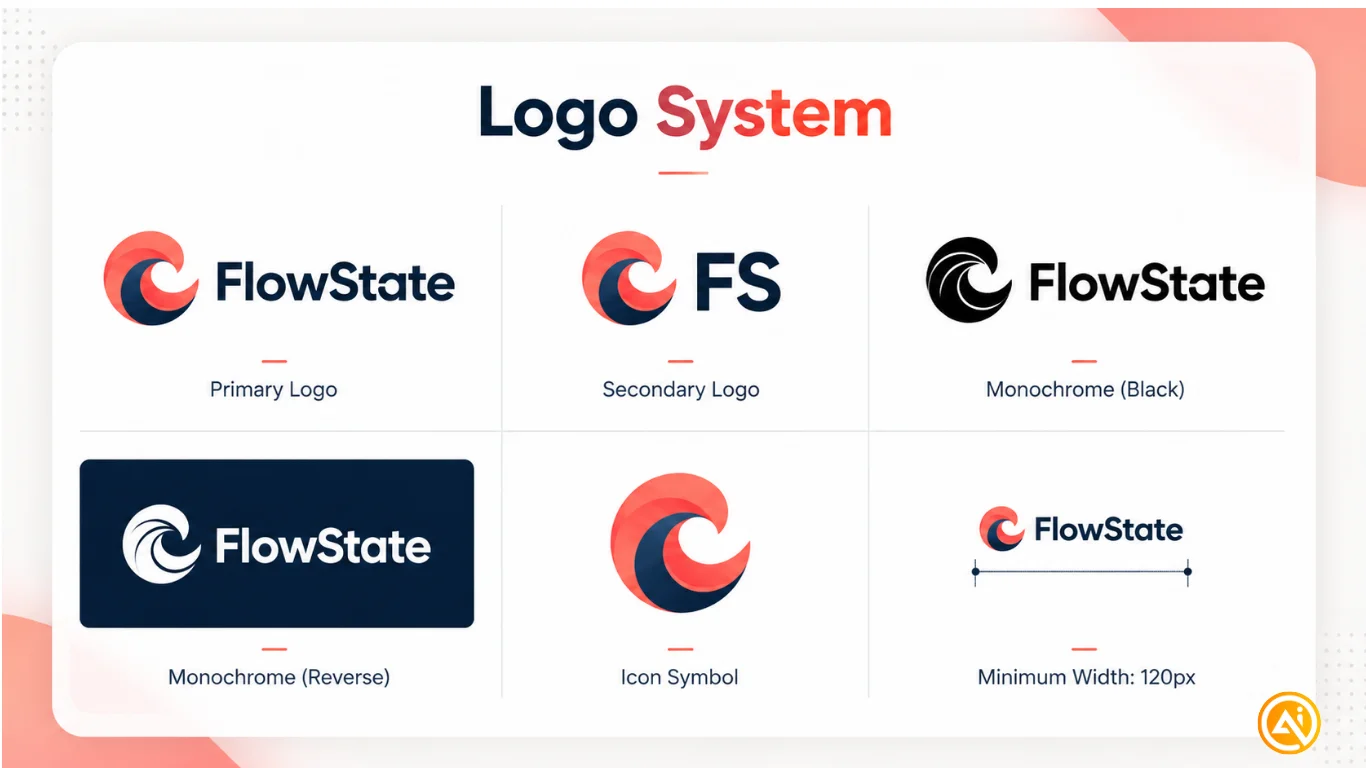
Logo system slide
Create a slide showing all versions in a grid with labels and minimum size guidelines.
Save as: Slide_03_LogoSystem.png
Phase 4: Build Brand Kit Slides: 20 Minutes
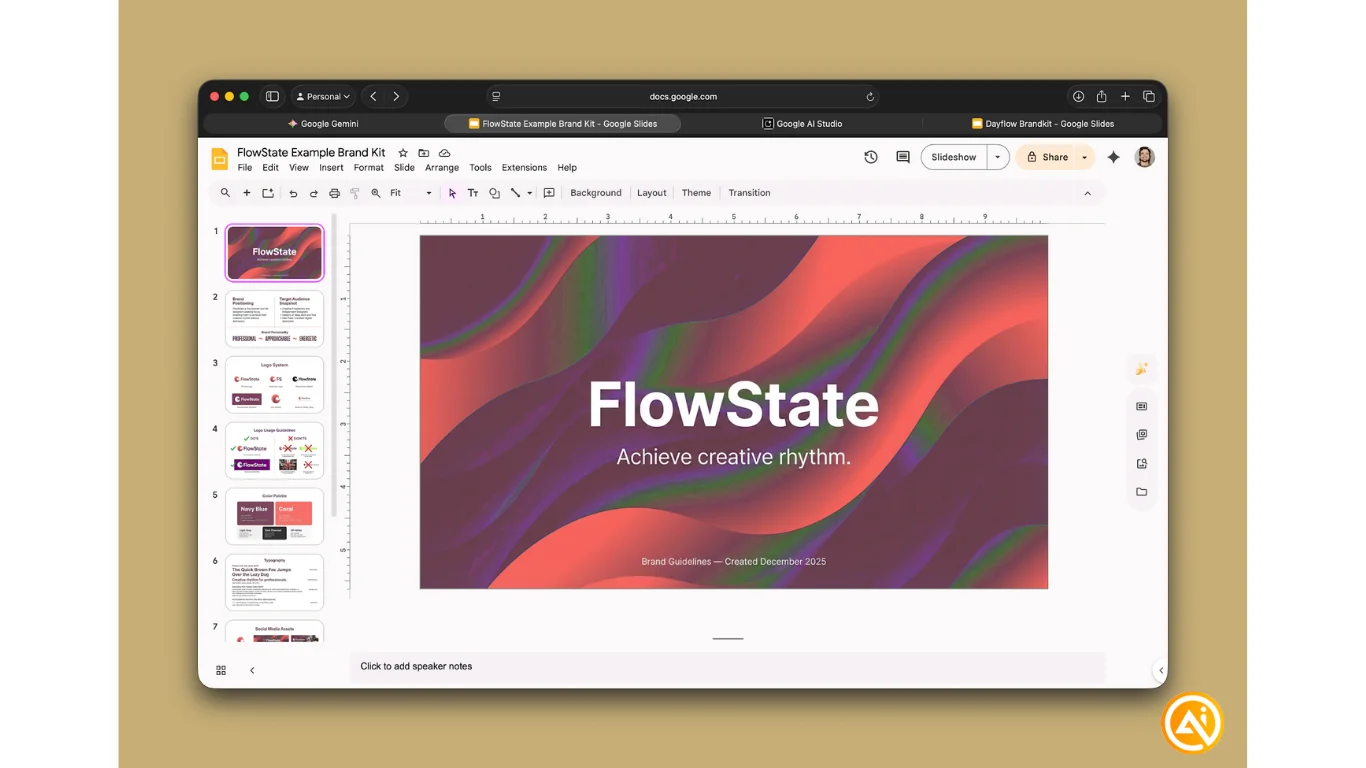
Slide 1: Cover
Include brand name, “Brand Guidelines,” tagline, and date.
Save as: Slide_01_Cover.png
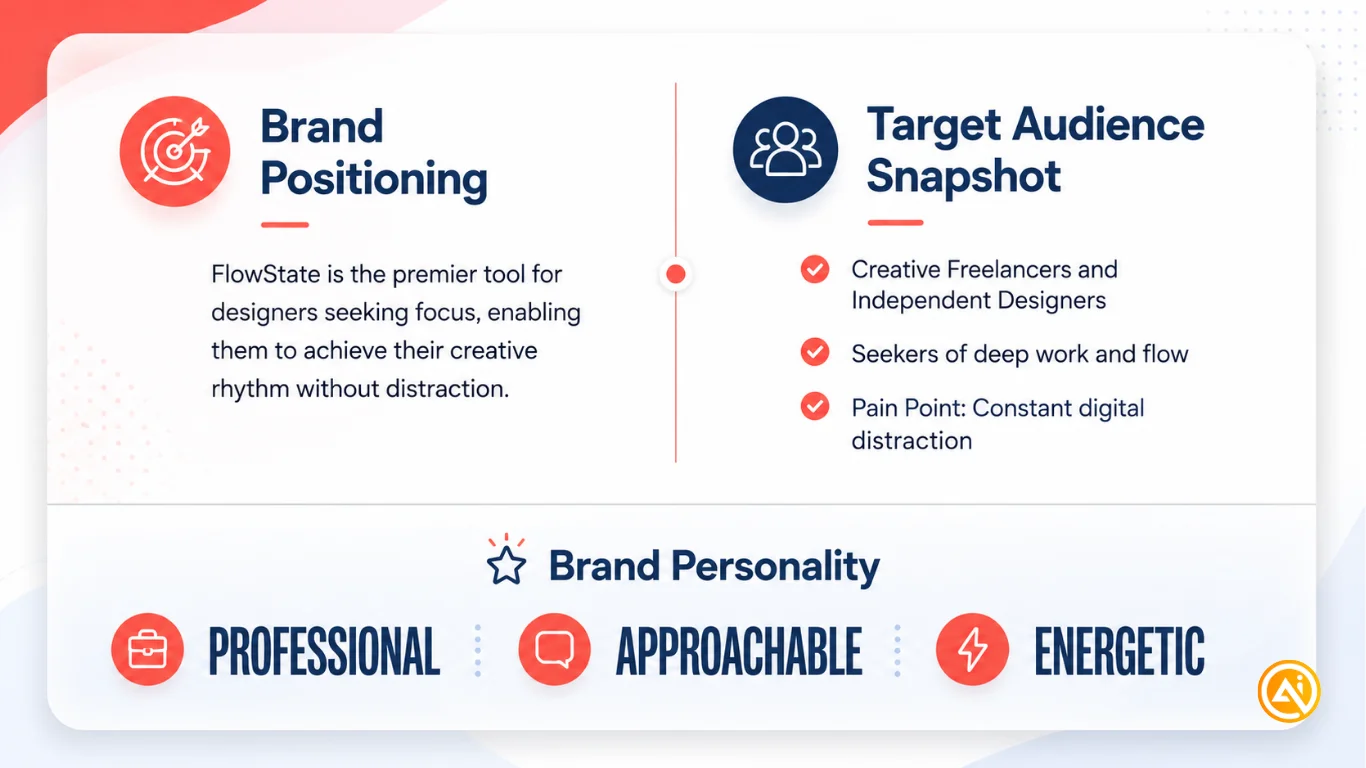
Slide 2: Brand Overview
Include positioning, audience, and personality.
Save as: Slide_02_BrandOverview.png
Slide 3: Logo System
Already created.
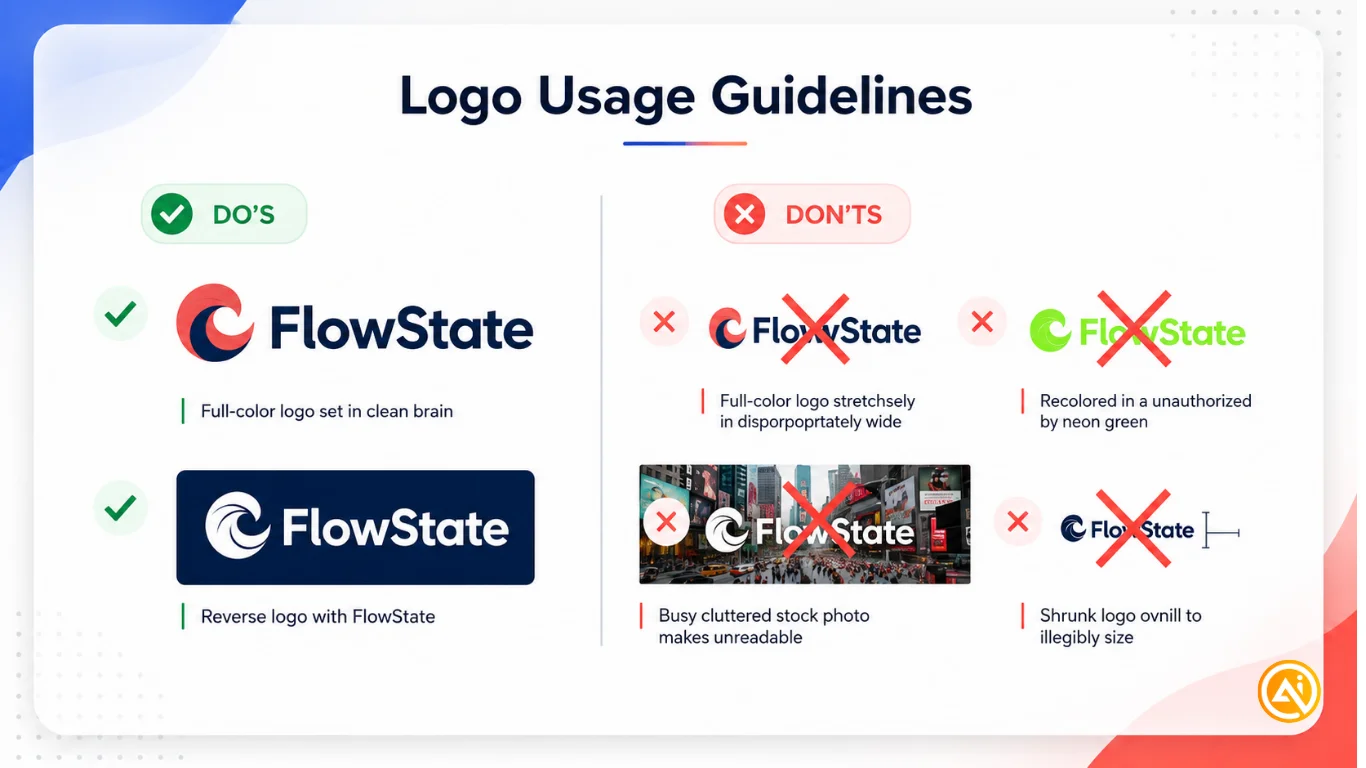
Slide 4: Logo Guidelines
Show correct and incorrect usage.
Save as: Slide_04_LogoGuidelines.png
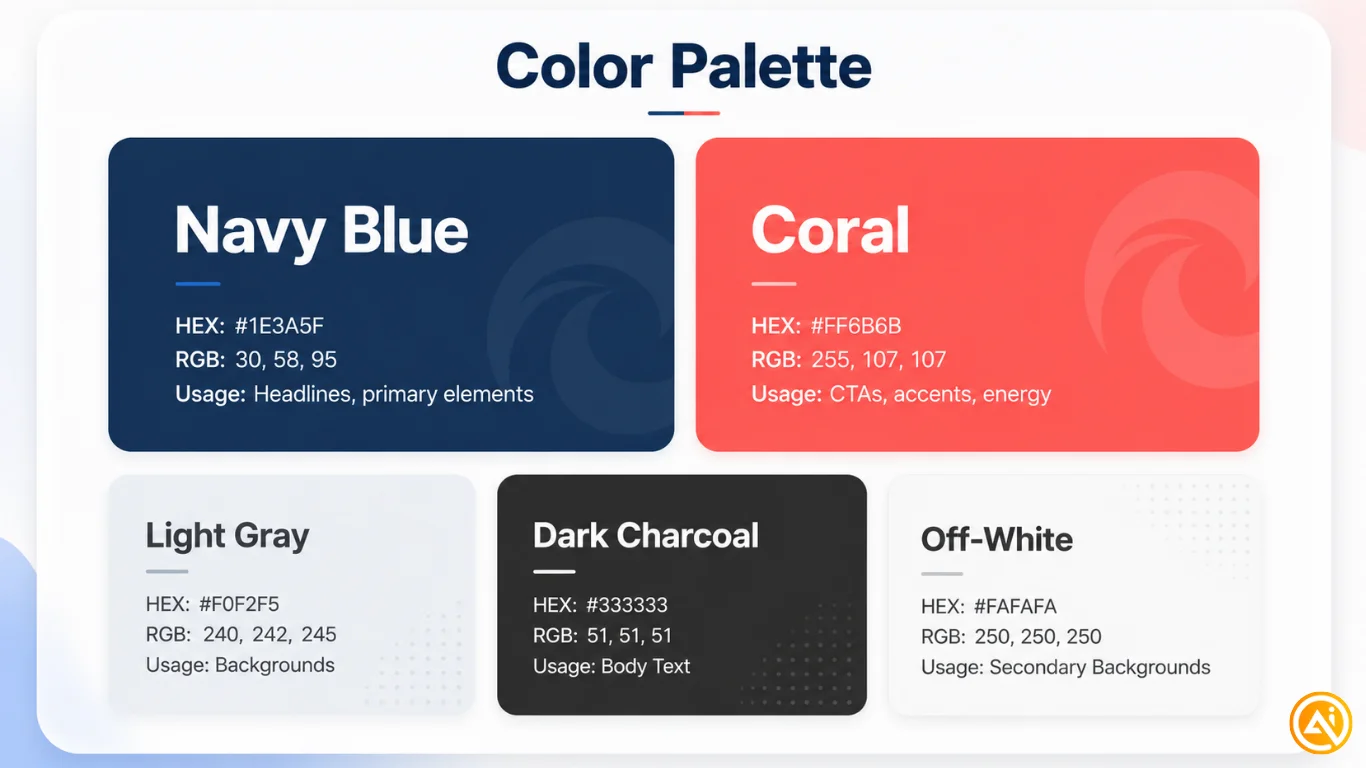
Slide 5: Color Palette
Show primary, accent, and neutral colors with usage notes.
Save as: Slide_05_ColorPalette.png
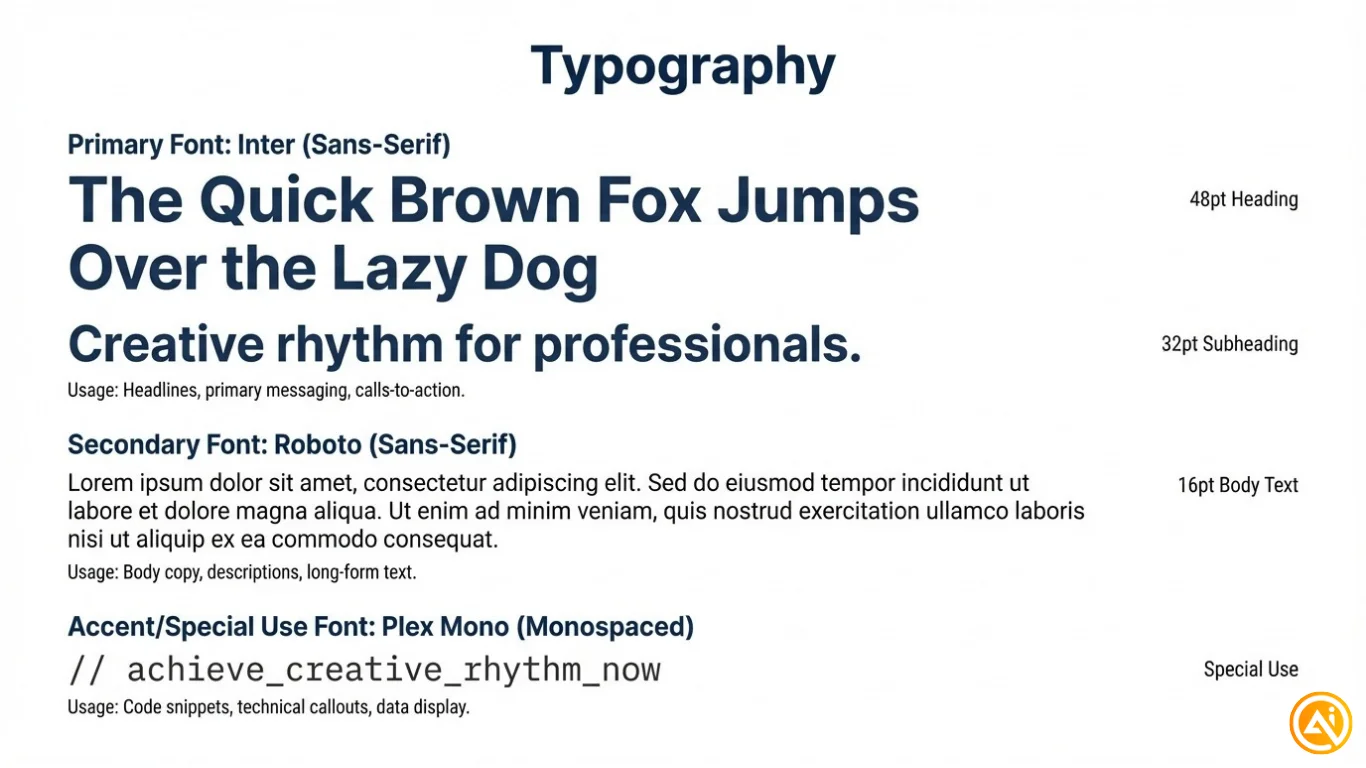
Slide 6: Typography
Show fonts, sizes, and usage.
Save as: Slide_06_Typography.png
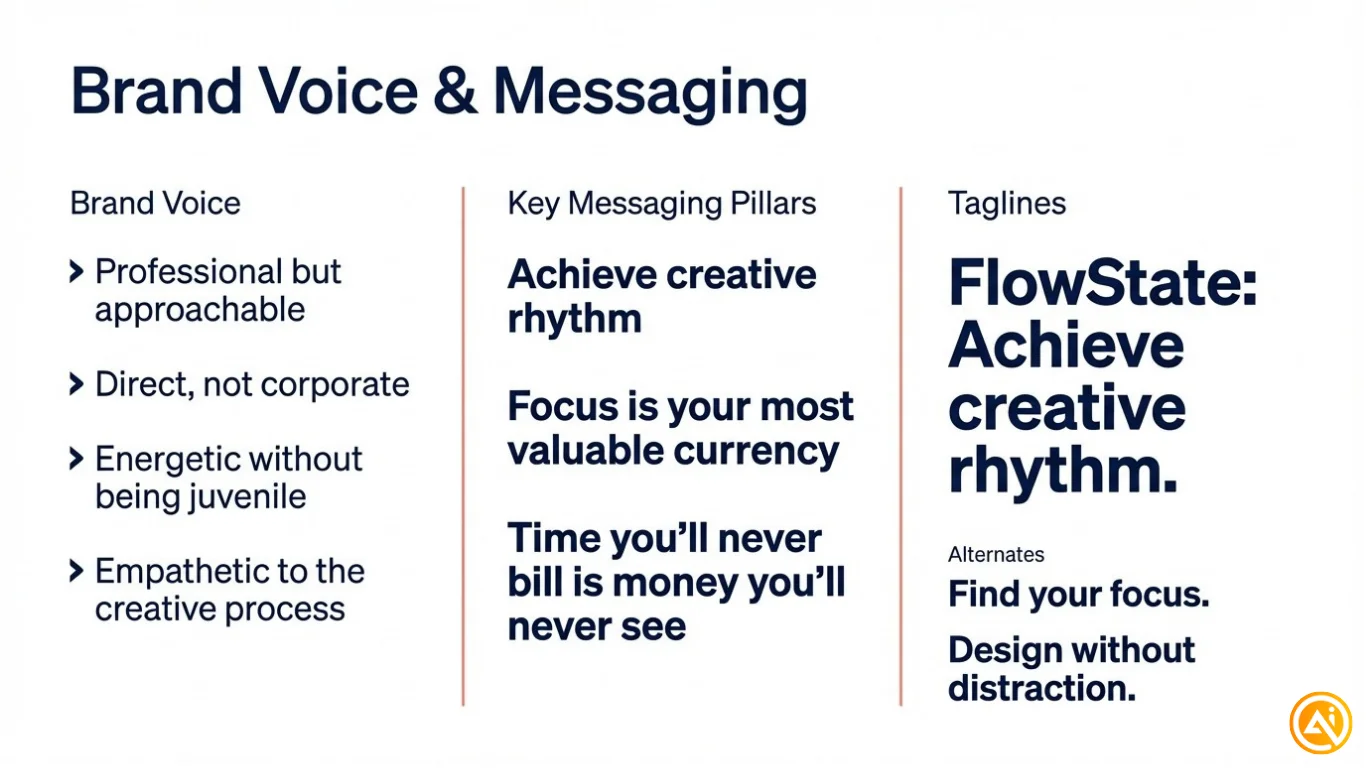
Slide 7: Brand Voice
Include tone, key messages, and tagline.
Save as: Slide_07_BrandVoice.png
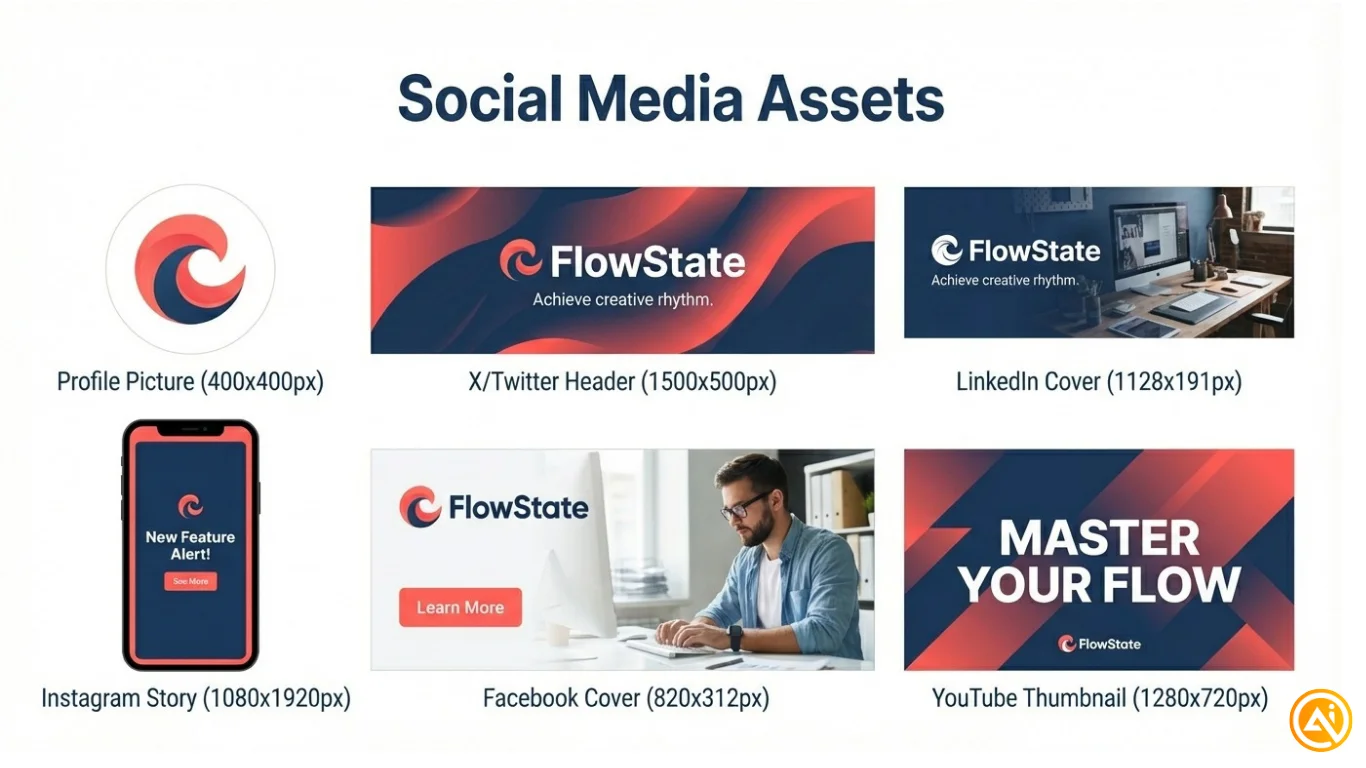
Slide 8: Social Grid
Show dimensions for all social assets.
Save as: Slide_08_SocialGrid.png
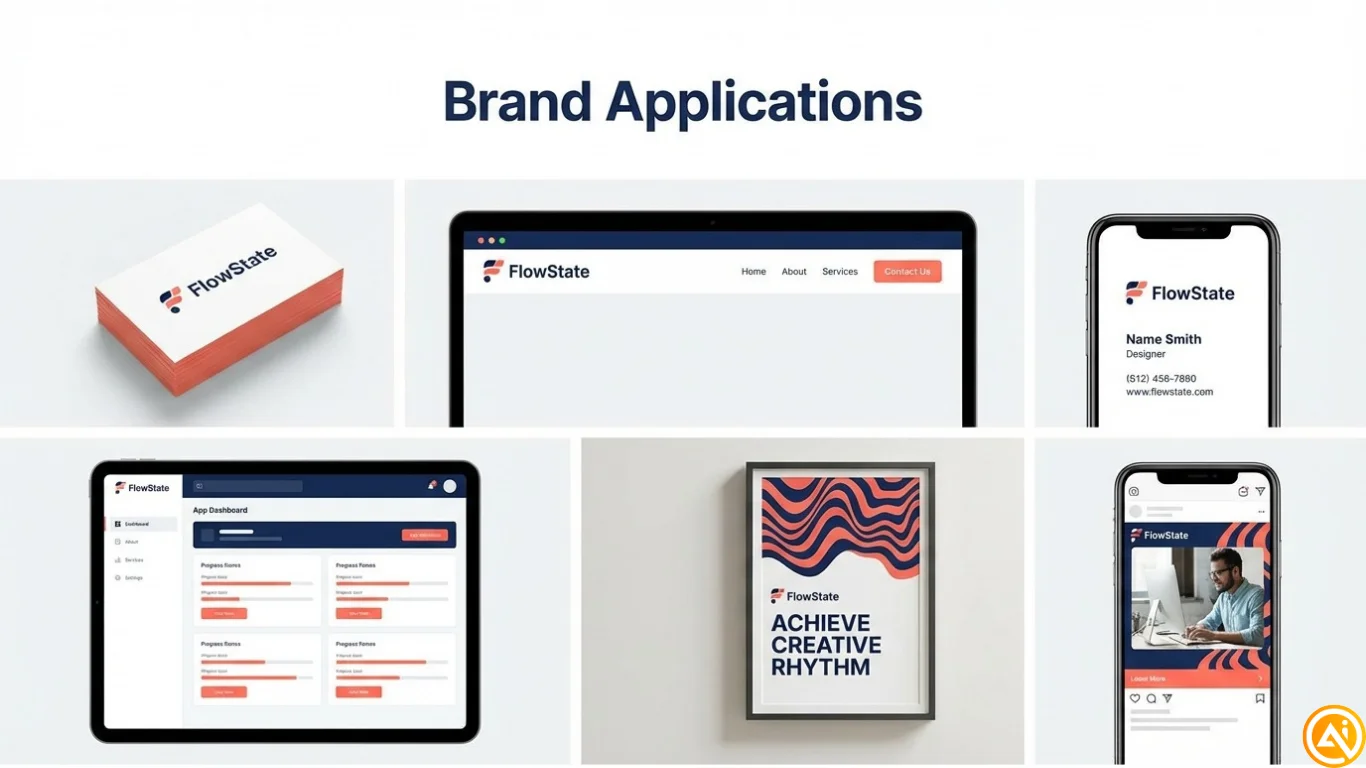
Slide 9: Applications
Show mockups like business cards, website, and social posts.
Save as: Slide_09_Applications.png
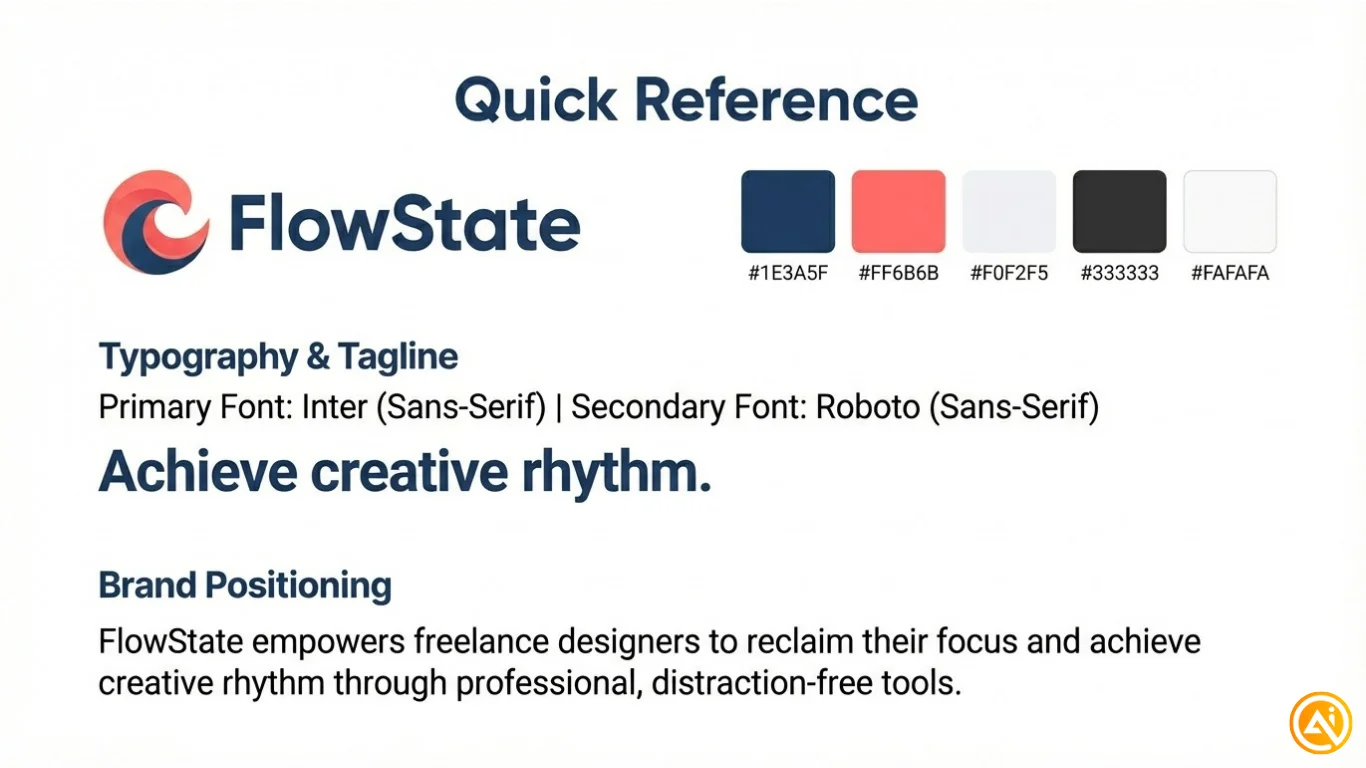
Slide 10: Quick Reference
Include logo, colors, fonts, and tagline in one view.
Save as: Slide_10_QuickReference.png
Phase 5: Social Media Assets: 15 Minutes
Create the following:
Profile picture (1080x1080)
Use a simplified logo
Save as: Social_ProfilePicture.png
Twitter/X header (1500x500)
Include logo and tagline
Save as: Social_TwitterHeader.png
LinkedIn cover (1584x396)
Professional layout
Save as: Social_LinkedInCover.png
Instagram story (1080x1920)
Reusable template
Save as: Social_InstagramStory.png
Facebook cover (820x312)
Community-focused design
Save as: Social_FacebookCover.png
YouTube thumbnail (1280x720)
Template with strong branding
Save as: Social_YouTubeThumbnail.png
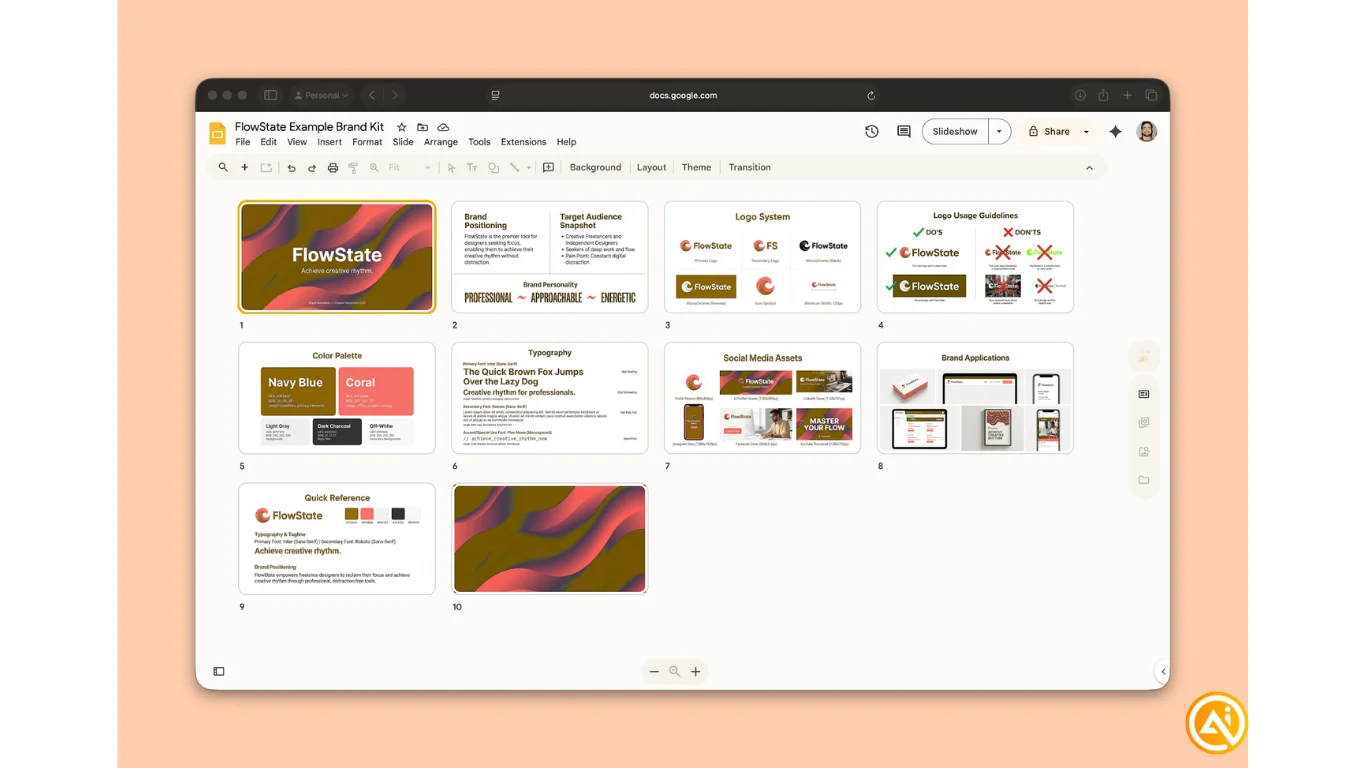
Phase 6: Assemble Your Brand Kit: 5 Minutes
Create a Google Slides presentation.
Upload all 10 slides in order.
One image per slide.
Slide order:
- Cover
- Brand Overview
- Logo System
- Logo Guidelines
- Color Palette
- Typography
- Brand Voice
- Social Grid
- Applications
- Quick Reference
Export as PDF:
[Brand Name] Brand Kit.pdf
Final Deliverables
You will have:
- A 10-slide brand kit PDF
- 5 logo variations
- 6 social media assets
- Organized folder structure
- A complete, consistent brand system
Going Further
Import your assets into Canva to create a reusable brand kit.
If you prefer, create a custom theme in Google Slides to keep your designs consistent across all future content.

Emily Newton
Emily Newton is an experienced Editor-in-Chief who has spent the last decade sharing her insights on science and technology advances through platforms like IoT for All and DZone. She is deeply interested in showcasing how connected technologies and smart ecosystems transform modern businesses. When she isn’t writing, Emily enjoys walking local trails, playing video games, or curling up with a good book.



