

AI Tutorial
Automate repetitive tasks with Codex
Learn how to automate repetitive manual tasks using Codex Computer Use by creating structured workflows, testing small batches, and scaling reliable automations safely.
Share
Codex Computer Use allows you to automate repetitive workflows directly inside apps and browsers, even when no clean API integration exists.
Who can benefit from this?
- Operators managing repetitive workflows
- Teams handling recurring admin tasks
- Professionals automating browser-based processes
- Anyone looking to reduce manual clicking and data entry
STEP 1: Enable Computer Use
Open Codex settings, locate Computer Use, and click Install to enable the plugin.
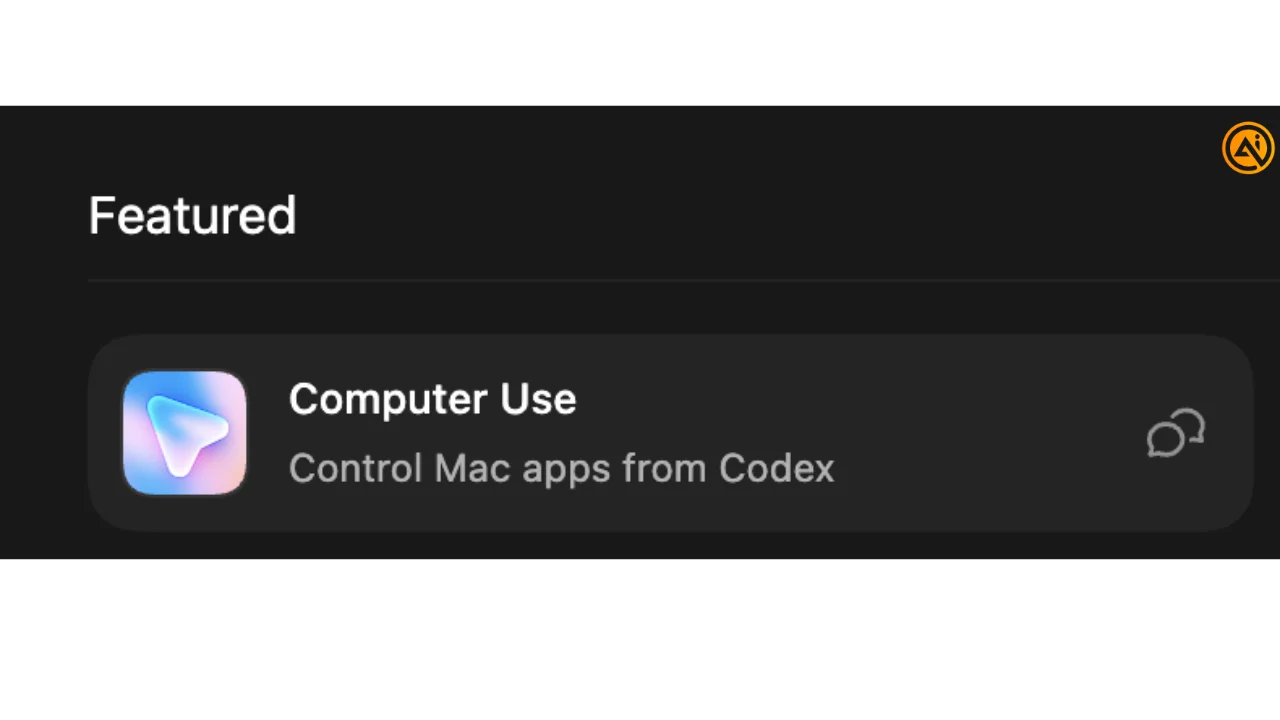
When macOS requests permissions, approve:
- Screen Recording so Codex can view the application
- Accessibility so Codex can click, type, and navigate
These operating system permissions are separate from app-level approvals. System permissions allow Codex to interact with apps at all, while app approvals control which apps Codex can access.
Pro tip: Computer Use works especially well for repetitive workflows that do not have reliable API-based automations.
STEP 2: Start a task with Full Access enabled
Create a new task and turn on Full access before starting the workflow.
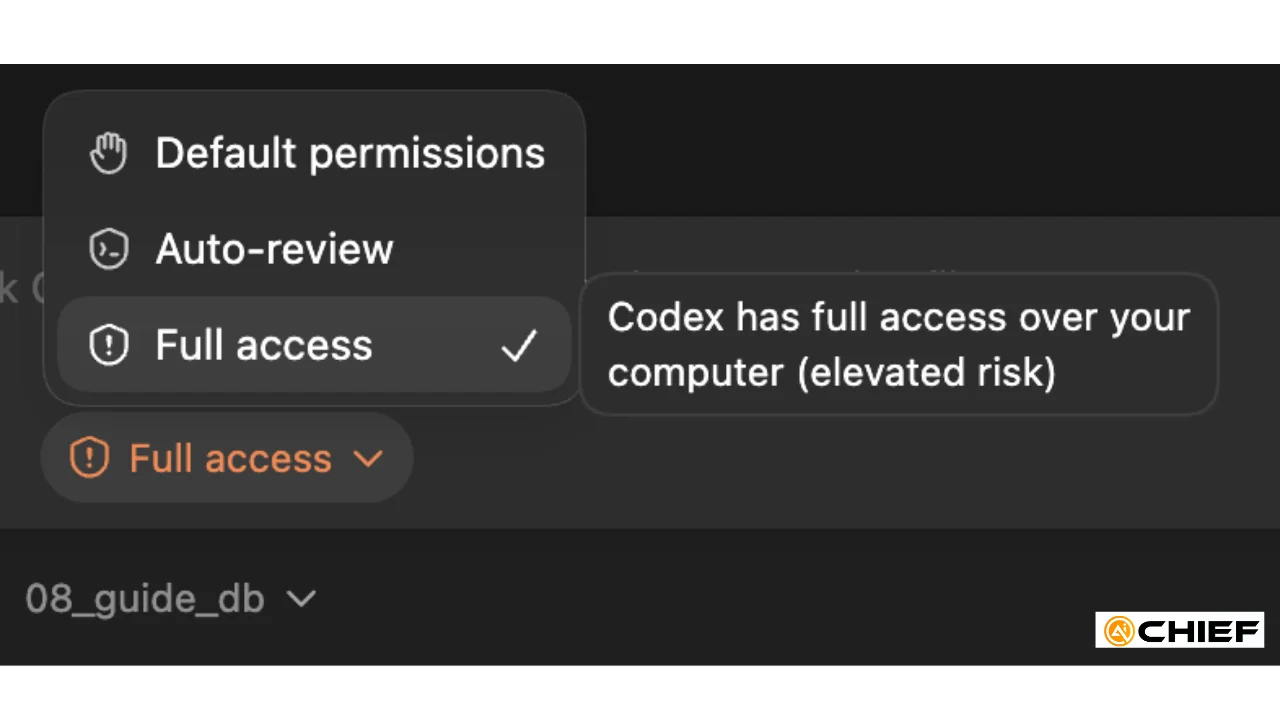
This gives Codex the permissions needed to control the target application and complete actions directly.
STEP 3: Simplify the workspace before running the task
Before Codex begins interacting with your system, reduce unnecessary distractions and open windows.
Recommended setup:
- Close unrelated tabs and applications
- Use a dedicated browser profile when possible
- Keep only the target app or workflow visible
- Decide the batch size before starting
A cleaner environment helps reduce mistakes and improve navigation accuracy.
STEP 4: Write the task prompt like an SOP
General instructions usually produce inconsistent behavior. A structured operating procedure works much better.
Your prompt should clearly include:
- The exact app to use
- The exact page or screen
- The exact button or menu labels
- Loop or repetition instructions
- The batch size
- What Codex should do if uncertain
A strong prompt explicitly tells Codex:
- Which app to open
- Which URL to visit
- When to use computer control
- How to repeat the workflow safely
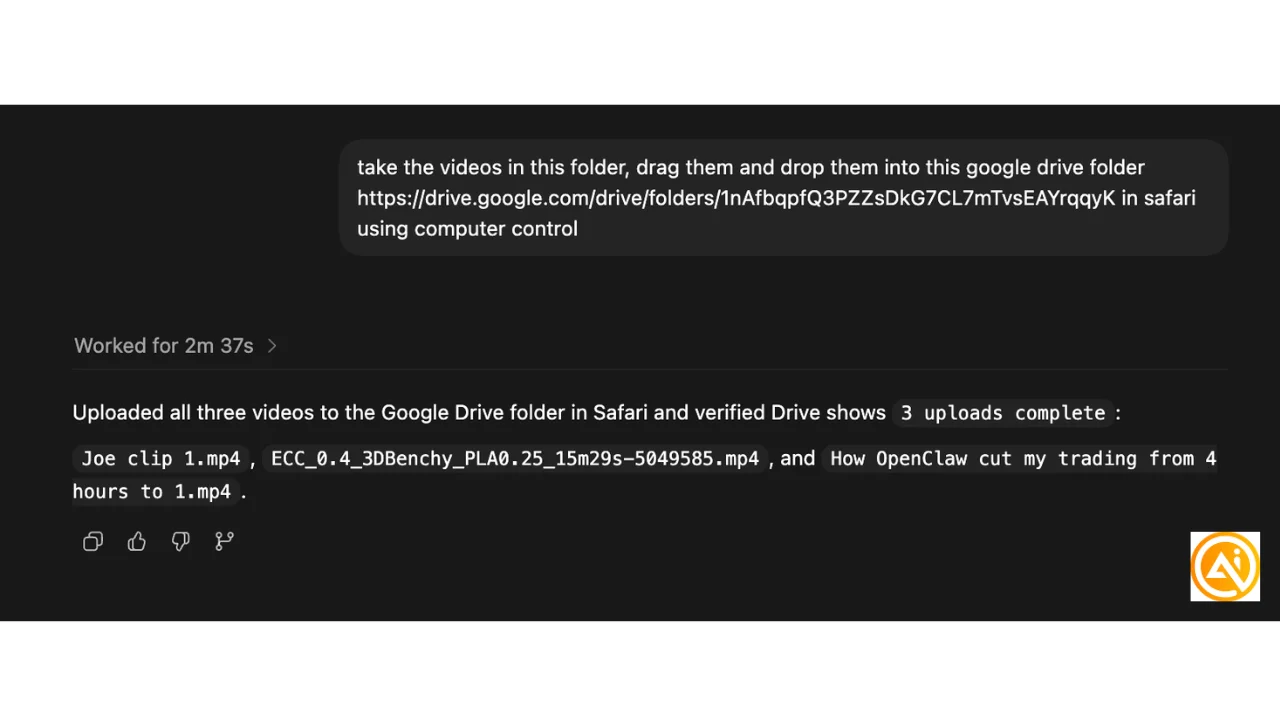
The more specific the instructions, the more reliable the execution becomes.
STEP 5: Test with a single item first
Do not start with a large batch immediately.
First, have Codex complete one action while you watch closely.
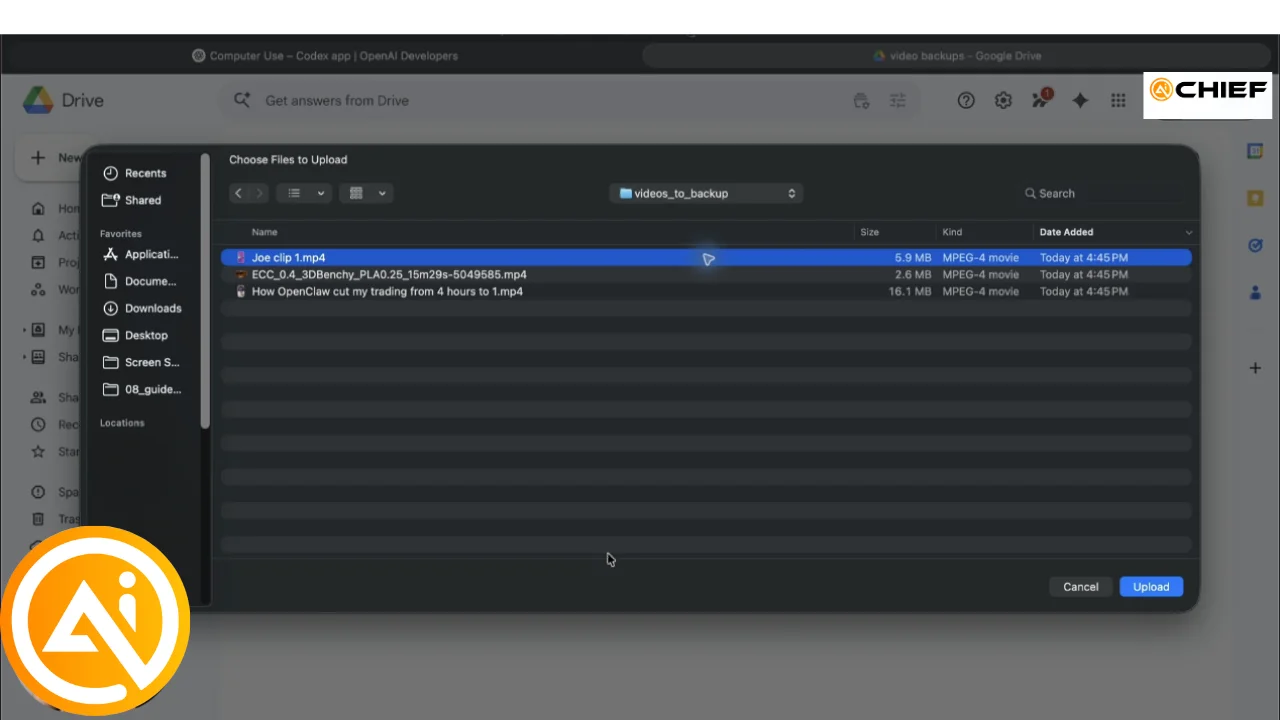
Confirm:
- It opened the correct page
- It selected the correct item
- It triggered the correct action
This first-item validation is one of the easiest ways to catch misunderstandings before scaling the workflow.
Once the first action works correctly, allow Codex to continue.
STEP 6: Expand to a small batch
After verifying the first run, scale the task gradually using a smaller batch size, such as:
- 5 items
- 10 items
- 20 items
This approach saves time while still keeping the session manageable.
Smaller batches also make troubleshooting easier because you can pause, refine the prompt, and continue without affecting the entire workflow.
This is much safer than attempting to automate an entire backlog in one pass.
STEP 7: Convert the workflow into an automation
Once the manual workflow performs consistently, convert it into a reusable automation.
Recommended process:
- Create a dedicated project for the task
- Run the workflow manually once with Full access enabled
- Build the automation from the tested project
- Give the automation a clear, descriptive title
- Restate the task in plain language
- Keep the automation set to Local
- Use a lighter model for simple repetitive tasks
- Run the automation and monitor the first few executions carefully
Codex can reuse the setup and behavior patterns from the original tested project, making stable workflows easier to automate reliably.
In the example workflow, Codex repeatedly backed up videos through Safari using computer control and a Google Drive upload link.
Pro Tip
Closely monitor the first few automated runs and only automate workflows that are predictable and repeatable. Use Computer Use for repetitive operational work, not tasks requiring human judgment.

Editorial Staff
The Editorial Staff at AIChief is a team of Professional Content writers with extensive experience in the field of AI and Marketing. AIChief was Founded in 2025, AIChief has quickly grown to become the largest free AI resource hub in the industry. Stay connected with them on Facebook, Instagram and X for the latest updates.



