

AI Tutorial
Audit Your Business in Notion with AI (Step-by-Step Guide)
Learn how to use Notion’s Claude-powered AI agents to audit your workspace, find inefficiencies, and apply fixes automatically.
Share
In this guide, you’ll learn how to use Notion’s prebuilt AI agents (powered by Claude) to audit your workspace and uncover inefficiencies. The output feels like a professional consultant’s report, structured, detailed, and actionable.
Who This Is For
- Founders and operators dealing with a cluttered Notion workspace full of unfinished systems
- Team leads who want an objective review of workflows or SOPs without hiring external help
- Anyone who tends to overbuild in Notion and needs a clear, honest assessment of what’s broken
What You’ll Create
By the end, you’ll generate a complete audit of a Notion database or SOP. This includes scored insights, a prioritized list of improvements, and even the option to let the agent implement fixes automatically.
Requirements
- A Notion workspace with Notion AI enabled
- A Business or Enterprise plan
- A database, SOP, or teamspace ready for review
Step 1: Locate the Prebuilt Agents
- Inside Notion: Open the sidebar, go to Agents, then click +, and select Browse templates
- In your browser: Visit Notion’s agent template library and filter by category
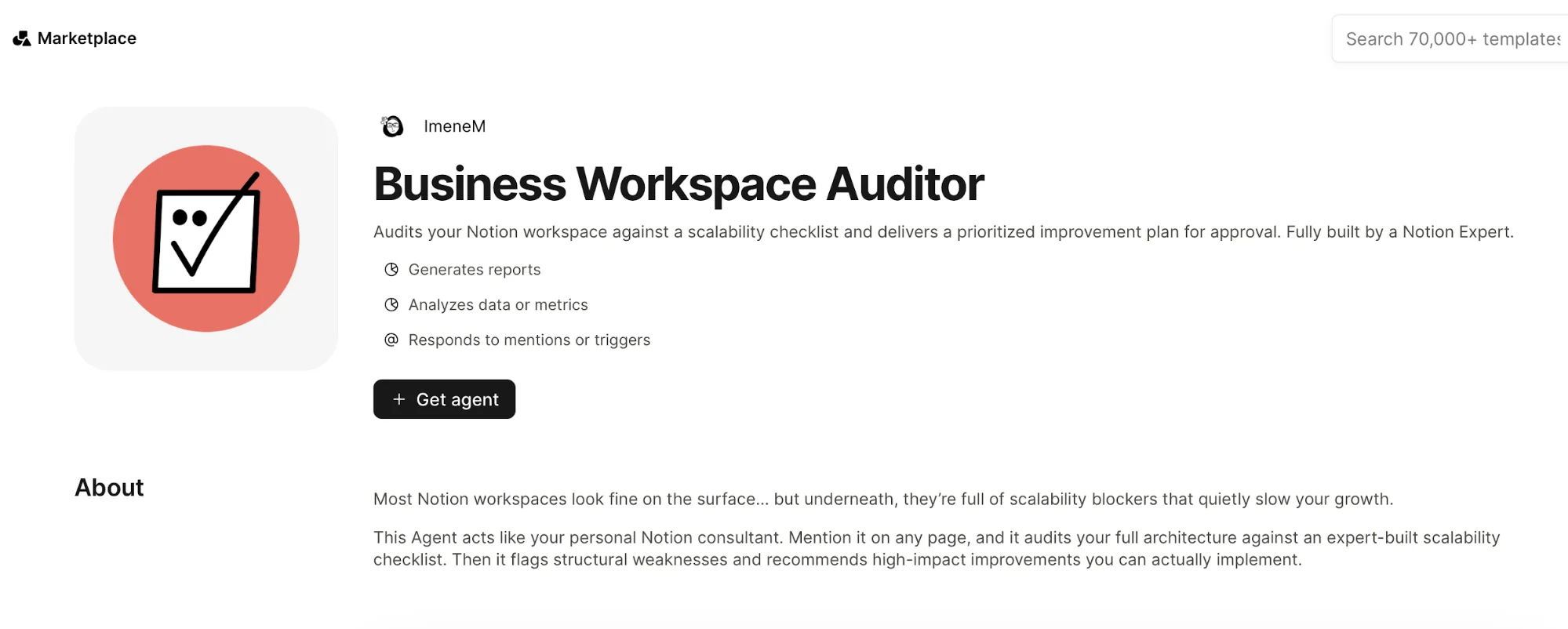
Step 2: Install the Business Workspace Auditor
- Open the template
- Click Get template
- Select your workspace
- Adjust permissions to include private pages if needed
- Save
Step 3: Run the Audit
- Audit this database.
Step 4: Review Findings and Apply Fixes
- Structural issues (duplicate fields, unused properties)
- Missing relationships between databases
- Naming inconsistencies
- Severity ratings for each issue
- Suggested fixes
- Apply fixes 1, 2, and 4.
Step 5: Monitor Credit Usage
- Pricing: $10 per 1,000 credits
- Usage can be monitored per agent in settings
- Free usage available until May 3, 2026 (Business & Enterprise plans)
Step 6: Expand to Other Agents
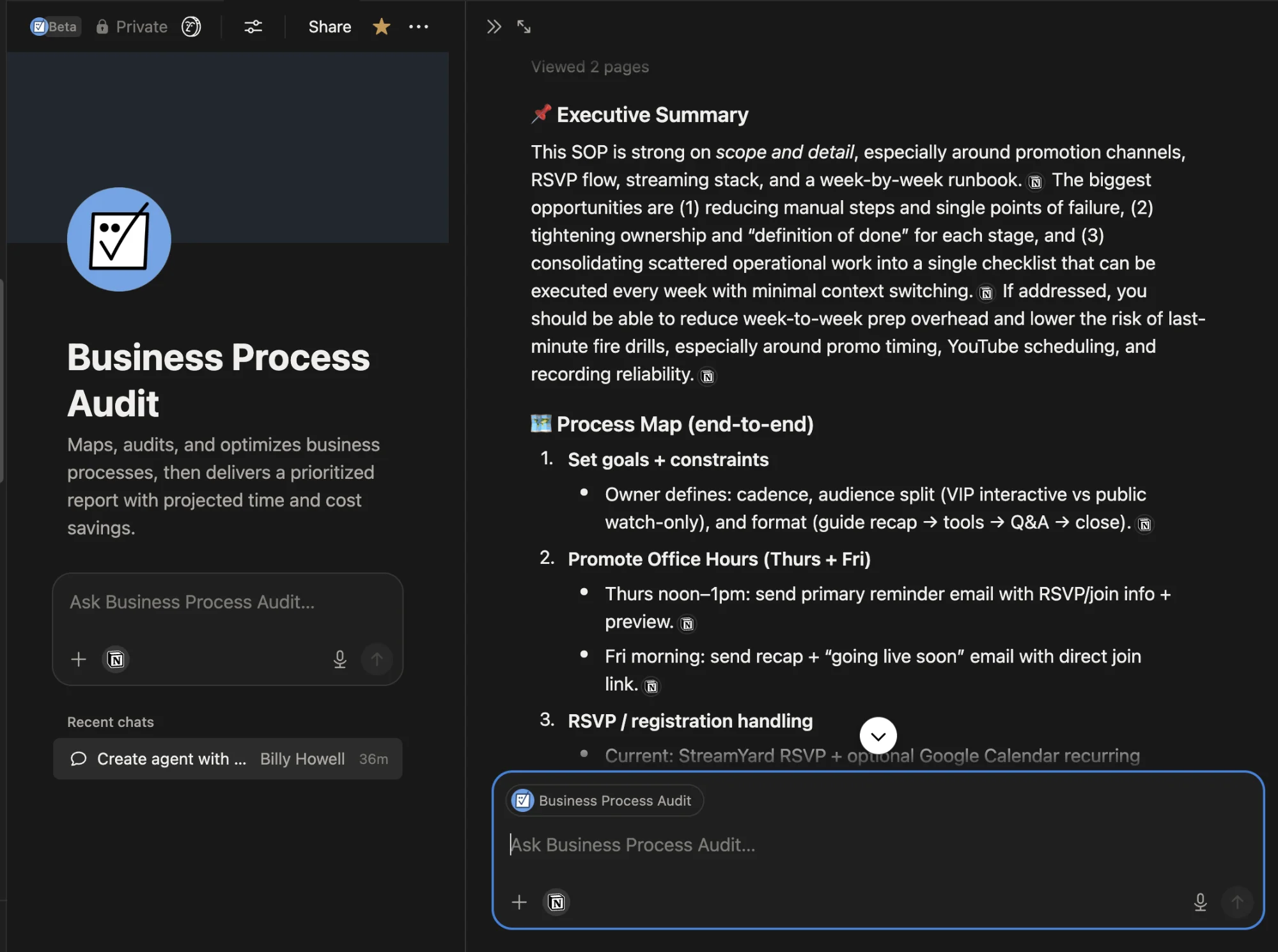
- Business Process Audit: Maps workflows, identifies bottlenecks, and suggests improvements
- Task Triager: Converts unstructured ideas into organized tasks with priorities and deadlines
- Weekly Planning Agents: Useful for reviews and structured planning
- Email Assistants: Help manage inbox workflows efficiently
Going Further
- Run the Workspace Auditor
- Feed results into the Business Process Audit
- Use the Task Triager to convert fixes into actionable tasks
Final Takeaway
- Clear diagnostics
- Prioritized fixes
- Automated implementation

Editorial Staff
The Editorial Staff at AIChief is a team of Professional Content writers with extensive experience in the field of AI and Marketing. AIChief was Founded in 2025, AIChief has quickly grown to become the largest free AI resource hub in the industry. Stay connected with them on Facebook, Instagram and X for the latest updates.



