AI Showcase
Design.com vs. Canva vs. Looka: Which AI Logo Generator Is Best?
Compare Design.com, Canva, and Looka to find the best AI logo generator. Explore features, customization options, and tools for creating your brand logo.
Share
Creating a logo is one of the first steps in building a recognizable business identity. But if you are launching a new company, you may not have the budget to hire a professional designer. AI logo generators can help you explore ideas, create logo concepts, and customize designs without starting from scratch.
Design.com, Canva, and Looka all offer tools for creating business logos, but they approach the process differently. To compare them, we used the same business name, Burger Express, and looked at how each platform helps users generate, customize, and prepare a logo for their brand.
Here is how the three platforms compare and which one offers the best overall experience for small businesses.
Design.com vs. Canva vs. Looka: Quick Comparison
| Feature | Design.com | Canva | Looka |
|---|---|---|---|
| Best for | AI logo creation and branding tools | Template-based logo design | AI-generated logo concepts and brand kits |
| Logo generation | AI Logo Generator and Logo Maker | Logo templates and AI design features | AI logo generator |
| Customization | Colors, fonts, layouts, icons, and AI-assisted edits | Colors, fonts, elements, and layouts | Colors, fonts, symbols, and layouts |
| Template library | 500K+ logo templates | Large collection of design templates | Generated logo concepts |
| Additional tools | 50+ design tools | Broad graphic design toolkit | Brand Kit and branding assets |
| Free option | Yes | Yes | Logo creation and previews; downloads require payment |
Design.com: Best Overall AI Logo Generator
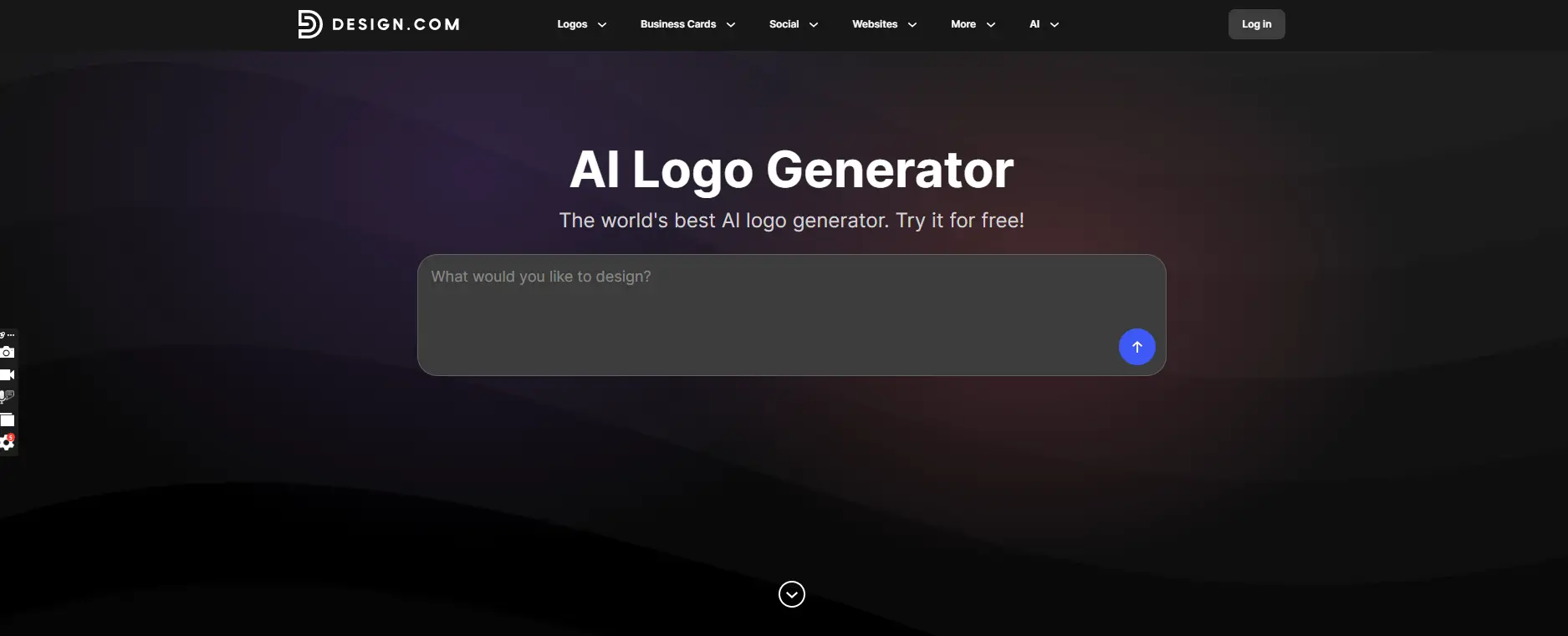
Design.com is our top choice for businesses seeking an accessible AI logo generator with ample customization options and additional branding tools. It combines AI-assisted logo creation with a large template library, giving users different ways to develop a visual identity.
For our comparison, we used the business name Burger Express. Design.com offers users various starting points with its AI Logo Generator and Logo Maker. The AI Logo Generator uses a prompt-based approach, allowing you to describe the logo concept you want. The Logo Maker, meanwhile, lets you enter your business name, add optional keywords, and explore designs using style and color filters.
This flexibility is useful because businesses do not always have a fully developed logo concept when they begin. You can start with a written description or browse available designs to find a direction that suits your brand.
Key Features
- AI Logo Generator
- Logo Maker
- 500K+ logo templates
- 1M+ total design templates
- 750+ fonts
- 62K+ custom vector shapes
- AI-assisted logo editing
- 50+ design tools
How We Created a Burger Express Logo
We started by exploring the logo creation options for Burger Express. With the AI Logo Generator, we could describe the type of logo we wanted for the business.
For example, a suitable prompt could be:
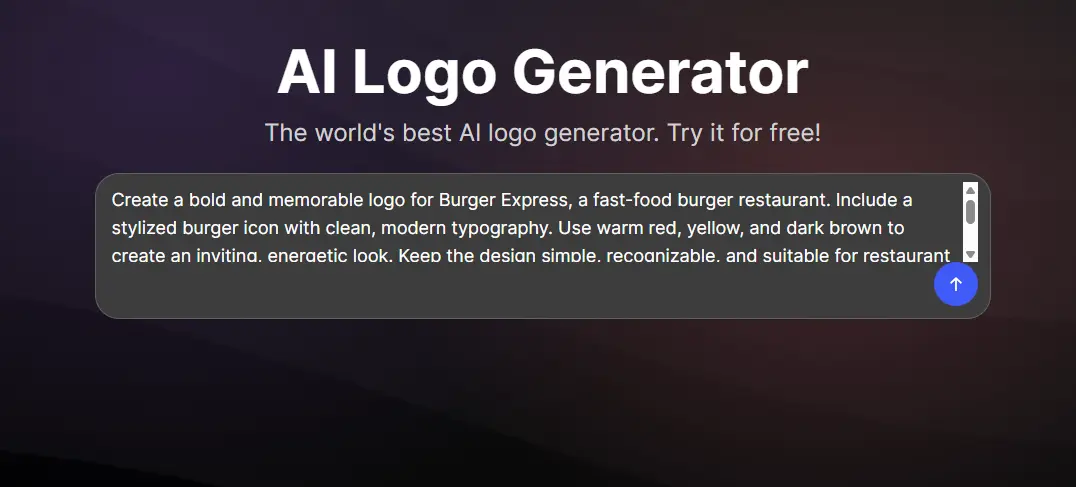
Create a bold and memorable logo for Burger Express, a fast-food burger restaurant. Include a stylized burger icon with clean, modern typography. Use warm red, yellow, and dark brown to create an inviting, energetic look. Keep the design simple, recognizable, and suitable for restaurant signage, packaging, and social media.
The prompt-based workflow gives you room to describe the visual direction rather than relying entirely on predefined categories. After generating logo concepts, you can explore the available designs and choose one to customize.
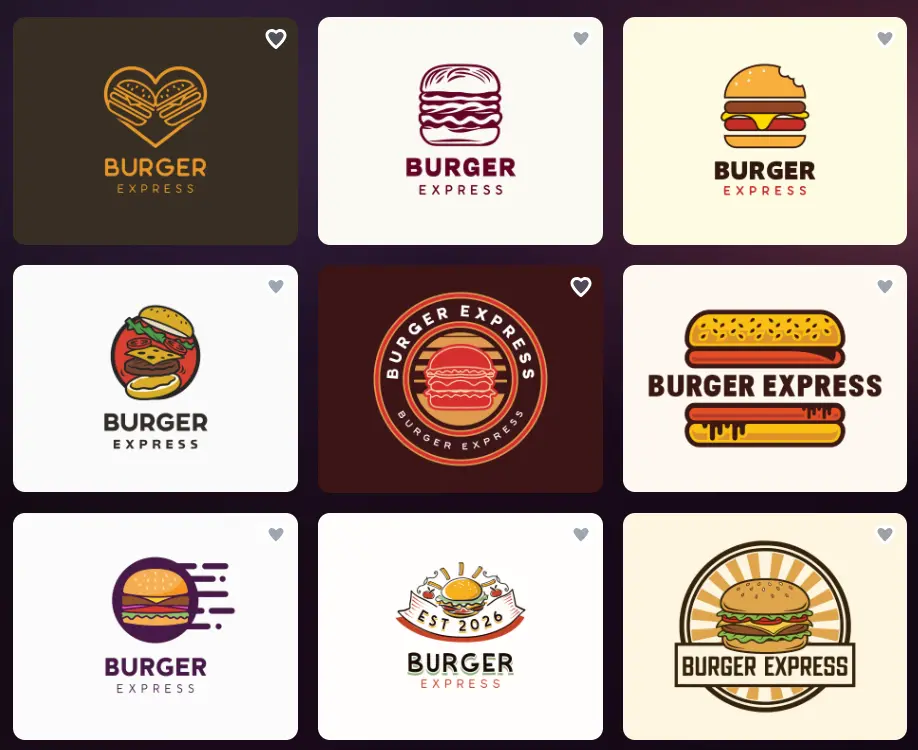
We also looked at the Logo Maker workflow.
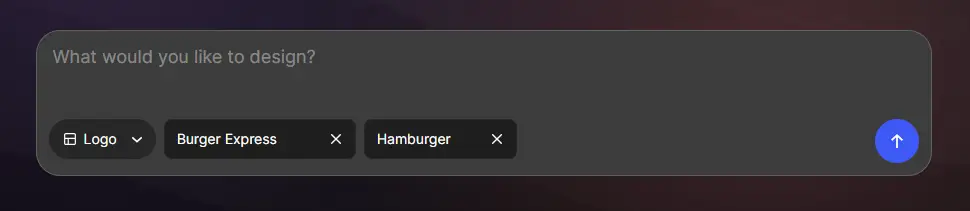
Here, entering Burger Express as the business name and adding relevant keywords gives you another way to explore logo templates.
Customizing the Logo
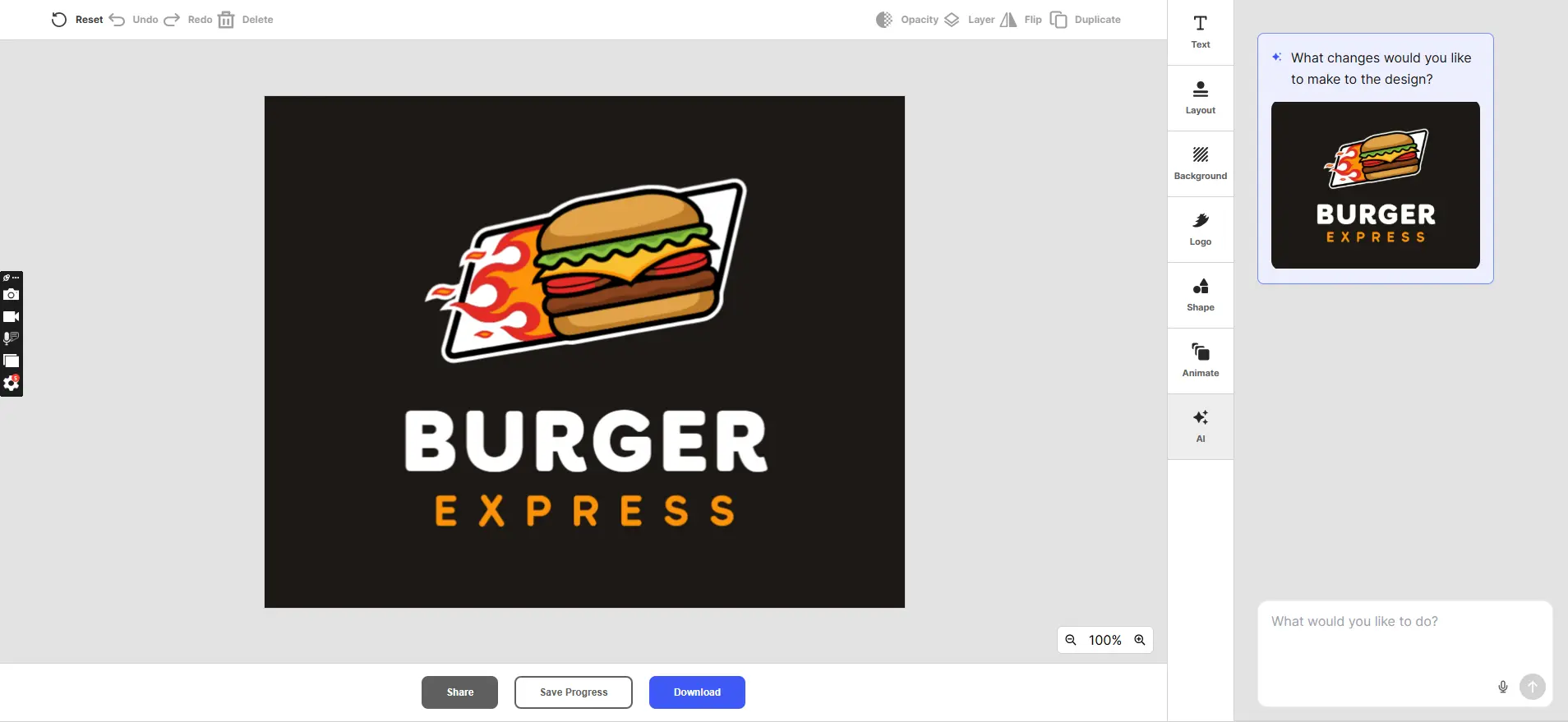
Once you have selected a design, Design.com provides editing options for adjusting its appearance. You can change colors, typography, layout, and individual design elements to make the logo better reflect your business.
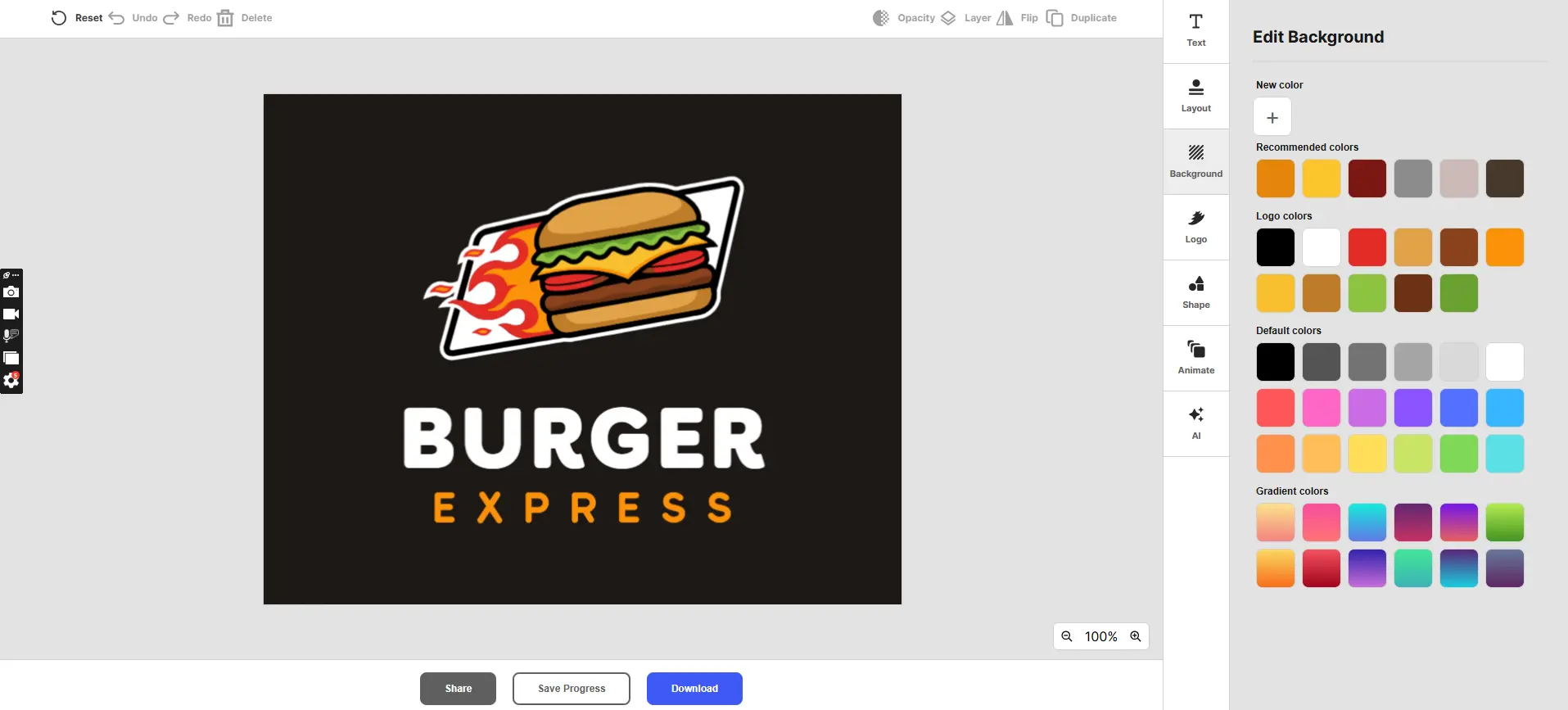
The AI chatbot is another useful addition. You can use text-based instructions to request changes to logo icons, which can make the editing process more approachable if you are not familiar with graphic design software.
Beyond logo creation, Design.com offers tools to build a broader brand identity. You can create business cards, websites, flyers, posters, presentations, social media graphics, and other marketing materials. This makes it useful for businesses that need more than a logo when launching.
Pros
- Multiple logo creation workflows
- Large logo template collection
- Flexible editing options
- AI-assisted logo edits
- More than 50 additional design tools
- Supports a wider range of branding needs
Cons
We did not find any drawbacks during our review.
Pricing
Design.com offers free logo creation, with paid plans for downloading designs and accessing additional features.
| Plan | Annual Billing | Monthly Billing |
|---|---|---|
| Free | $0 | $0 |
| Starter | $3/month | $9/month |
| Value | $4/month | $14/month |
| Premium | $5/month | $19/month |
The paid plans include high-resolution and vector logo files, unlimited logo changes, and additional branding resources. Higher tiers include features such as a website, link-in-bio page, and digital business cards.
Verdict: Design.com is the strongest overall option in this comparison. Its AI Logo Generator, template-based Logo Maker, editing tools, and wider collection of branding features make it a practical choice for small businesses like Burger Express.
Canva: Best for Template-Based Logo Design
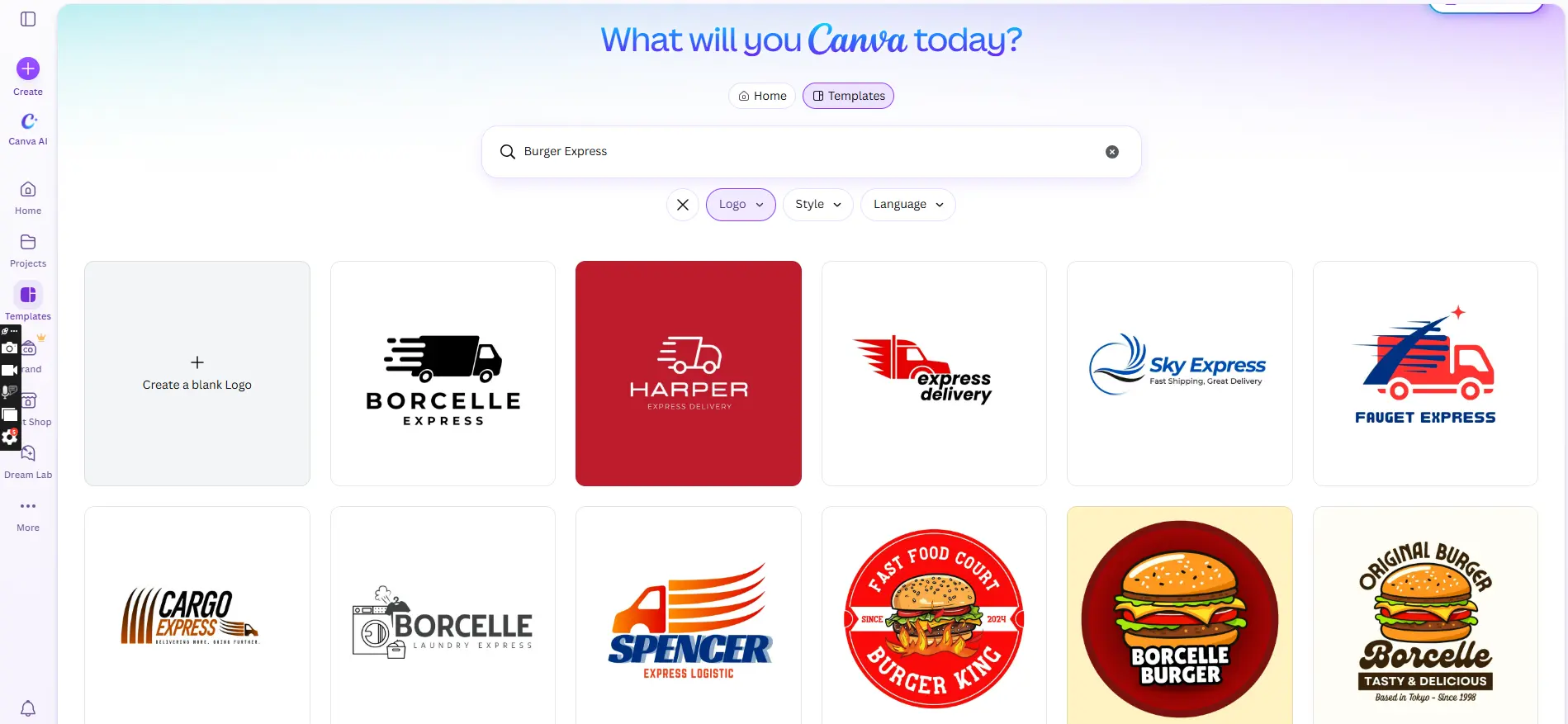
Canva is a popular online design platform known for its extensive template library and accessible editing tools. Its logo maker is particularly useful for people who prefer to start with an existing design and customize it to suit their business.
For Burger Express, we could begin by searching Canva's logo templates for restaurant, burger, or fast-food designs. From there, we could select a layout and adjust the business name, colors, fonts, and graphic elements.
Canva's approach is more template-focused than a dedicated AI logo generator. Its AI features can help with broader design tasks and creative exploration, but creating a polished logo often involves selecting and editing an existing template or building a design using available elements.
Key Features
- Logo templates
- Drag-and-drop editor
- Font library
- Graphics and icons
- AI design features
- Brand Kit
- Social media templates
How We Would Create a Burger Express Logo
We would begin by searching for burger or restaurant logo templates. Canva provides different layouts and styles, so we could compare options ranging from simple wordmarks to designs featuring burger illustrations.
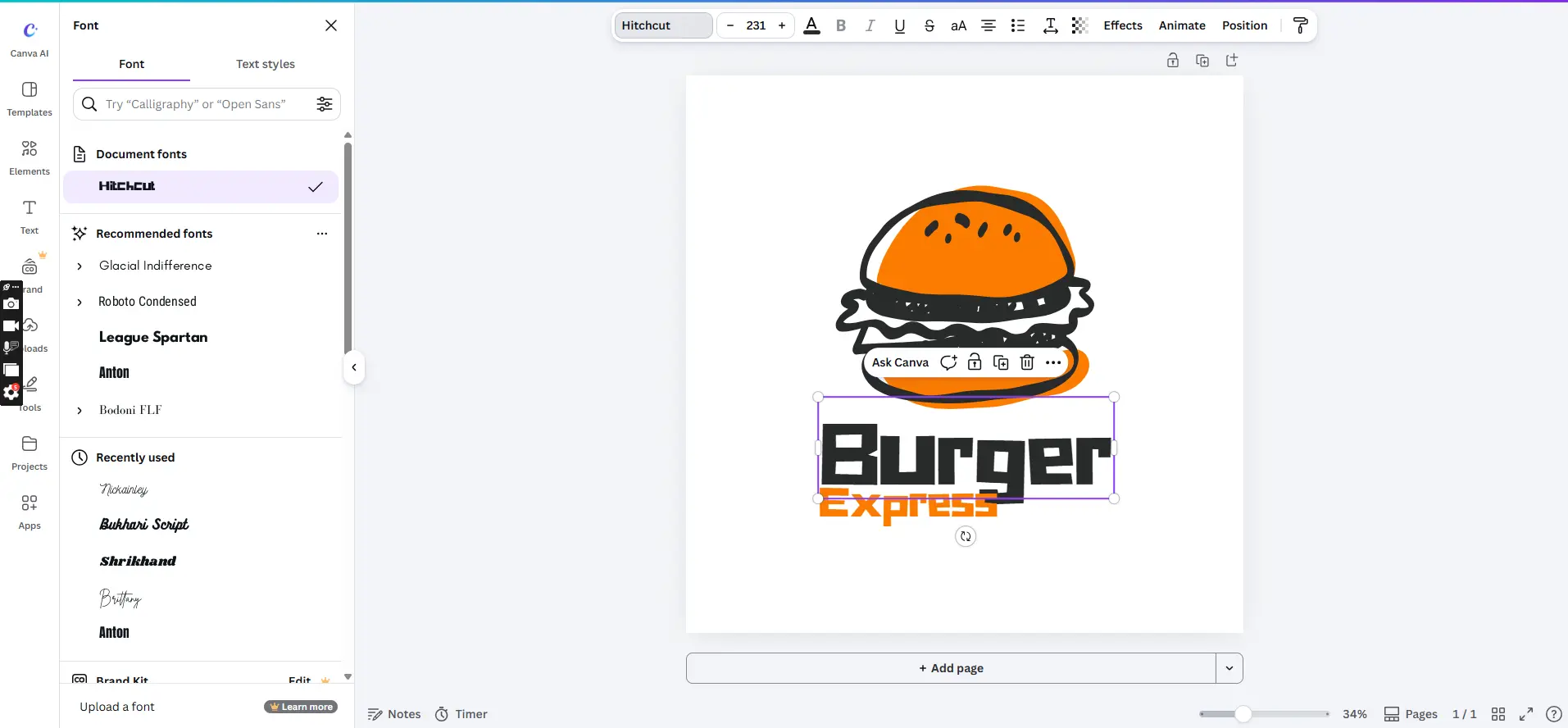
After selecting a template, we could replace the sample business name with Burger Express and adjust the colors to match the restaurant's identity. Red and yellow, for example, could create a familiar fast-food look, while darker shades might give the brand a more modern appearance.
Canva's editor makes it easy to move elements around, resize graphics, change fonts, and adjust the overall layout. This gives users plenty of creative control, especially if they already have an idea of how their logo should look.
However, finding a suitable template and making the necessary adjustments can take some time. Users who want AI to generate logo concepts directly from a detailed prompt may find Canva's template-based workflow less straightforward.
Pros
- Easy-to-use editor
- Large template library
- Plenty of fonts and graphics
- Useful tools for other marketing materials
- Free plan available
Cons
- Logo creation relies heavily on templates and manual editing
- Some design assets and features require a paid plan
- AI features are not as focused on dedicated logo generation
Pricing
Canva offers a free plan with access to many design tools and templates. Canva Pro is available through a paid subscription, with pricing that varies by billing option and region. It includes additional premium content, features, and brand tools.
Verdict: Canva is a good choice if you enjoy working with templates and want a flexible editor to create various marketing materials. However, businesses looking for a more dedicated AI logo-generation workflow may prefer Design.com or Looka.
Looka: Best for AI Logo Concepts and Brand Kits
Looka is a branding platform focused on AI-assisted logo creation and brand identity development. It helps users generate logo concepts based on their business name, industry, preferred styles, colors, and design preferences.
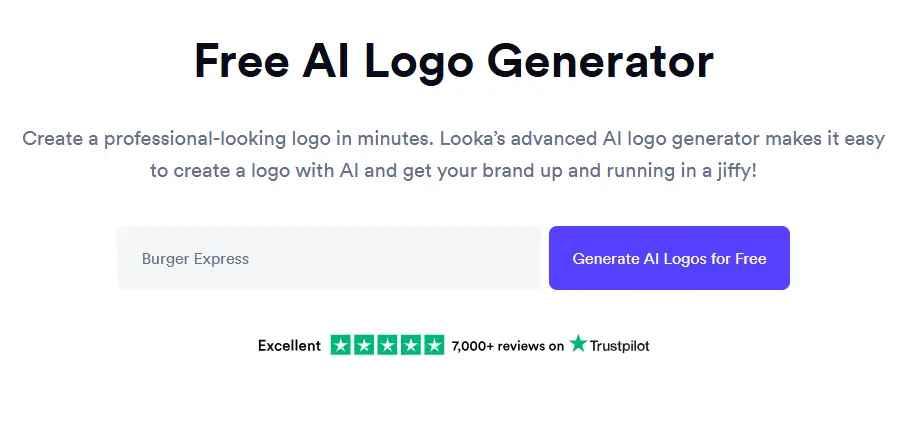
For Burger Express, the process begins by entering the business name and selecting the relevant industry. You can then choose visual preferences, such as logo styles, colors, and symbols. Looka uses these selections to generate logo concepts that you can browse and customize.
This approach is helpful if you have a general idea of what you want but would like the platform to suggest different visual directions. Rather than searching through a large collection of templates yourself, you can start with concepts generated based on your selections.
Key Features
- AI logo generation
- Logo concept variations
- Industry-based suggestions
- Font customization
- Color customization
- Symbol selection
- Brand Kit
How We Would Create a Burger Express Logo
We would enter Burger Express as the business name and select a relevant industry, such as food or restaurant. Looka would then guide us through choosing preferred visual styles, colors, and symbols.
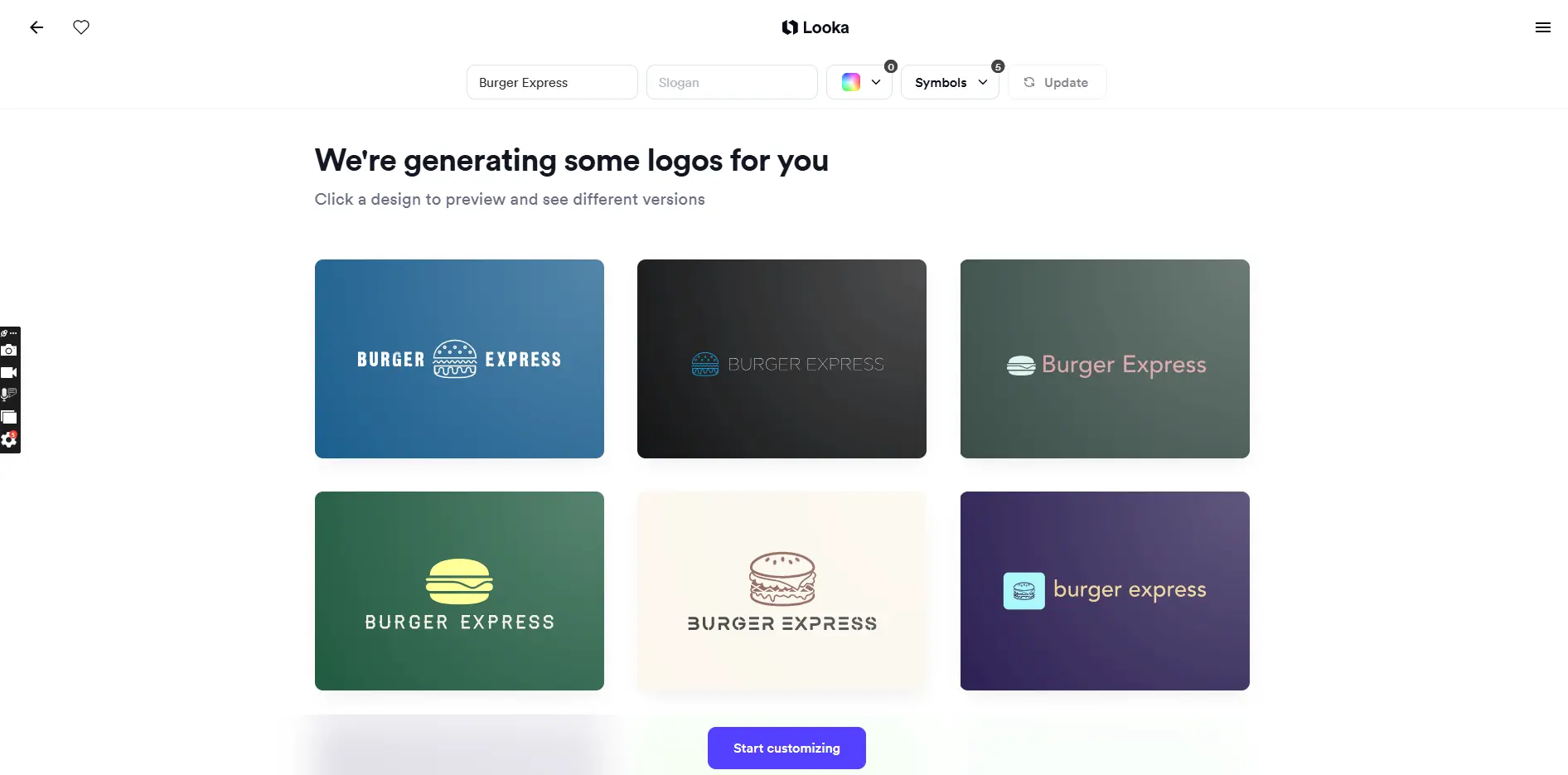
For this business, we could select a bold, modern style and colors associated with fast-food branding. We could also explore burger-related symbols to help communicate what the business offers.
After the initial concepts are generated, Looka provides customization options. We could adjust the logo's typography, colors, layout, and icon to better match the desired result.
One of Looka's main advantages is its Brand Kit. Beyond the logo itself, the platform can help create branded materials and assets that use the same visual identity. This can be useful when a business needs a consistent look across different marketing channels.
However, Looka's main focus is branding and logo creation. Businesses that also need a broader collection of everyday design tools may need to use another platform for some of their creative projects.
Pros
- AI-generated logo concepts
- Guided logo creation process
- Customizable colors and fonts
- Industry-based design suggestions
- Brand Kit for additional assets
Cons
- Downloading logo files requires a paid package
- Fewer general-purpose design tools than broader design platforms
- The initial logo concepts depend on the preferences and selections provided
Pricing
Looka allows users to generate and preview logo concepts before purchasing. Downloading logo files and accessing additional branding materials require a paid package.
Its pricing is structured around logo download packages and brand subscription options. The available features and prices depend on the package selected, so it is worth checking Looka's pricing page before purchasing.
Verdict: Looka is a strong option for businesses that want AI-generated logo concepts and a collection of matching brand assets. Its guided workflow makes it easy to explore ideas, although its focus is narrower than Design.com's wider design toolkit.
Design.com vs. Canva vs. Looka: Which Should You Choose?
All three platforms can help you create a logo for a business like Burger Express, but the best choice depends on how you prefer to work.
| Platform | Choose It If You... |
|---|---|
| Design.com | Want AI logo generation, template-based options, flexible customization, and additional branding tools in one place |
| Canva | Prefer choosing a template and editing it yourself using a drag-and-drop editor |
| Looka | Want guided AI-generated logo concepts and matching brand assets |
Design.com offers the most complete combination of logo creation options and additional design tools. Its prompt-based AI Logo Generator lets you describe a concept, while the Logo Maker offers a separate template-based workflow with filters for styles and colors. You can also continue creating other business materials without switching platforms.
Canva is a good fit for people who enjoy hands-on editing and want access to a broad range of templates. Looka is worth considering if your priority is generating logo concepts and developing a coordinated brand identity through its Brand Kit.
Final Verdict
For this comparison, Design.com is our top choice for small businesses looking for an AI logo generator. Its combination of prompt-based generation, customizable logo templates, AI-assisted editing, and additional branding tools makes it a well-rounded option.
Canva is a practical alternative for template-based design, while Looka is a good choice for guided AI logo creation and brand assets.
If you want a platform that can support more of your branding needs beyond the initial logo, Design.com is the one we recommend exploring first.

Editorial Staff
The Editorial Staff at AIChief is a team of Professional Content writers with extensive experience in the field of AI and Marketing. AIChief was Founded in 2025, AIChief has quickly grown to become the largest free AI resource hub in the industry. Stay connected with them on Facebook, Instagram and X for the latest updates.