AI Showcase
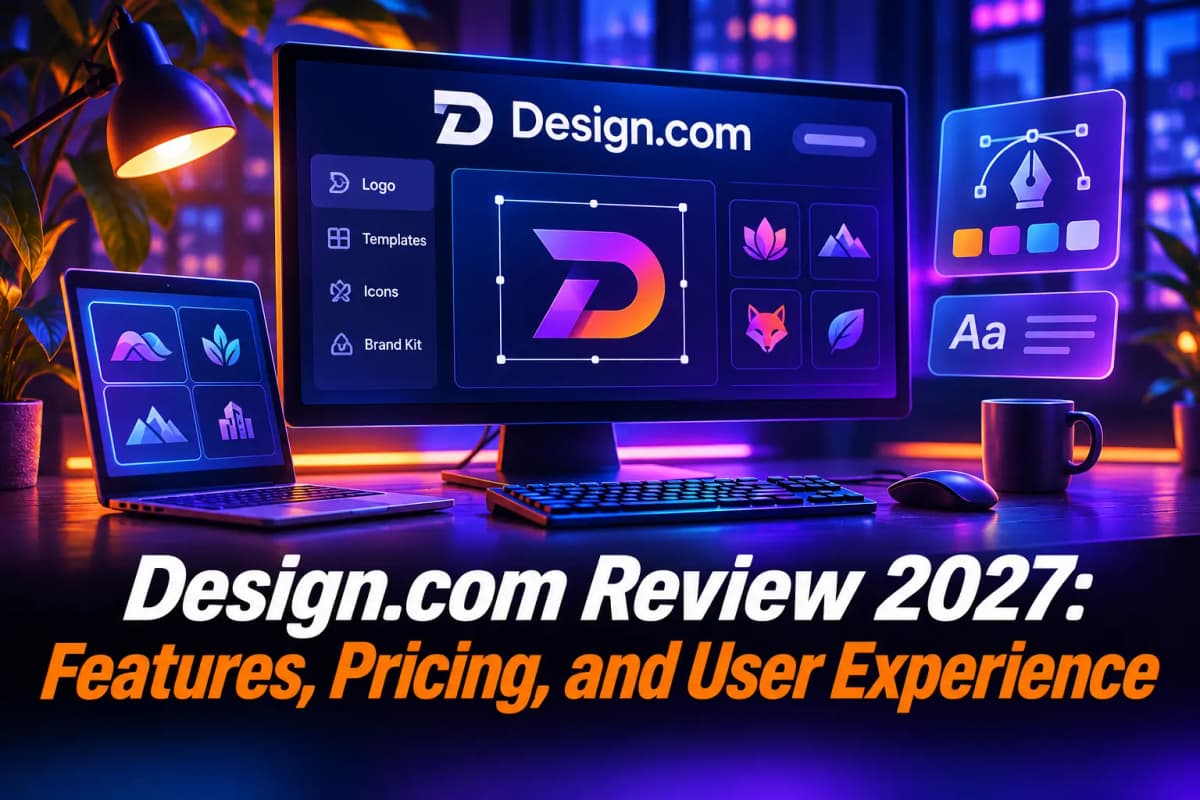
Design.com Review 2027: Features, Pricing, and User Experience
Our hands-on Design.com review covers the AI logo generator, 500K+ templates, brand kit tools, and pricing from $3/month, so you can decide fast.
Share
A logo is usually the first branding decision a new business makes, and it is the one that stalls people the longest. Design.com promises thousands of AI-generated options, a chat-based editor, and a full set of brand tools for a few dollars a month. We tested the workflow end to end to see which parts hold up and which need a second look.
TL;DR
Design.com is a fast, beginner-friendly AI logo maker backed by a 500,000+ template library. Its strongest advantage is what happens after the logo: your colors and style flow into business cards, social posts, and a website automatically. The main limits are a streamlined editor and no native app.
AIChief Rating: 4.5/5
Our Design.com Review
The quickest way to describe Design.com is that it treats the logo as step one of a brand, not a finished product. You describe your business, browse AI-generated options built from designer-made templates, and edit through chat. Whatever you pick then becomes the style guide for every other design on the platform.
Trustpilot shows a 4.7 rating across 4,000+ reviews, and the company describes itself as the #1 logo company in the world. Our testing supports the easy-to-use part of that reputation more than any ranking claim. Here is how we scored item:
| Criteria | Score |
|---|---|
| Ease of use | 9.8 / 10 |
| Template quality and variety | 9.2 / 10 |
| AI output quality | 8.8 / 10 |
| Pricing and value | 9.0 / 10 |
| Customer support | 8.6 / 10 |
| Overall | 9.1 / 10 (4.5/5) |
Hands-On Test: Building a Brand for RichlyAI
- Generate: Enter the business name and a short prompt. Design.com returns a large set of logo options drawn from its exclusive library.
- Refine: Pick a favorite, then use the chat editor to change the icon or the text by describing the change.
- Shortlist and vote: Save favorites to a list, or share a voting poll so colleagues and friends can weigh in.
- Download: Export vector, raster, or animated files, with an icon-only or transparent background option.
- Extend: Open a business card, social post, or website template and see the logo's colors already applied.
The fifth step is where Design.com separates itself from single-purpose logo generators. Nothing needs manual color matching, which is the chore that usually makes small brands look inconsistent.
Design.com Features at a Glance
| Feature | What it offers |
|---|---|
| Logo library | 500,000+ exclusive logo templates, 1 million+ total design templates |
| Fonts and shapes | 750+ fonts (525+ exclusive), 62,000+ custom vector shapes |
| AI tools | 15, including logo, icon, image, website, business card, flyer, poster, and presentation generators |
| AI logo editing | Chat interface for icon and text changes, with copyright-safe editing |
| File formats | SVG, EPS, PDF, PNG, JPG, GIF, MP4, plus icon-only and transparent options |
| Licensing | Extended licenses for exclusive use of a logo |
| Print products | Business cards, mugs, t-shirts, caps, and mousepads with free delivery |
| Support | 24/7 email support and chat |
| Languages | English, Spanish, French, German, Portuguese, Canadian French, Brazilian Portuguese |
What We Like About Design.com
- The library size changes the search: With over 500,000 logo templates, compared with roughly 5,000 in Adobe's logo library, you spend less time settling and more time choosing. Every design is exclusive to Design.com, created by professional designers, and manually checked for originality, so it is commercially safe.
- AI that reaches past the logo: The same AI powers the website builder, business card generator, flyer and poster makers, presentation maker, and business name generator. A logo you like leads straight into the rest of your launch kit.
- Chat-style editing: Describing a change feels closer to briefing a designer than adjusting sliders, which suits people with no design background.
- Automatic brand consistency: Colors and style carry into social posts, cards, letterheads, email signatures, menus, and web templates without hex-code hunting.
- Useful extras: You can register a domain alongside your logo, order printed merchandise, and pay in one of nine local currencies, including PHP.
What Could Be Better
The editor favors simplicity. Experienced designers who want granular technical controls will find it more streamlined than professional software, though for most users that is the intended trade-off.
Design.com also runs in the browser only. The experience is fast and responsive on every device, but anyone who needs a native desktop or mobile app will have to plan around that. Finally, teams that need deep developer integrations or detailed multi-user permissions will outgrow it.
Design.com Pricing
The free tier is genuine: you can edit and download a logo with no watermark, credit card, or subscription. A free download also unlocks the free website builder, link-in-bio tool, and digital business card maker. Downloading designs made with the other tools requires a paid plan.
| Plan | Pay monthly | Pay annually | What you get |
|---|---|---|---|
| Starter | $9 / month | $3 / month | Logo files, unlimited edits, business cards, social posts, email signature, letterheads, 50+ tools |
| Value | $14 / month | $4 / month | Everything in Starter, plus the website builder |
| Premium | $19 / month | $5 / month | Everything in Value, plus link in bio and digital business cards |
Annual billing saves 72%, and your logo stays yours even if you cancel. Pricing changes over time, so confirm current plans on the site before subscribing.
Who Should Use Design.com?
Design.com fits:
- First-time founders
- Startups preparing for a first pitch
- Freelancers building a personal brand
- Small business owners without a design budget
- Anyone rebranding who wants options fast
Skip it if you are an enterprise team that needs developer integrations or multi-user permission controls, or a designer who wants fine-grained technical tools.
Is Design.com Worth It?
For most small businesses and startups, yes. The free tier lets you test the logo maker risk-free, and the $3 annual plan is hard to beat for a toolkit that covers logos, cards, social posts, and templates. The value shrinks if you need advanced design controls or enterprise features.
Final Verdict
Design.com is a strong pick for anyone who wants a professional logo and a consistent brand without learning design software. We like the size of the library, the chat editing, and the automatic branding across templates. We would only hold back for teams with complex workflow needs.
FAQs

Editorial Staff
The Editorial Staff at AIChief is a team of Professional Content writers with extensive experience in the field of AI and Marketing. AIChief was Founded in 2025, AIChief has quickly grown to become the largest free AI resource hub in the industry. Stay connected with them on Facebook, Instagram and X for the latest updates.