AI Showcase
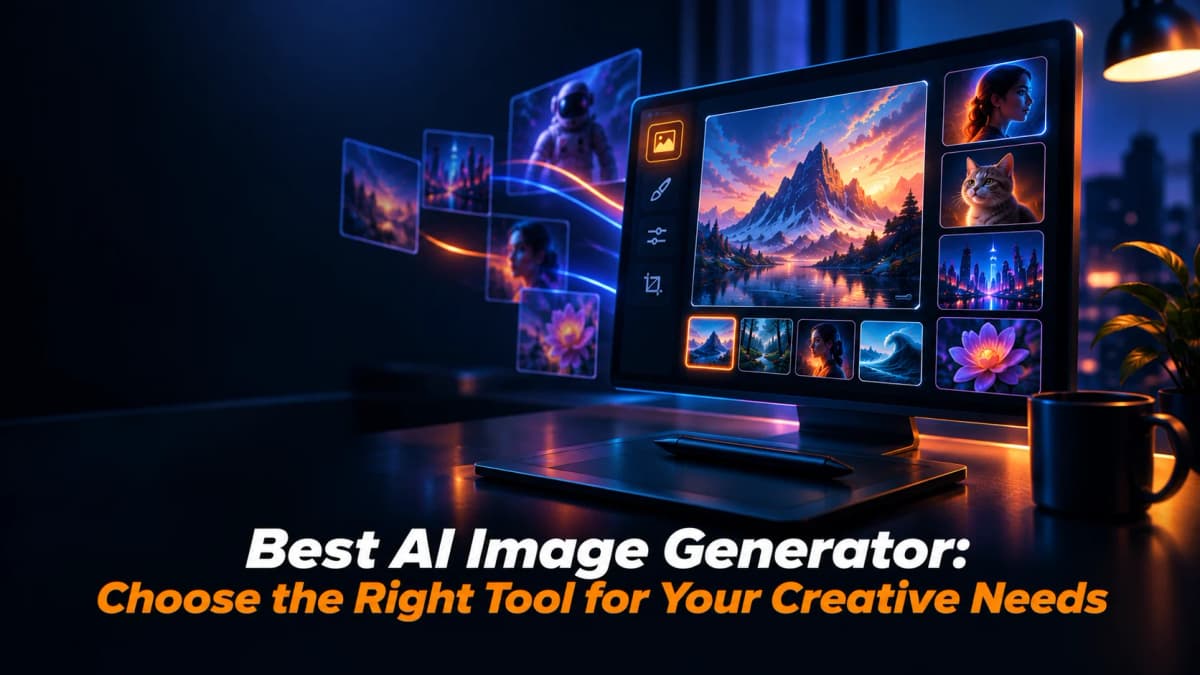
Choose the Best AI Image Generator for Your Creative Needs
Learn how to choose the best AI image generator for your creative needs by comparing quality, models, editing, consistency, resolution, pricing, and more.
Share
Creating strong visuals no longer requires every idea to begin with a blank canvas, expensive software, or a long production cycle. An AI Image Generator can turn a written concept, reference image, or creative direction into a visual starting point in seconds. That speed can make experimentation much easier.
But choosing an AI Image Generator with Higgsfield is not simply about finding the tool that produces the most attractive picture. Different platforms vary in prompt understanding, editing controls, consistency, resolution, model access, workflow and commercial suitability. The right choice depends on what you need to create and how much control you want
This guide explains the main factors worth considering before choosing an AI Image Generator and shows how a broader creative workflow can make the process more practical.
What Should You Expect From an AI Image Generator?
A modern AI Image Generator should do more than convert a short sentence into a picture. Good platforms should understand detailed prompts, handle different visual styles, support useful aspect ratios and give creators enough control to refine an idea.
For example, a social media manager may need vertical campaign graphics, while an ecommerce team may need product scenes and consistent branding. A filmmaker may need concept frames with recurring characters and a designer may want to explore several compositions before choosing a direction.
This means the best tool is rarely universal. Start by defining the type of visual work you produce most often.
Which Features Matter Most When Comparing Tools?
When comparing an AI Image Generator, focus on practical capabilities rather than a long feature list. Prompt accuracy is one of the first things to test. The system should understand subjects, relationships, lighting, composition, typography and style without requiring endless prompt changes.
Editing is equally important. Look for workflows that allow targeted edits, background changes, object replacement, color adjustments, or other localized changes.
Model variety can also matter. Different models may perform better for realism, typography, illustration, product photography, or creative experimentation. A platform that brings several models into one workspace can reduce the need to move files between services.
How Important Is Image Quality and Resolution?
Image quality should be evaluated according to the final destination. A casual social post may not require the same resolution as a product campaign, printed advertisement, presentation, or website hero image.
Look at native output resolution, detail retention, aspect ratio options and the platform's approach to upscaling. Also inspect small details such as hands, faces, text, edges, reflections, and product labels.
For professional work, consistency matters alongside sharpness. An image can look impressive on its own but become less useful if a character changes appearance from one generation to another or if brand elements are difficult to reproduce.
Can the Tool Handle Different Creative Workflows?
A useful AI Image Generator should fit the way you already work. If your process involves brainstorming, generating references, editing, organizing assets and preparing content for different platforms, switching between several disconnected applications can slow everything down.
Higgsfield AI is a native AI creative suite, which offers advanced AI image, video and voice generation, editing and upscaling tools. The platform presents image generation alongside editing, storyboarding and video workflows in one creative environment. Its current image page says users can access multiple leading models, compare outputs, create consistent characters, edit selected areas and move generated images into video workflows.
For creators who regularly move from a still concept to motion content, this connected workflow can be more useful than a single-purpose generator. It also means the image is not necessarily the final asset. It can become a starting point for a larger campaign, storyboard, advertisement, or social sequence.
How Does Model Choice Affect the Results?
Not every model produces the same kind of output. Some models may be stronger for photorealistic scenes, others for illustrations, typography, character work, or creative styles. That is why model access should be considered when evaluating an AI Image Generator.
Higgsfield currently brings multiple image models into one workspace, including Nano Banana Pro, GPT Image, Seedream, FLUX, Kling O1 Image, and Higgsfield Soul. The platform says users can switch between models and compare outputs rather than relying on a single generation engine.
This approach can be valuable when the first model does not deliver the exact visual direction you need. Instead of exporting a prompt and starting again somewhere else, you can test another model within the same broader workflow.
What Should You Check for Character Consistency?
Character consistency becomes important when visuals are part of a story, campaign, product series, or recurring social format. A character that changes facial structure, clothing details, or visual identity between images can make a project look disconnected.
When comparing an AI Image Generator, test whether it can preserve identity across multiple prompts. Uploading a reference image can also be useful because it gives the system a visual anchor instead of relying entirely on written descriptions.
Higgsfield offers Soul ID for maintaining a character's identity across generations. According to its current product page, the feature is designed to keep the same face, style and person consistent across storyboards, campaigns and video sequences.
For creators developing recurring characters or multi-image campaigns, this kind of consistency can save substantial revision time.
How Well Does It Handle Text Inside Images?
Text generation is another practical test. Posters, packaging, advertisements, thumbnails, infographics and social graphics often need readable words inside the image. A visually attractive result is not very useful if the headline is misspelled or the label becomes distorted.
When testing an AI Image Generator, create a sample containing a headline, short product description, or brand style label. Check spelling, alignment, letter shapes and how the system handles multiple text elements.
Higgsfield's current image generation page highlights accurate text rendering through Nano Banana Pro, describing support for legible headlines, labels, and packaging.
That can be particularly useful for marketing teams that want to move from concept to usable creative without rebuilding every piece of typography manually.
What Editing Capabilities Should You Look For?
Generation is only the first stage of visual creation. Strong editing controls can determine whether an image is genuinely useful in a professional workflow.
A practical AI Image Generator should ideally let you make changes without starting over. Look for object replacement, background edits, color changes, local corrections, image expansion and reference based adjustments.
Higgsfield's current image workflow includes an inpainting feature that lets users brush over an area and change objects, backgrounds, colors, or labels without regenerating the entire image.
This type of workflow is useful when an image is almost right and only a small part needs revision. It also makes experimentation more efficient because creators can refine an approved composition instead of repeatedly asking for a completely new result.
How Should You Evaluate Aspect Ratios and Output Formats?
Different channels require different dimensions. Instagram posts, vertical stories, YouTube thumbnails, websites, presentations, and print layouts do not all use the same proportions.
Before selecting an AI Image Generator, check whether it supports the formats you regularly need. A platform that offers several aspect ratios can reduce cropping and redesign work later.
Higgsfield currently lists support for common formats including 1:1, 9:16, 16:9, 3:4 and 4:3.
This matters when a single creative concept needs to be adapted across multiple channels. Instead of treating every platform as a separate design project, you can build a visual direction and adapt it to the required format.
Does Pricing Match Your Actual Usage?
Price should be evaluated alongside output volume. A low monthly price may not be economical if you quickly run out of credits, while a more capable plan may be unnecessary for someone generating only a few images each month.
Higgsfield currently uses a credit based subscription structure, with individual and business plans designed for different production needs. Its help center explains that plans vary by model access, monthly credits, and simultaneous generations, while business plans add shared workspace capabilities.
Before paying, estimate how many images you create each month, which models you need, and how much iteration your projects normally require. Also check the live pricing page because plan names, credits, availability, and pricing can change.
Who Benefits Most From an Integrated Creative Platform?
An integrated platform can be particularly useful for creators who work across several visual formats. Social media teams may generate campaign graphics and then turn selected images into video. Ecommerce brands can create product scenes, advertisements, and supporting social content. Filmmakers can develop visual references before moving into motion production.
This broader workflow is one reason the platform can be considered when choosing an AI Image Generator. Its current platform connects image creation with video, editing, character consistency, and other creative workflows rather than treating image generation as an isolated task.
The advantage is not simply having more features. It is reducing the number of times you have to move between tools, export files, rebuild prompts, or recreate creative context.
What Should You Test Before Making a Final Choice?
Before committing to any AI Image Generator, run the same small test across the platforms you are considering. Use one photorealistic prompt, one creative illustration prompt, one image containing text, one reference image task, and one editing task.
Then compare the results for:
- Prompt accuracy
- Visual quality
- Character consistency
- Text rendering
- Editing control
- Generation speed
- Resolution
- Aspect ratios
- Model selection
- Commercial suitability
- Ease of workflow
A structured test is more useful than choosing a platform because of a single impressive example. It shows how the tool performs against your actual needs.
How Can You Choose the Right Tool for Your Goals?
The best AI Image Generator is the one that fits your workflow rather than the one with the longest feature list. If you mainly create illustrations, prioritize style flexibility and prompt control. If you produce marketing assets, look closely at typography, brand consistency, editing, and commercial use. If you create content across images and video, consider whether one platform can support both stages.
The platform is particularly relevant for users who want image generation to connect with a wider creative process. Its current product combines multiple image models with editing, character consistency, and image to video workflows, making it suitable for projects that extend beyond a single still image.
The final decision should come from your own testing. Higgsfield can support broader image to video workflows. Start with a few real projects, compare outputs, measure how much editing is required, and consider the total workflow rather than only the generation screen.
What Is the Final Takeaway?
Choosing an AI Image Generator becomes much easier when you evaluate it against real creative requirements. Quality matters, but so do prompt understanding, editing, model access, consistency, resolution, formats, and pricing.
For occasional users, a simple generator may be enough. For creators producing campaigns, product visuals, social content, storyboards, or connected image and video projects, an integrated creative platform can offer a more efficient workflow.
The platform is worth considering when your needs extend beyond basic image generation. Its current image workflow brings multiple models, editing, character consistency, and image to video capabilities together, which can help reduce tool switching and support a more connected production process.
Choose the tool that consistently moves ideas to usable visuals.
FAQs

Editorial Staff
The Editorial Staff at AIChief is a team of Professional Content writers with extensive experience in the field of AI and Marketing. AIChief was Founded in 2025, AIChief has quickly grown to become the largest free AI resource hub in the industry. Stay connected with them on Facebook, Instagram and X for the latest updates.