

AI Tutorial
Capture Meeting Insights with ChatGPT Record Mode
Learn how to capture, transcribe, and summarize meetings directly in ChatGPT without using third-party tools.
Share
This guide explains how to use ChatGPT record mode to record and summarize meetings directly in the desktop app, no external tools required.
Who It’s For
- Employees are restricted from using tools like Fireflies or Otter
- Managers handling frequent meetings
- Students needing lecture summaries
- Teams prioritizing privacy within a single platform

Step 1: Set Up ChatGPT Record Mode
Download and install the ChatGPT desktop app for your system.
Sign in with a Plus, Pro, Business, or Enterprise account (full features not available on free plans).
Inside the app, you’ll see options for recording, dictation, and voice interaction alongside other features.
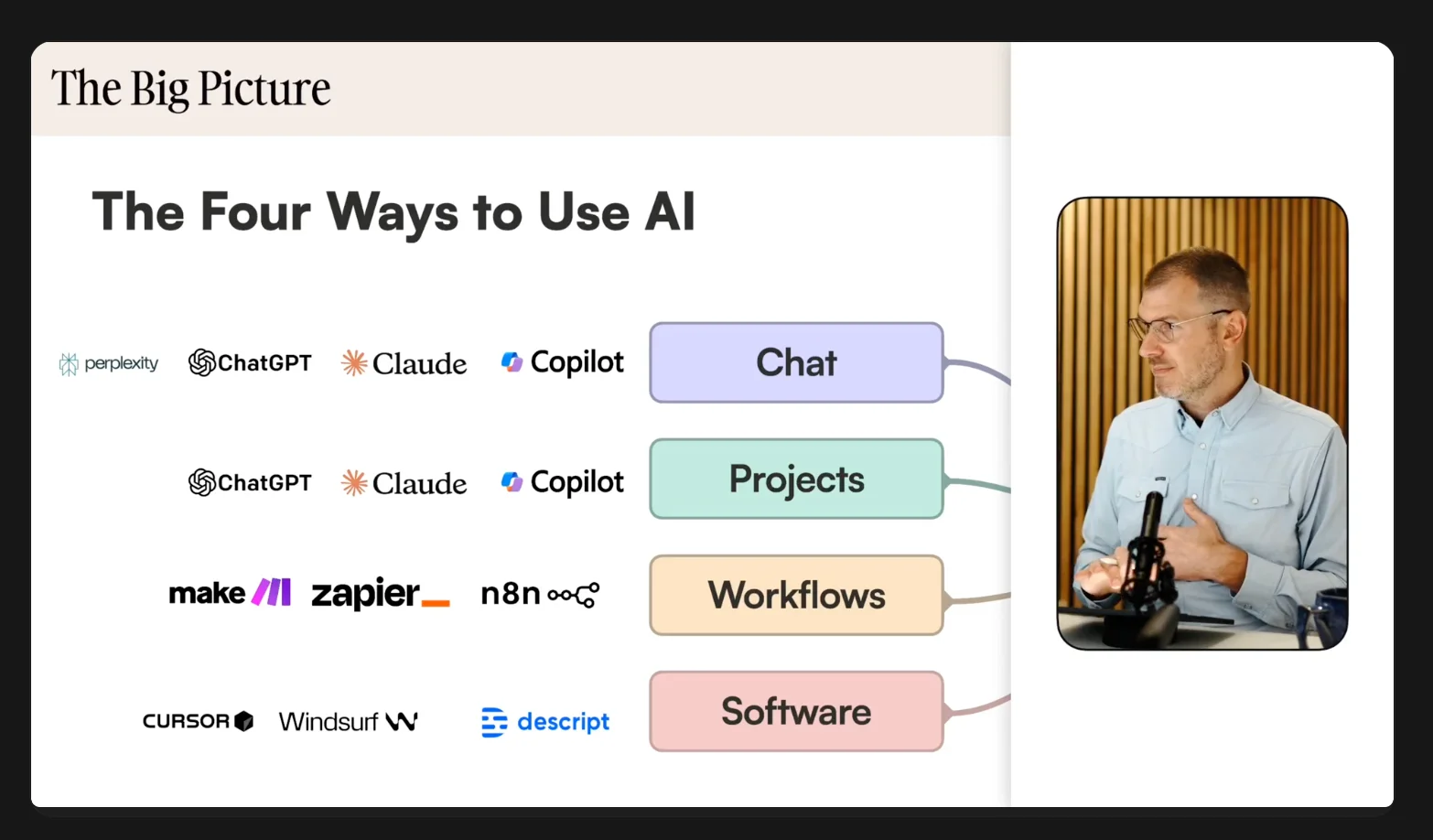
Step 2: Record Your Session
Choose the meeting, lecture, or discussion you want to capture.
Click “Record” to begin. A small panel will indicate that recording is active.
The recorder runs in the background while you focus on the session.
Note: Always ask for permission before recording others.
Common Use Cases:
- Work meetings
- University lectures
- Training sessions
- Personal brainstorming or voice notes
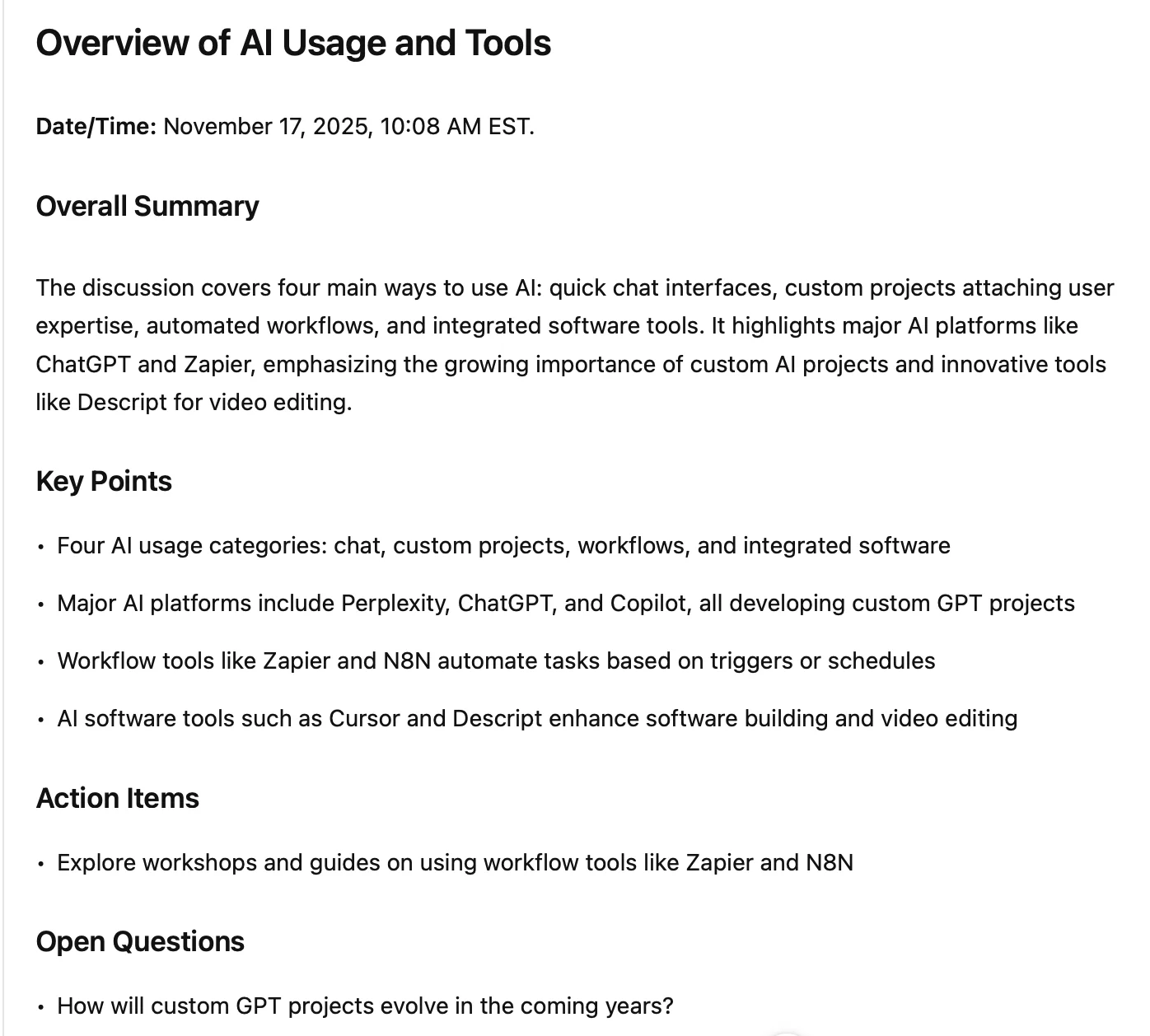
Step 3: Generate a Transcript and Summary
When finished:
- Click “Stop”
- Send the recording to ChatGPT
The system will produce a structured output that typically includes:
- A summary
- Key points
- Action items
- Open questions
- Suggested follow-ups
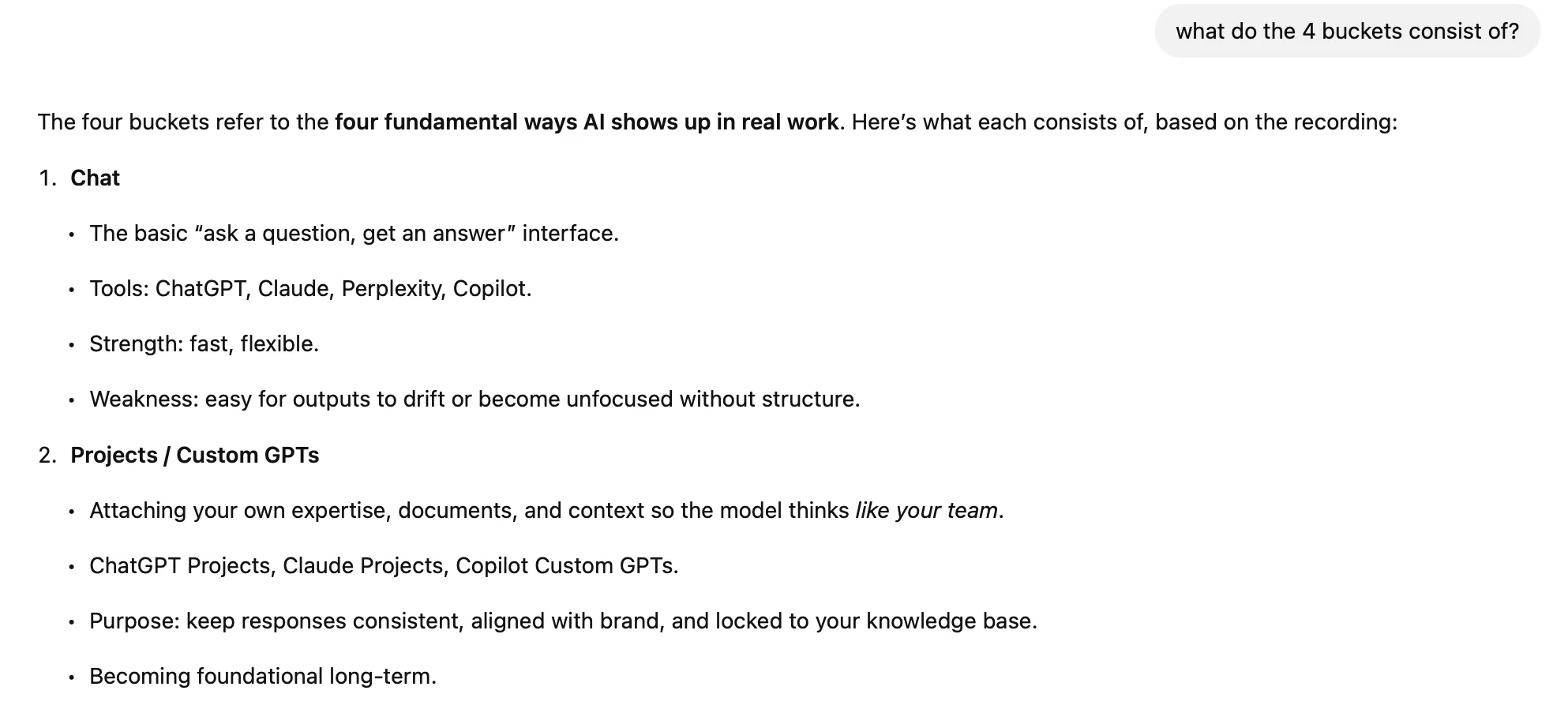
Step 4: Interact with the Transcript
Review the generated content and refine it with prompts such as:
- “Turn this into a Slack-ready summary.”
- “Create a one-page recap.”
- “List risks and unanswered questions.”
This allows you to turn raw recordings into actionable insights.
Limitations
- Does not identify individual speakers
- May require light edits for accuracy
Going Further
- Convert summaries into documents using tools like Google Docs or Notion
- Build templates for recurring meeting summaries
- Combine recordings with task managers to track action items
- Use transcripts as input for reports, emails, or project updates
Pro Tip
You get the convenience of transcription tools without adding bots to your meetings, keeping workflows simpler and more private.

Emily Newton
Emily Newton is an experienced Editor-in-Chief who has spent the last decade sharing her insights on science and technology advances through platforms like IoT for All and DZone. She is deeply interested in showcasing how connected technologies and smart ecosystems transform modern businesses. When she isn’t writing, Emily enjoys walking local trails, playing video games, or curling up with a good book.



