

Originally reported bytheverge
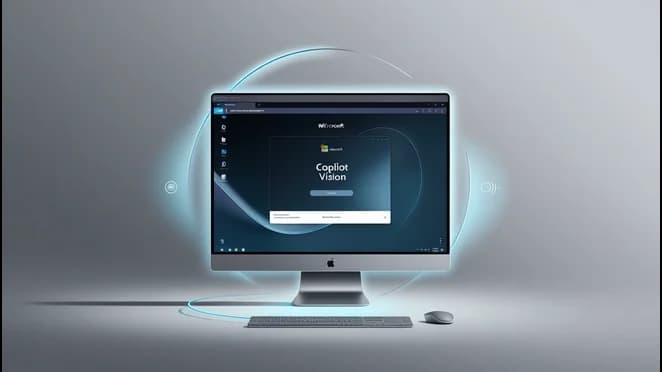
Microsoft has made its AI assistant feature, Copilot Vision, freely available in the Edge browser. Announced by Mustafa Suleyman, CEO of Microsoft AI, the feature allows Copilot to interpret what’s on your screen and respond through voice interaction. This new capability transforms Copilot into a hands-free web assistant that helps with tasks like navigating apps, reading job descriptions, or even assisting with recipes—all by simply speaking.
Once users opt into Copilot Vision in Edge, the AI can “see” what’s on the browser screen, providing helpful guidance by highlighting key information. While it doesn’t click links or perform actions directly, it serves as an intelligent overlay to guide users. For example, it can help decode a job listing and offer suggestions for interview preparation or cover letter content. However, Microsoft still advises caution when using AI for personal documents like résumés.
To enable Copilot Vision, users must open Microsoft’s website through Edge, where a prompt appears to opt in. Once enabled, users can access the Copilot sidebar, activate the microphone, and start interacting. A sound chime and subtle color change in the browser indicate that Copilot Vision is active. However, some users may experience delays or glitches, especially on older hardware.
While this free version of Copilot Vision works only within the Edge browser, broader system-wide functions—such as using AI to help with software like Photoshop or guiding users through games like Minecraft—remain exclusive to Copilot Pro subscribers.
Microsoft says it logs Copilot's responses but doesn’t collect inputs, images, or web content during Vision sessions. To stop the session, users can either end it manually or close the browser. With this update, Microsoft aims to make its AI tools more accessible while maintaining user privacy and control.
#news
ES
Editorial Staff
The Editorial Staff at AIChief is a team of professional content writers with extensive experience in AI and marketing. Founded in 2025, AIChief has quickly grown into the largest free AI resource hub in the industry.
View all posts
What did you think of this story?
User Comments
Filter:
No comments yet. Be the first to comment!